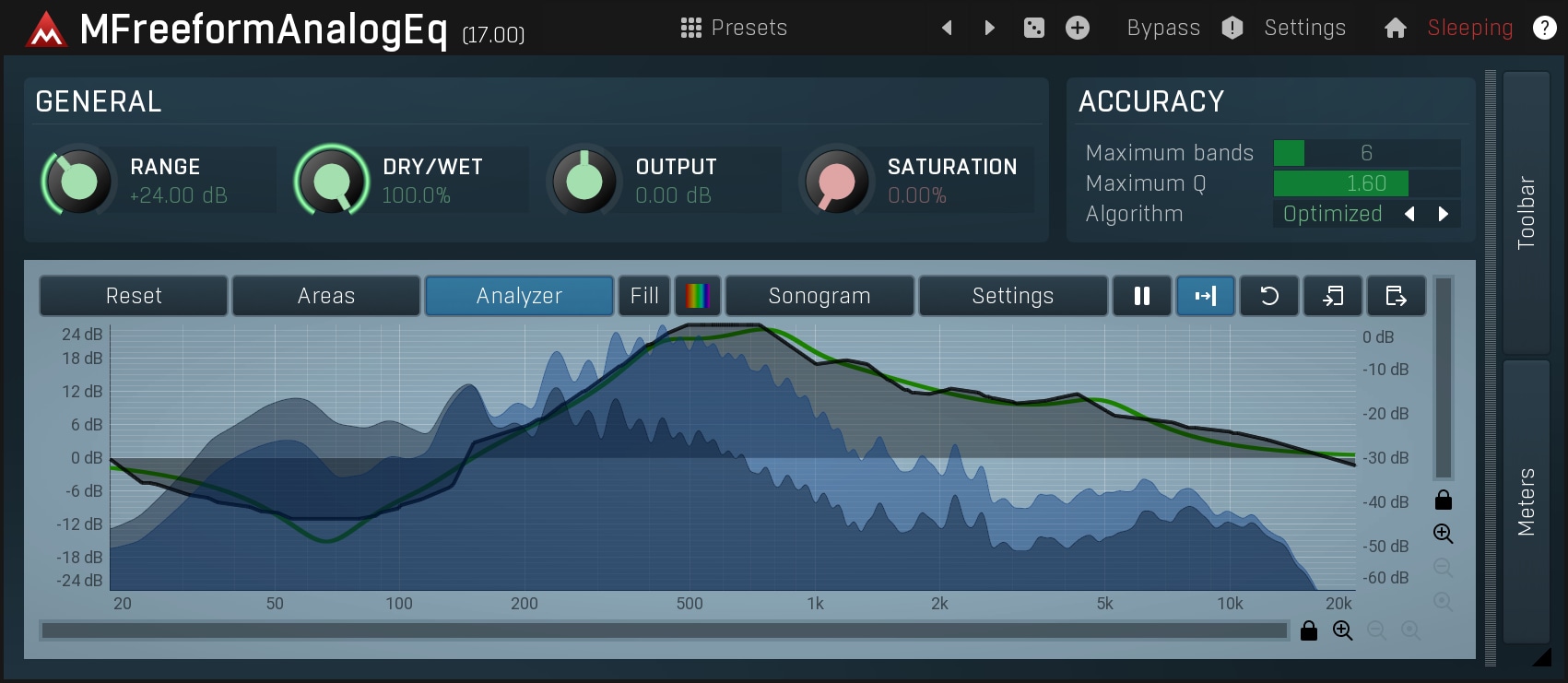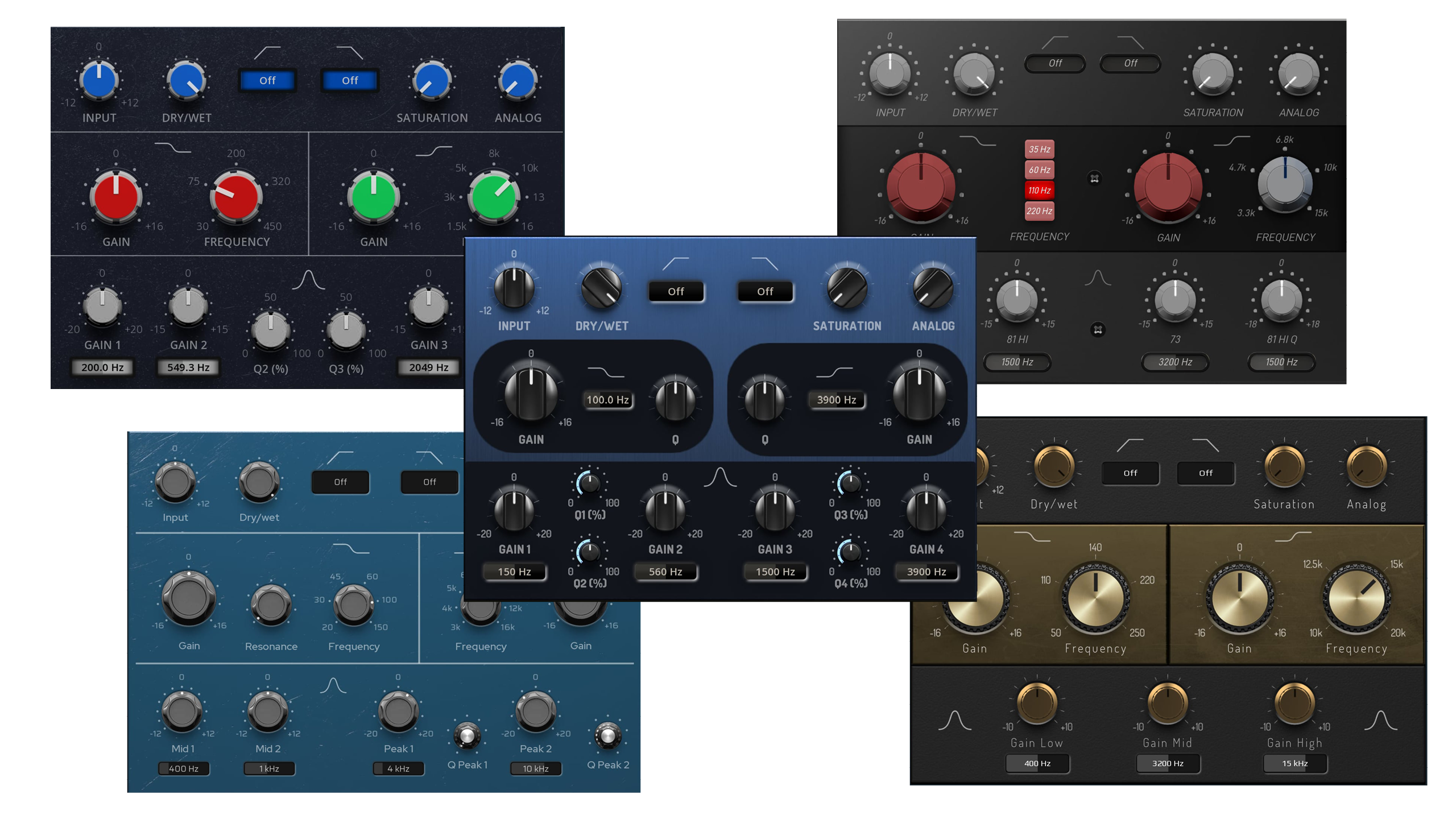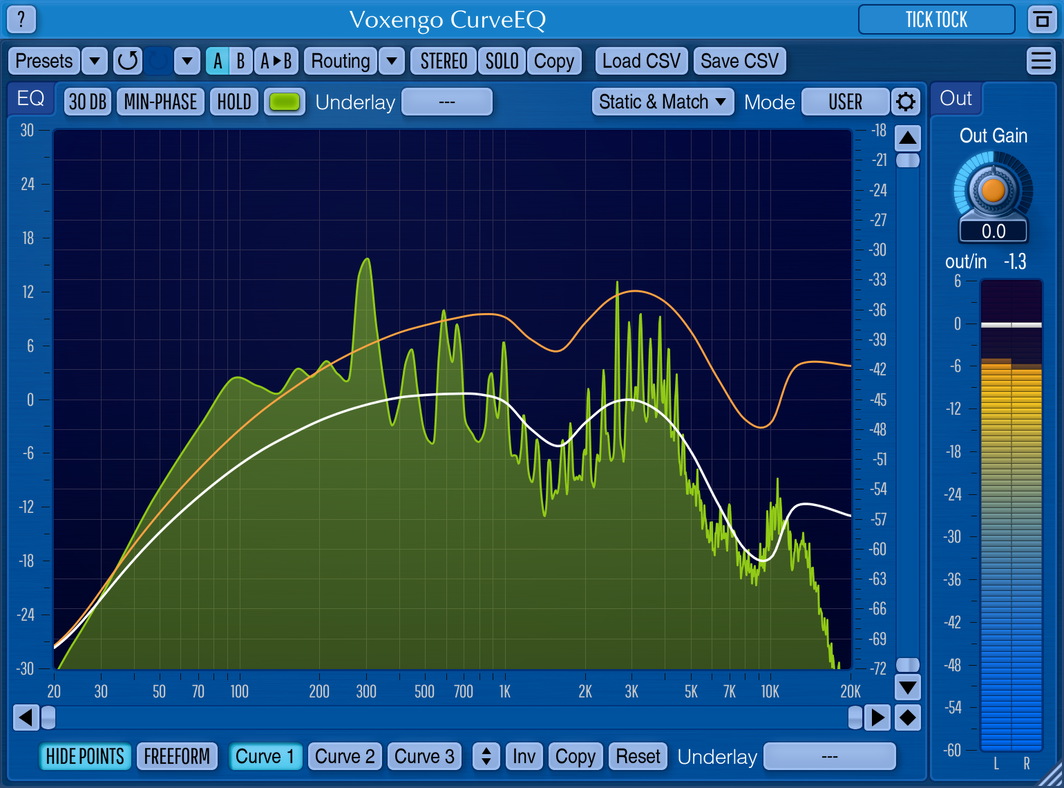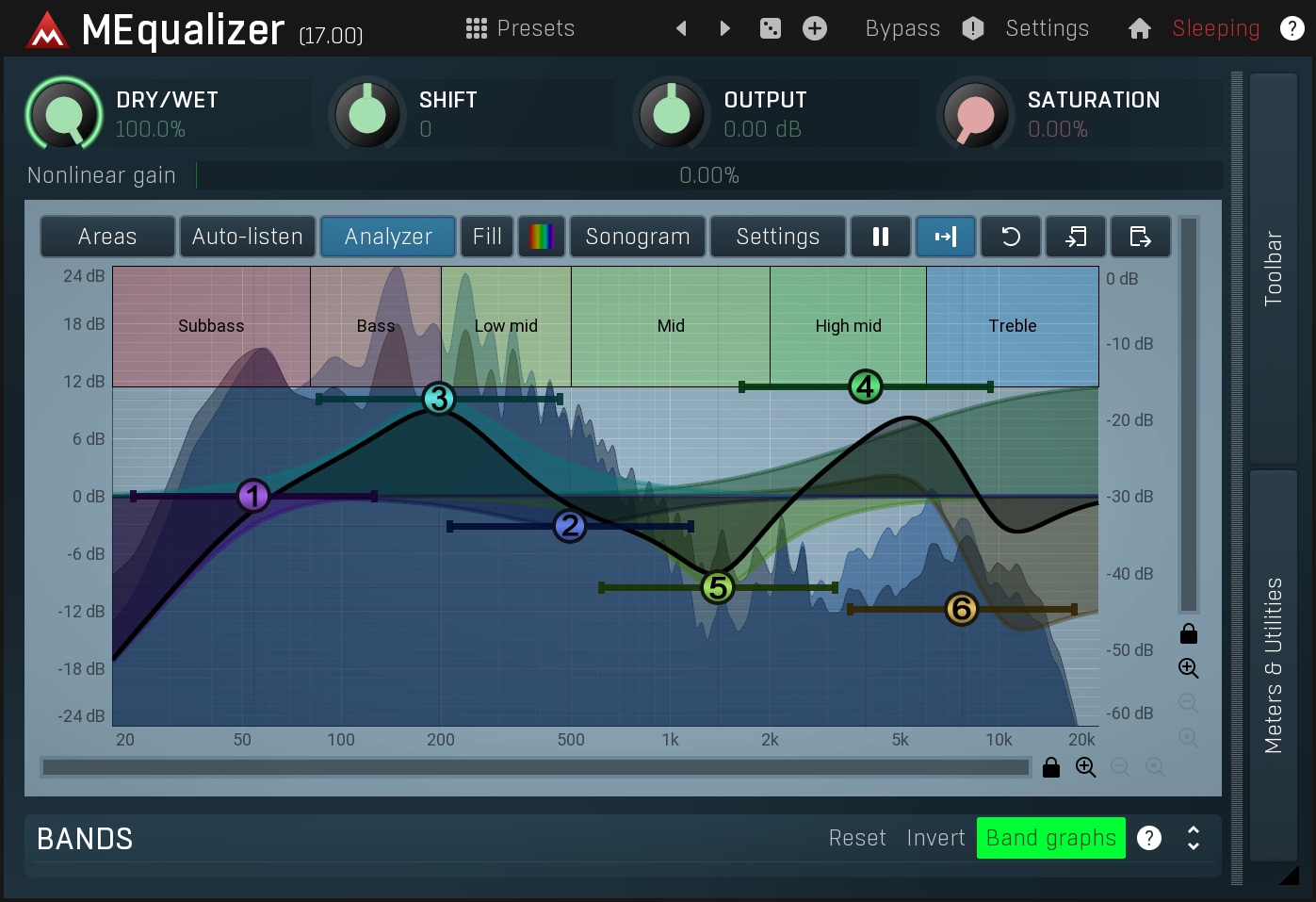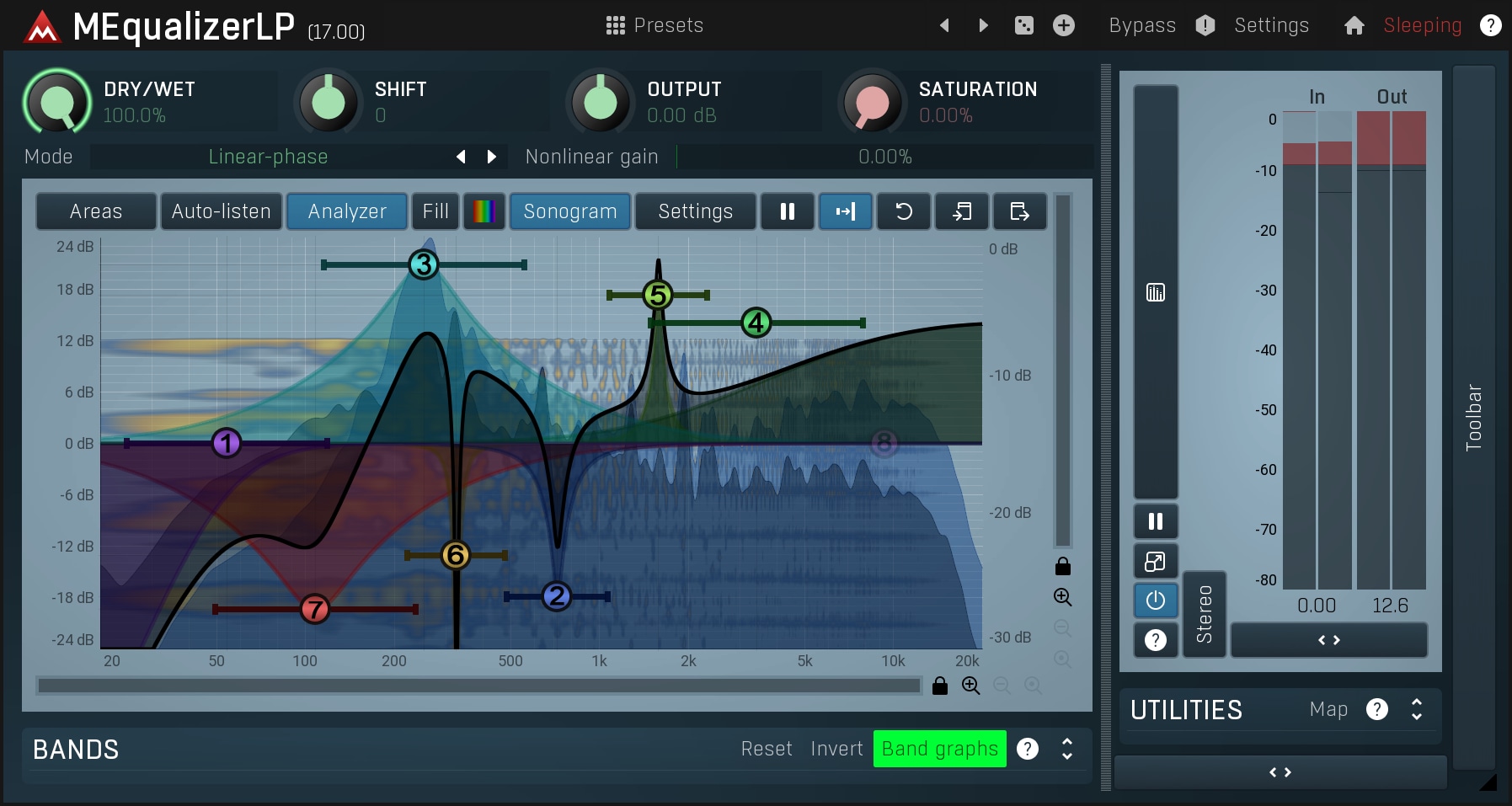
MEqualizerLP is MeldaProduction’s equalizer plug-in, with linear-phase processing alongside standard minimum-phase and FFT-based linear-phase modes. It suits sessions where you want to compare these approaches on the same material, including cases where a conventional minimum-phase EQ is unsuitable.
Choose an EQ algorithm
The three algorithms provide approximately the same frequency response. The manual describes the bidirectional linear-phase method as the high-quality option; its FFT-based mode has lower accuracy in the bass. The standard minimum-phase mode gives you a point of comparison within the same plug-in.
You can shape bands directly in the frequency-response graph or use the band settings window for more precise adjustments. Each band offers nine filter types: peak, low shelf, high shelf, low-pass, high-pass, single-pole low-pass, single-pole high-pass, band-pass, and notch.
Shape and inspect the sound
Auto-listen temporarily isolates a band while you move it, making it easier to hear which frequencies it affects. The spectrum analyzer displays frequency levels, while the sonogram shows how they change over time. Super-resolution mode improves bass detail in the analysis display and uses additional CPU power.
For level-matched comparisons, automatic gain compensation adjusts output loudness toward the input level. The manual gives the AGC a 400 ms reaction time, so it needs time to adjust after settings changes. MEqualizerLP also has eight A-H settings for comparing stored setups and an X-Y control for morphing among the first four. Morphing changes the selected preset's automatable or modulatable parameters, so use an unused slot if you want to preserve the originals.
Work with stereo and multichannel audio
Channel modes include separate left and right processing and Mid/Side processing. The plug-in also supports up to eight surround channels and up to 64 channels for seventh-order Ambisonics, provided the host supports those configurations.
The manual says VST2 surround processing requires global activation and a host restart; VST3, AU, and AAX do not need that activation for surround. Ambisonics requires its own global activation and a host restart, and support among DAWs remains uncommon.
Check compatibility and licensing
MeldaProduction lists Windows 10 or 11, a 64-bit VST, VST3, or AAX host, and an Intel or AMD processor with SSE2 for Windows. For macOS, it lists macOS 10.14 or newer, a 64-bit VST, VST3, AU, or AAX host, and an Intel, AMD, or Apple Silicon CPU. MeldaProduction does not directly support Linux; its plug-ins may run through Wine if `.wine/drive_c/windows/Fonts/` contains Microsoft TrueType fonts before installation. It also says computers below the listed minimum requirements may still run the plug-ins and recommends using the trial to check.
Activation uses licence files and does not require a dongle or internet connection. The developer says a licence is for the named user, who can use it on their own computers. Purchases include free updates for the life of the product. Check the support page for system requirements and the MEqualizerLP manual for detailed controls and setup instructions.