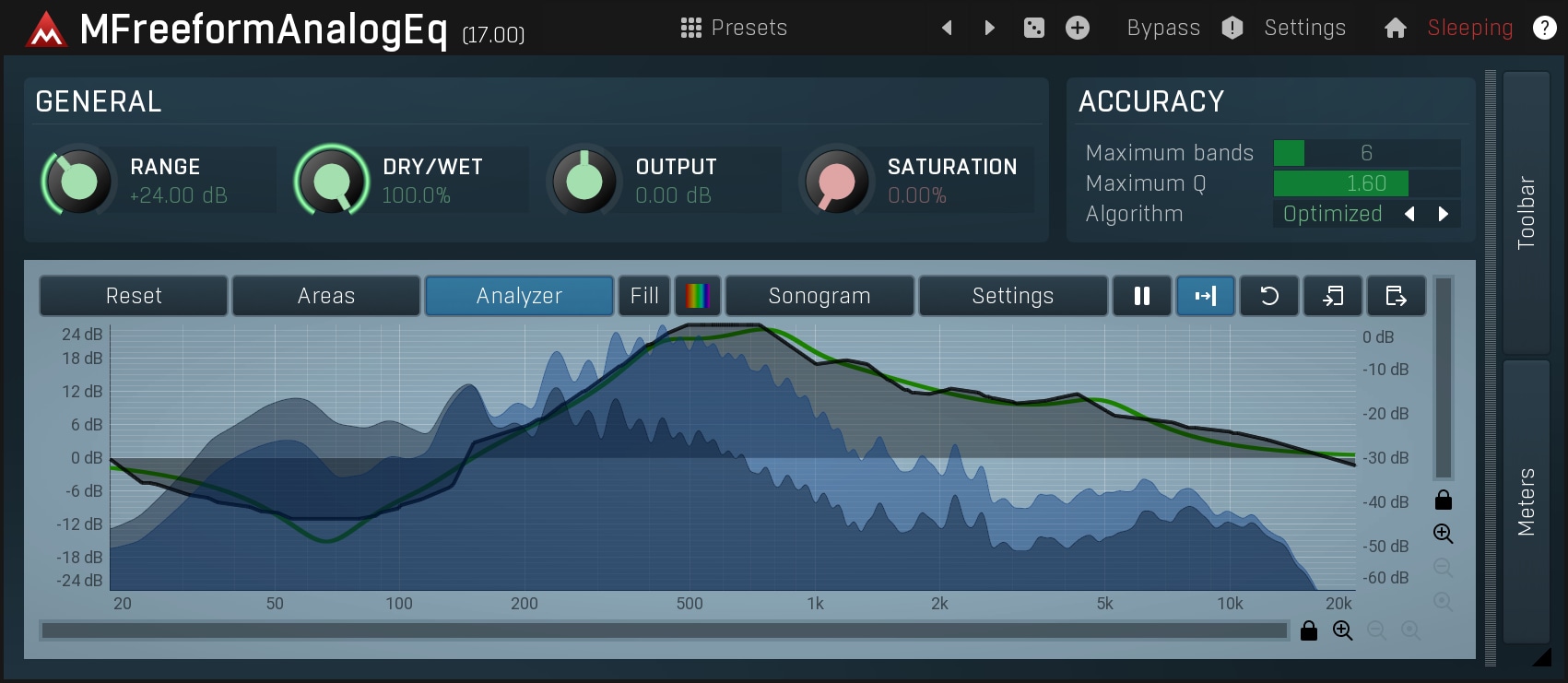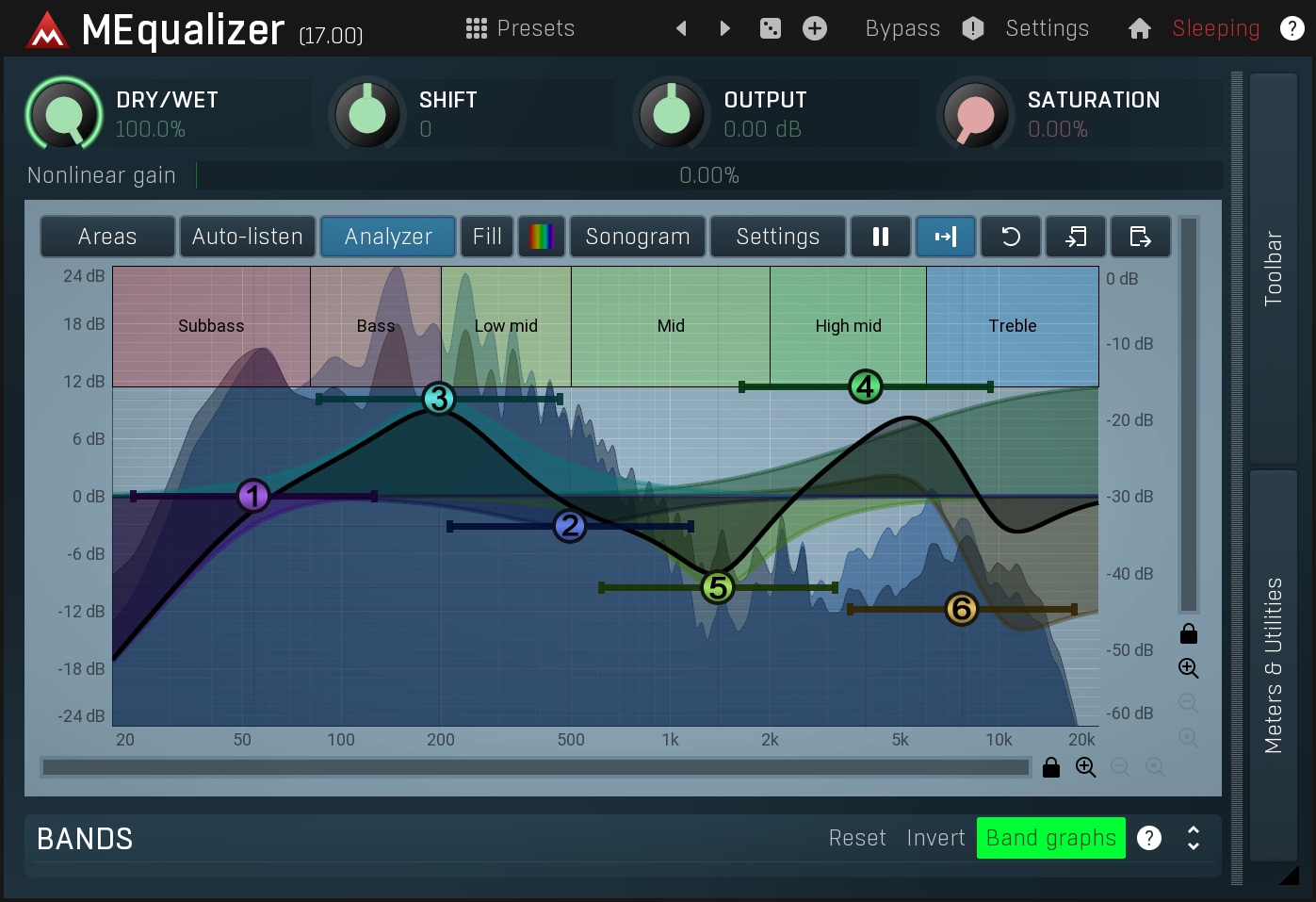
MEqualizer is a six-band equalizer plug-in for shaping track or bus tone in a DAW. Each band offers nine filter types: peak, low-shelf, high-shelf, low-pass, high-pass, single-pole low-pass, single-pole high-pass, band-pass and notch. Drag points on the frequency response graph to adjust a band, then open its settings for more precise control of frequency, gain and bandwidth. See the MEqualizer feature page for the filter options and graph controls.
Find and adjust frequencies
The spectrum analyzer displays frequency levels, while the sonogram shows how those levels change over time. The analyzer also includes tools such as peak detection and enhanced bass resolution. Auto-listen can isolate a band while you adjust it, or let you audition a frequency area through a band-pass filter. These views help when locating a problem frequency or checking how a tonal change affects the signal.
Each band can also create harmonic filters related to its main frequency. You can set their spacing, change their level and enable or disable individual harmonics. For added coloration, MEqualizer includes tube-style saturation and adjustable upsampling. Higher oversampling settings can increase CPU use and latency, so they may not suit every real-time session. The official MEqualizer manual describes these controls and their tradeoffs.
Compare settings and manage output
The A-H slots hold up to eight setting states. You can switch between two states for an A/B comparison or morph among the first four with an X-Y control. Automatic gain compensation can help keep the output level close to the input while you compare changes. A separate safety limiter can contain peaks above 0 dB, though the manual notes that limiting changes the output signal and uses additional processing.
Stereo and multichannel use
MEqualizer supports left/right and mid/side processing, with individual bands assignable to a channel. It can also process up to eight surround channels and up to 64-channel, seventh-order Ambisonics. Those modes depend on host support. For VST2, surround processing requires global activation and a host restart; VST3, AU and AAX do not need that activation. Ambisonics requires its own global activation and a host restart, and DAW support remains uncommon.
Compatibility and access
The supported formats are 64-bit VST, VST3 and AAX on Windows 10 or 11, and VST, VST3, AU and AAX on macOS 10.14 or later. Windows requires an Intel or AMD processor with SSE2 support; macOS lists Intel, AMD and Apple Silicon processors. Linux is not directly supported. MeldaProduction says using Wine may be possible, but does not list Linux as a supported platform. Check the developer's MEqualizer support page and system requirements for host details.
MeldaProduction lists MEqualizer as a free effect and directs users to MFreeFXBundle. MeldaProduction licenses are assigned to a person and can be used on that person's computers; activation does not require a dongle or internet connection.