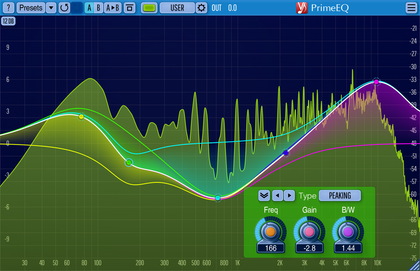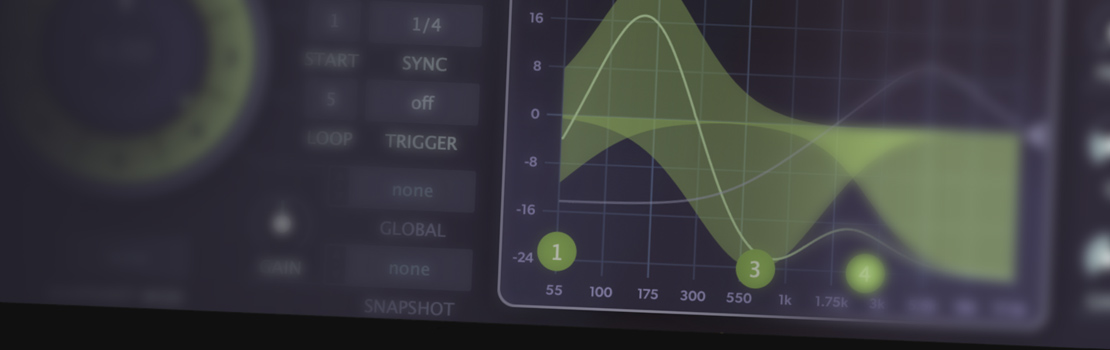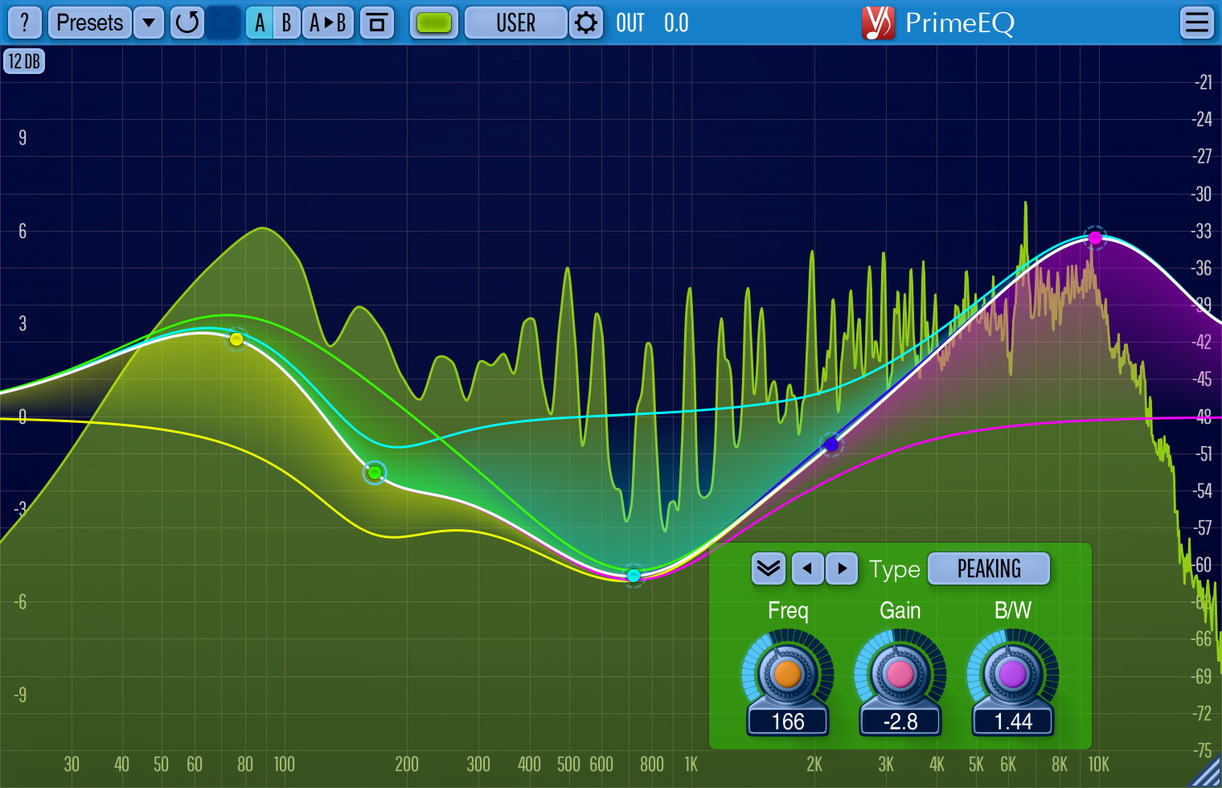
Voxengo PrimeEQ is a parametric equalizer for shaping individual tracks and mixes. Add a filter by placing a control point on the EQ curve, then drag it to adjust the sound. The filters work independently, and PrimeEQ's differential display shows how the selected filter contributes to the overall curve.
Filters and editing
PrimeEQ supports up to 32 filters and 13 types: peaking, low and high shelves, low-pass and high-pass filters at 6, 12, 24 or 48 dB per octave, notch, and bandpass. The gain control on the pass filters affects their transition-band resonance. A notch filter rejects a narrow frequency area, while a bandpass filter can isolate a narrow range for monitoring or telephone-style effects. Narrow-band sweeping is also available.
For detailed adjustments, select a filter and hover over the colored strip at the bottom of the interface to open its editor panel. The real-time spectrum analyzer has customizable display modes. A preset manager, undo and redo history, A/B comparisons, and contextual hints support the editing workflow.
Track, mix, and multichannel use
Voxengo lists track equalization, voice streaming, mastering, and stereo or multichannel processing among PrimeEQ's applications. Its product page also specifies 5.1 and 7.1 use. Processing uses 64-bit floating point, supports all sample rates, and has zero processing latency.
Compatibility and trial limits
PrimeEQ runs in audio hosts that support AU, AAX, VST, or VST3. Voxengo lists hosts including Ableton Live, Cubase, Logic Pro, REAPER, Pro Tools, FL Studio, and Studio One. The Windows installer supports 32-bit and 64-bit hosts; the macOS package supports 64-bit Intel and Apple Silicon. Voxengo lists Windows XP and later and macOS 10.12 and later, subject to versions not announced as unsupported. The stated minimum hardware is a 2.5 GHz dual-core processor and 4 GB of RAM.
Choose the installer for the host format you use. On macOS, Logic Pro and GarageBand require the AU component. After installation, rescan plugins in the host or restart it. In the trial, output is muted briefly every 45 seconds. Voxengo says demo authorization uses a text product key and does not require challenge-response, a dongle, or a connection to the Voxengo website.