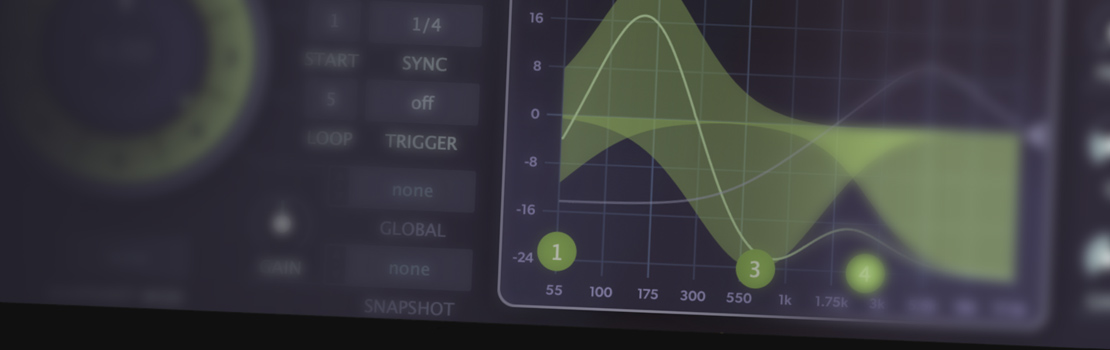
Filterscape 1.5 is a set of three plug-ins built around an eight-snapshot morphing EQ: Filterscape FX for effects, Filterscape Q6 for dynamic equalization, and Filterscape VA for synthesis. Choose FX to shape a track, Q6 to make equalization respond to its signal, or VA to create an instrument sound.
Choose a plug-in for the task
Filterscape FX for moving effects
FX combines a four-band parametric EQ with two parallel multimode filters, a stereo delay, modulation and five routing options. The EQ has five modes, including peak and bandpass arrangements. Each filter blends lowpass, bandpass, highpass and notch outputs; the 1.5 version also adds nine analogue-modeled filter options. Two host-synchronized sequencers run up to 16 steps, alongside two LFOs and four envelope followers. This setup suits filter movement, shifting EQ and delay effects within a DAW project.
Filterscape Q6 for responsive equalization
Q6 has six EQ bands: four shared with FX, plus low and high shelving filters. Its four frequency-dependent envelope followers can react to different parts of the track, with adjustable trigger filtering and threshold. Save up to eight EQ snapshots and automate their transitions with the snapshot index. This is the version to consider when you want equalization to follow changes in the source signal.
Filterscape VA for instrument sounds
VA is a synthesizer with two spectral oscillators, each offering 15 waveform options including wavetables. It adds wavetable-position modulation, phase modulation and FM, along with ring modulation, hard sync, a sub-oscillator and noise. Three envelopes, three LFOs and a combined arpeggiator and sequencer shape the sound; voice operation can be polyphonic, duophonic or monophonic. Its polyphonic morphing EQ can animate a patch with comb-filter, formant or phasing effects.
How snapshot morphing works
In FX and VA, you can move between as many as eight EQ settings manually, automatically or from a modulation source, then automate the snapshot position in your DAW. EQ bands can also be modulated per snapshot or globally. Q6 uses the snapshot index to move between its EQ settings. This gives each plug-in a way to change tonal shape over time without rebuilding the EQ for every section.
Host, formats and system requirements
Filterscape is a plug-in, not a standalone application, so it needs a compatible host or DAW. u-he says it works with nearly all hosts. The product page lists macOS 10.10 or newer and Windows 7 or newer, plus Linux builds with glibc 2.28 or newer. u-he's Installation and compatibility FAQ, updated September 23, 2026, lists current releases as supporting OS X 10.10 through macOS 27 and Windows 7, 8.1, 10 and 11; the minimum OS for AAX on macOS is OS X 10.11. The formats are 64-bit CLAP, AUv2, VST3 and AAX on macOS; 32-bit VST3 and 64-bit CLAP, VST3 and AAX on Windows; and 64-bit CLAP and VST3 on Linux. AAX requires Pro Tools 10.3.7 or later. The listed minimum display size is 1000 × 600, with 1 GB RAM (more is recommended) and 50-200 MB free disk space; CPU requirements list Intel Nehalem or newer or AMD Bulldozer or newer for Windows/Linux, and Intel Nehalem or newer or Apple silicon M1 or newer for Mac.
u-he labels its Linux plug-ins beta and says Linux support is more limited than macOS and Windows support. The listed Linux support channel is the u-he community forum. The Filterscape product page lists current downloads and requirements The Filterscape user guide provides the product documentation.
Demo and price
u-he lists Filterscape at 129 €. A demo is available for macOS, Windows and Linux. The demo produces crackling sound at irregular intervals, so that limitation applies when assessing it. See the official product page for the current offer.