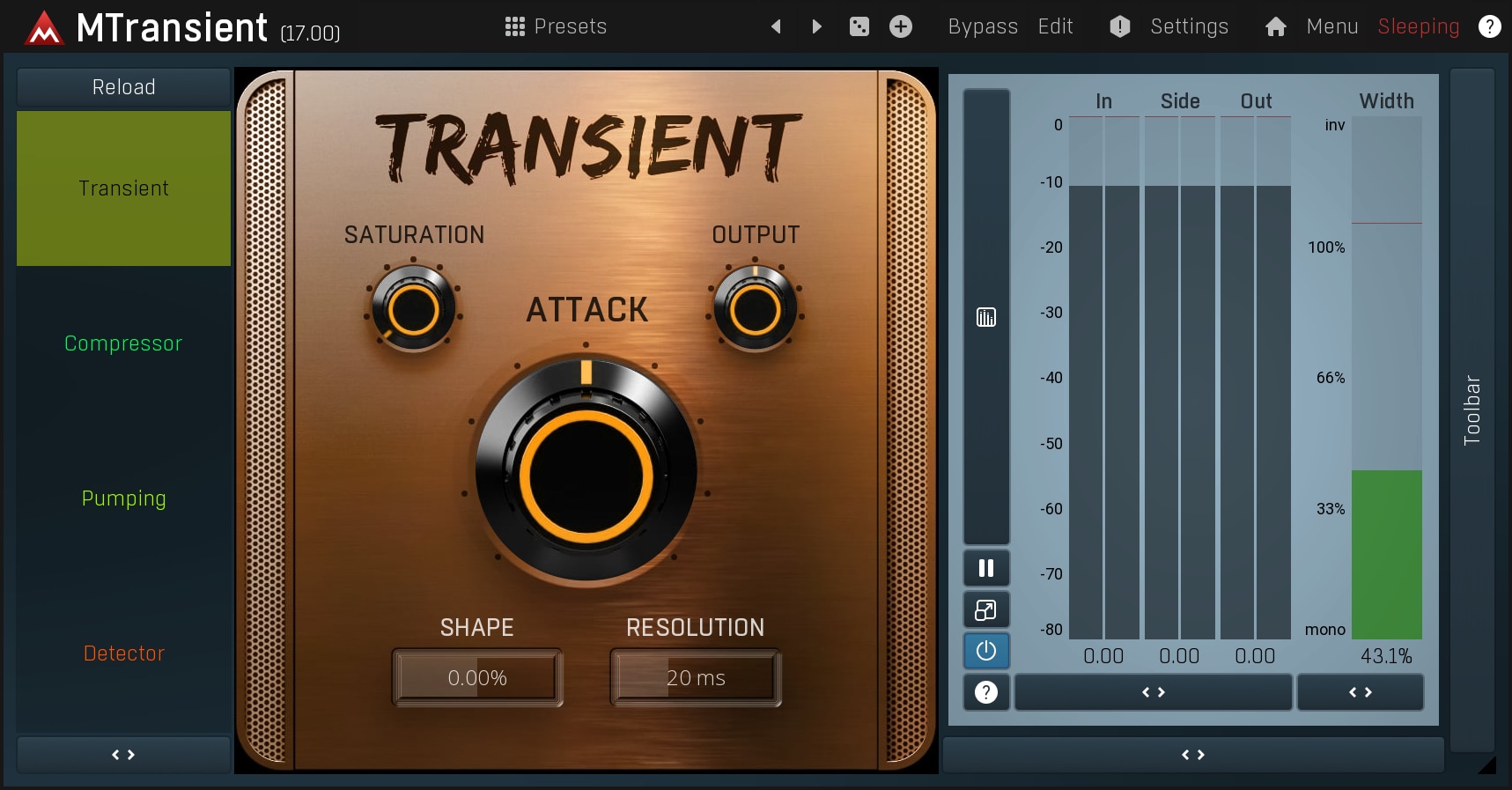
MTransient is a transient processor for shaping attacks in drum and other rhythmic tracks. It can bring attacks forward or reduce them, then add saturation to the attack signal for extra harmonic texture. MeldaProduction’s product overview includes audio examples for attack changes, pumping and transient compression on several drum styles.
Shape attacks and sustain
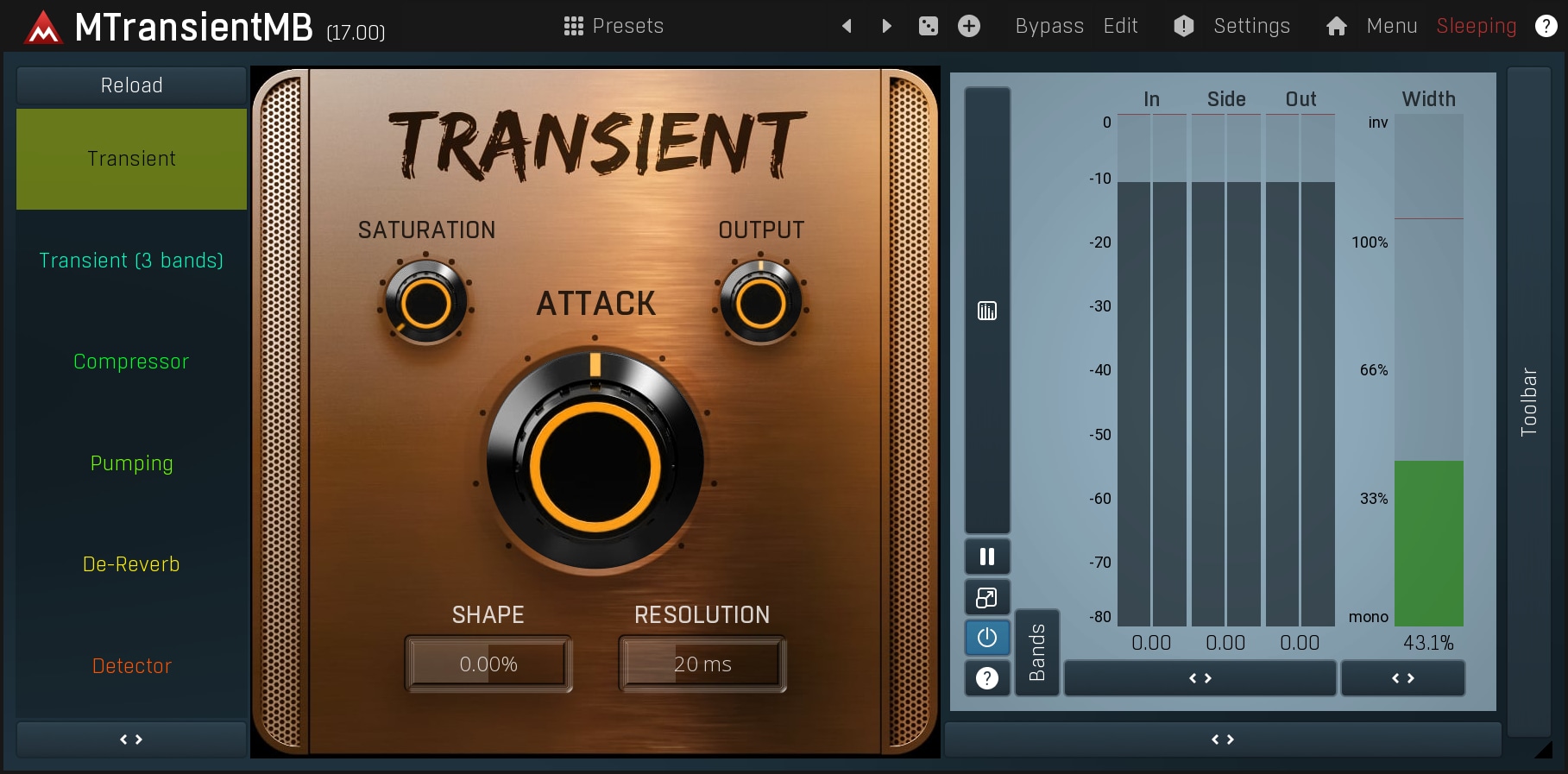
The Attack control applies gain to the attack stage, with a range from -24 dB to +24 dB. Raise it to emphasize a hit’s front edge or lower it to soften the hit. Sustain has the same range, but affects only the short part of the signal immediately after the attack. It is not a general control for a sound’s full decay.
Saturation adds harmonics to the added attack signal. This gives you another way to make a hit more pronounced without relying only on increased gain. The MTransient manual describes these controls and their ranges.
Choose a quick or detailed workflow
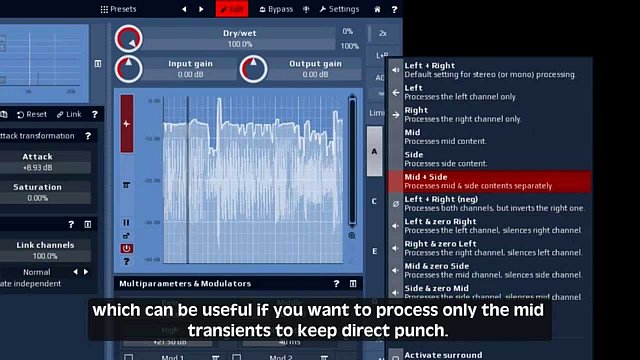
The Easy screen presents simplified, task-oriented controls. Switch to the Edit screen for access to the plugin’s full parameter set. For more controlled comparisons, A-H stores up to eight settings and A/B switches between two selected slots. An XY pad can morph among settings A-D, but morphing changes the selected preset. Select an E-H slot first to keep A-D intact. Morphing affects automatable or modulatable parameters, and the morph control itself cannot be automated in the host.
For a sidechain workflow, set MTransient to follow the sidechain input instead of the main input. For example, route drums to the sidechain input while MTransient processes a pad on the main input, so the drum attacks control the pad’s transient processing. This requires suitable sidechain routing in your host.
The level-independent mode makes the processor respond more consistently to loud and quiet input. For detection, Accurate uses more processing for a more accurate response, Approximated uses less CPU and can be less accurate during sustain, and Hybrid sits between them. Automatic gain compensation can help compare settings at similar loudness, though the manual says it needs time to adjust after changes.
Compatibility and licensing
MTransient supports VST, VST3 and AAX on 64-bit Windows 10 or 11, and VST, VST3, AU and AAX on 64-bit macOS 10.14 or newer. MeldaProduction lists Intel, AMD and Apple Silicon processors for macOS, and Intel or AMD processors with SSE2 for Windows. Linux is not directly supported; MeldaProduction says Wine may work if `.wine/drive_c/windows/Fonts/` contains Microsoft True Type Fonts before installation. Check the vendor’s system requirements and use the free trial offered on the product page to check your setup.
Activation uses licence files and does not require a dongle or internet access. MeldaProduction describes its licences as personal, allowing the licensed user to use the software on their own computers. Its features page also says purchased software includes free updates for life.