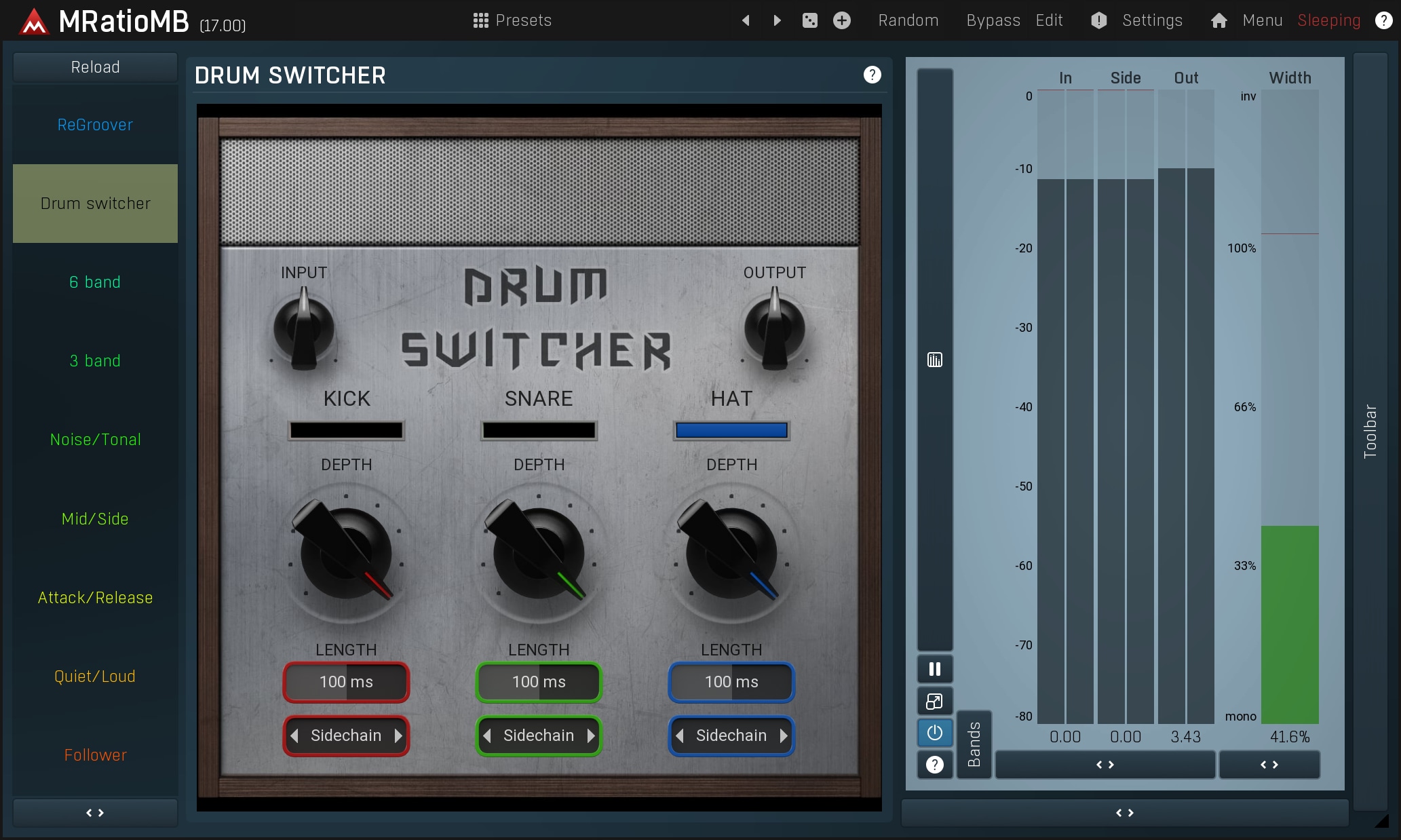
MRatioMB blends the main input with a sidechain signal, with a separate ratio control in each of up to six bands. The bands can represent frequency ranges, signal levels, stereo or mid-side positions, or frequency components separated by spectral strength or transient behavior. This suits mixing and sound design where you want to blend selected parts of one signal with another.
Choose how the bands are split
Frequency crossovers divide the signal by frequency. Most analog crossovers add no latency but introduce phase shift; 6 dB/octave crossovers are zero-phase; linear-phase options add latency and avoid phase shift. A level crossover sorts signal by level, while panorama and mid-side crossovers divide it by stereo position. Spectrum and transient crossovers separate dominant frequencies or attacks from the rest of the signal, so those parts can be blended or processed independently.
MRatioMB also has parallel and serial crossover modes. Parallel mode sends the full input to each band, which can increase output level. Serial mode processes the bands in sequence, and the latency of each band can add up.
Set the blend and shape its movement
Route a second signal to the plugin's sidechain in your host, choose a crossover, then set the ratio for each band. For example, the product can combine loud frequencies from the main input with quieter frequencies from the sidechain, or blend transients from one source with sustained tones from the other. The band editor shows crossover boundaries, and an integrated analyzer and sonogram help you inspect the signal.
Four modulators can control parameters from sources such as an LFO, level follower, envelope, randomizer or pitch detector, and can also listen to the plugin's sidechain. The Easy screen exposes macro controls for common tasks; the Edit screen gives access to the full parameter set. Automatic gain compensation helps keep output loudness comparable to the input while adjusting settings, and a safety limiter is designed to keep output below 0 dB. The MRatioMB quick-start guide explains the band editor and crossover modes.
Compatibility and access
MeldaProduction lists MRatioMB as a free effect available with MFreeFXBundle. It supports 64-bit VST, VST3 and AAX hosts on Windows 10 or 11; macOS 10.14 or newer supports VST, VST3, AU and AAX. The listed processor support is Intel or AMD with SSE2 on Windows, and Intel, AMD or Apple Silicon on macOS. Sidechain use also depends on routing support in the host. Linux is not directly supported; MeldaProduction says running through Wine may be possible.
Activation uses licence files and does not require a dongle or internet access. MeldaProduction describes its licences as issued to a person for use on that user's computers. See the MRatioMB support page for installation and system details.