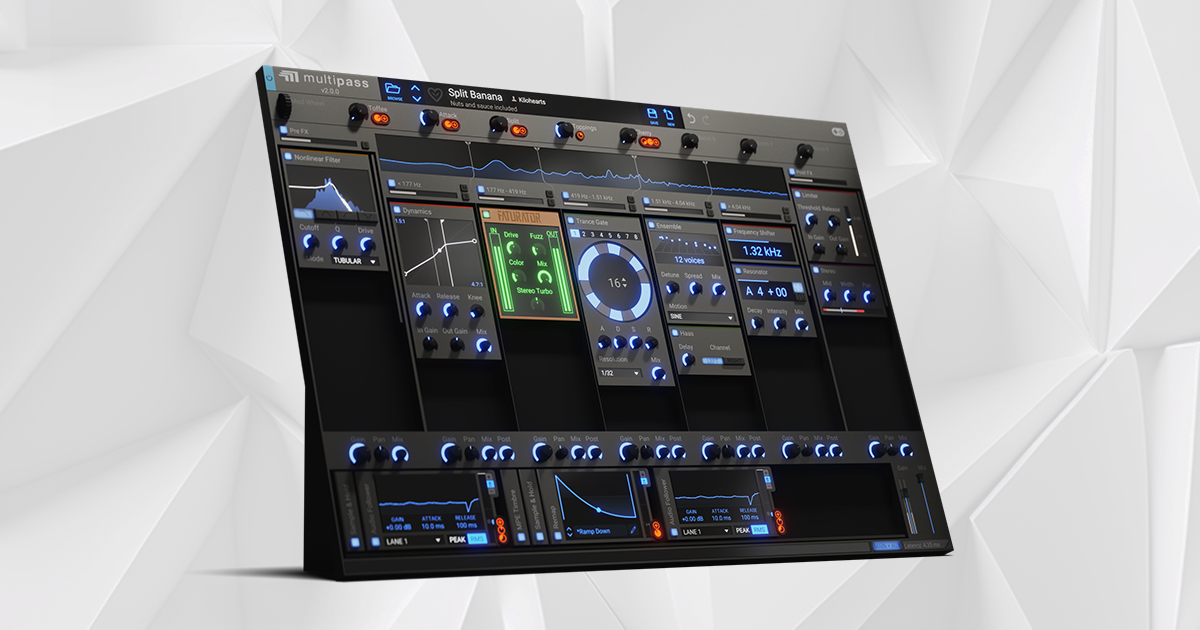
Kilohearts Multipass splits audio into as many as five frequency bands, each with its own effects chain. Use it when you want different parts of a sound to receive different processing, then mix the bands together. Its chains are built from Kilohearts Snapins, with modulation available across the patch.
Multipass can run as an effect plugin in a DAW or as a Snapin inside a host such as Snap Heap or Phase Plant. The Multipass manual explains its signal path and routing controls.
How the signal path works
Audio first passes through an optional pre-effects lane, then a crossover splits it into up to five bands. Each active band has its own lane for Snapins. The bands are mixed back together before an optional post-effects lane, where you might put a compressor or limiter to manage the combined signal. Kilohearts says the Linkwitz-Riley crossover filters provide a flat response when the bands are recombined.
Each band lane has gain, pan, and mix controls. Its mix control balances the unprocessed band against the Snapin chain, while a post control sets how much of that band goes through the post-effects lane. Disabling a lane removes that band and sends its frequency range to neighboring lanes. Kilohearts recommends turning off unused lanes to reduce CPU use.
Build and control a patch
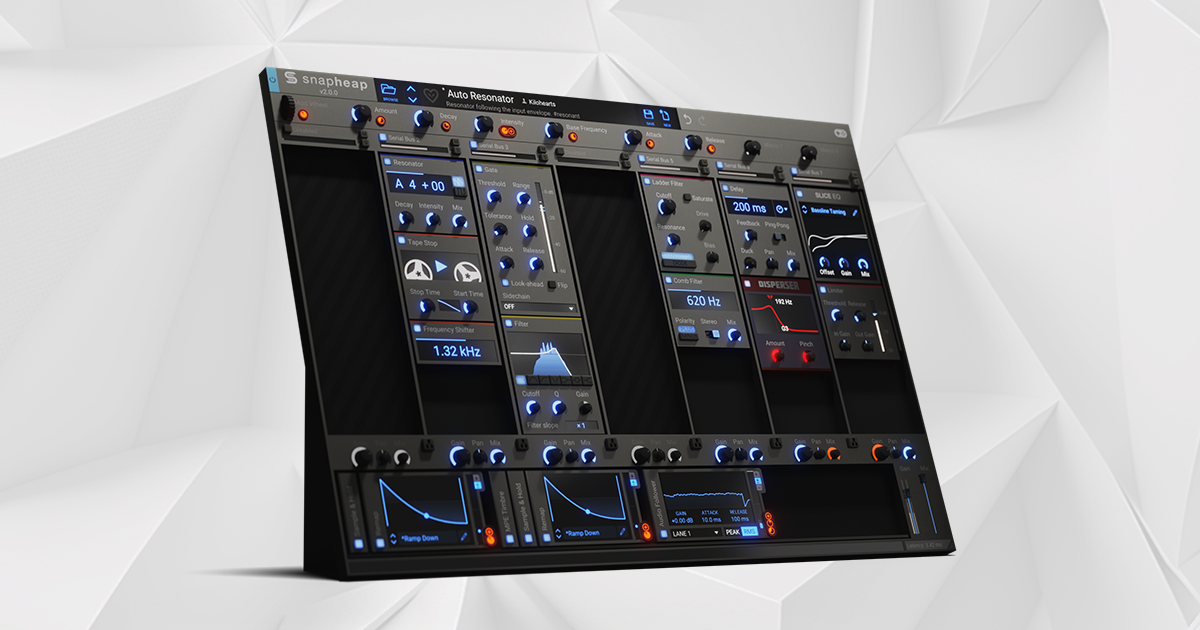
Add Snapins to the frequency lanes that need separate treatment, then use Multipass modulation to animate parameters. The interface has eight macro knobs that a patch designer can assign to one or more parameters, giving you a small set of controls for adjusting a larger chain. The included Snapins cover effects such as compression, distortion, filtering, delay, and reverb; Kilohearts also sells additional premium Snapins.
Multipass can also be loaded as a Snapin inside another Snapin host, including Snap Heap, Phase Plant, or another Multipass instance. In that mode, you can use the exposed macros and open the full patch editor when you need to change the chain. The external input selector maps a host sidechain channel to Multipass's external sidechain input.
Separate band outputs
Multipass has five additional stereo outputs for routing individual frequency bands to auxiliary tracks in DAWs that support multiple plugin outputs. Choose MAIN, MAIN + AUX, or AUX ONLY to set where the signal goes. Check your DAW's manual for setup steps; the extra outputs depend on host support.
Compatibility and licensing
Kilohearts lists support for DAWs that load VST2, VST3, AAX, or Audio Unit plugins. Its system requirements specify a 64-bit x86 processor with SSE3, with Apple M processors supported on macOS. Kilohearts recommends keeping Windows or macOS current and does not support versions their manufacturers no longer support; for an outdated OS, it recommends trying a free trial before purchasing. CPU use can rise with many plugin instances or Snapins, and meeting the minimum requirements does not guarantee every setup will run flawlessly.
The Kilohearts product page lists a trial and a paid license; Kilohearts says purchased plugin licenses include future updates at no extra charge. Its subscription includes all Kilohearts plugins and content banks, with access to new releases as soon as they become available. Kilohearts' own plugin installation does not require licensing hardware. Versions installed through Slate Digital use iLok USB or cloud licensing and require a valid Slate Digital license.
Who Multipass suits
Multipass fits producers and sound designers who want to build reusable effects patches with different processing for different frequency ranges, or route those bands separately in a compatible DAW. Its layered lanes and modulation controls give a patch more room to customize than a single effect chain. If you only need one straightforward effect, a standalone Snapin may be simpler.