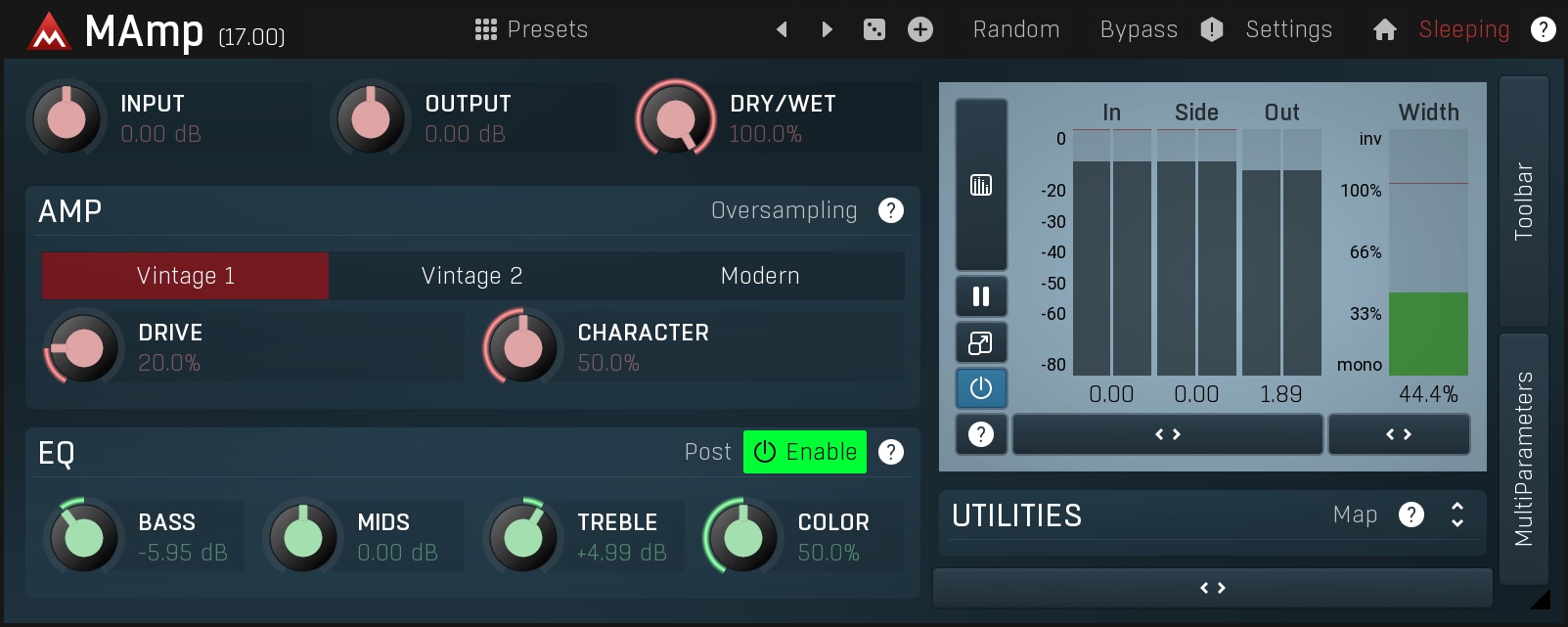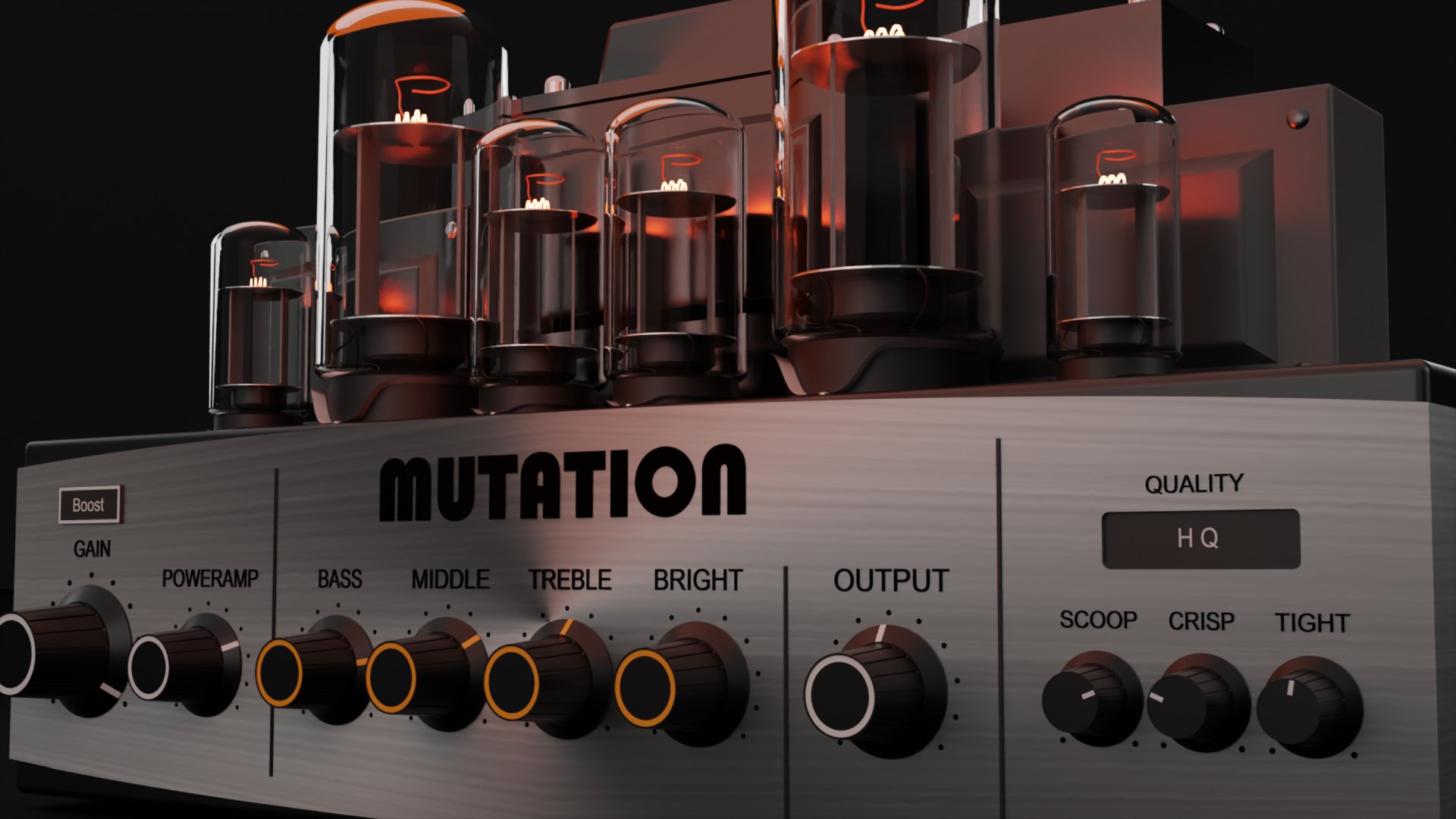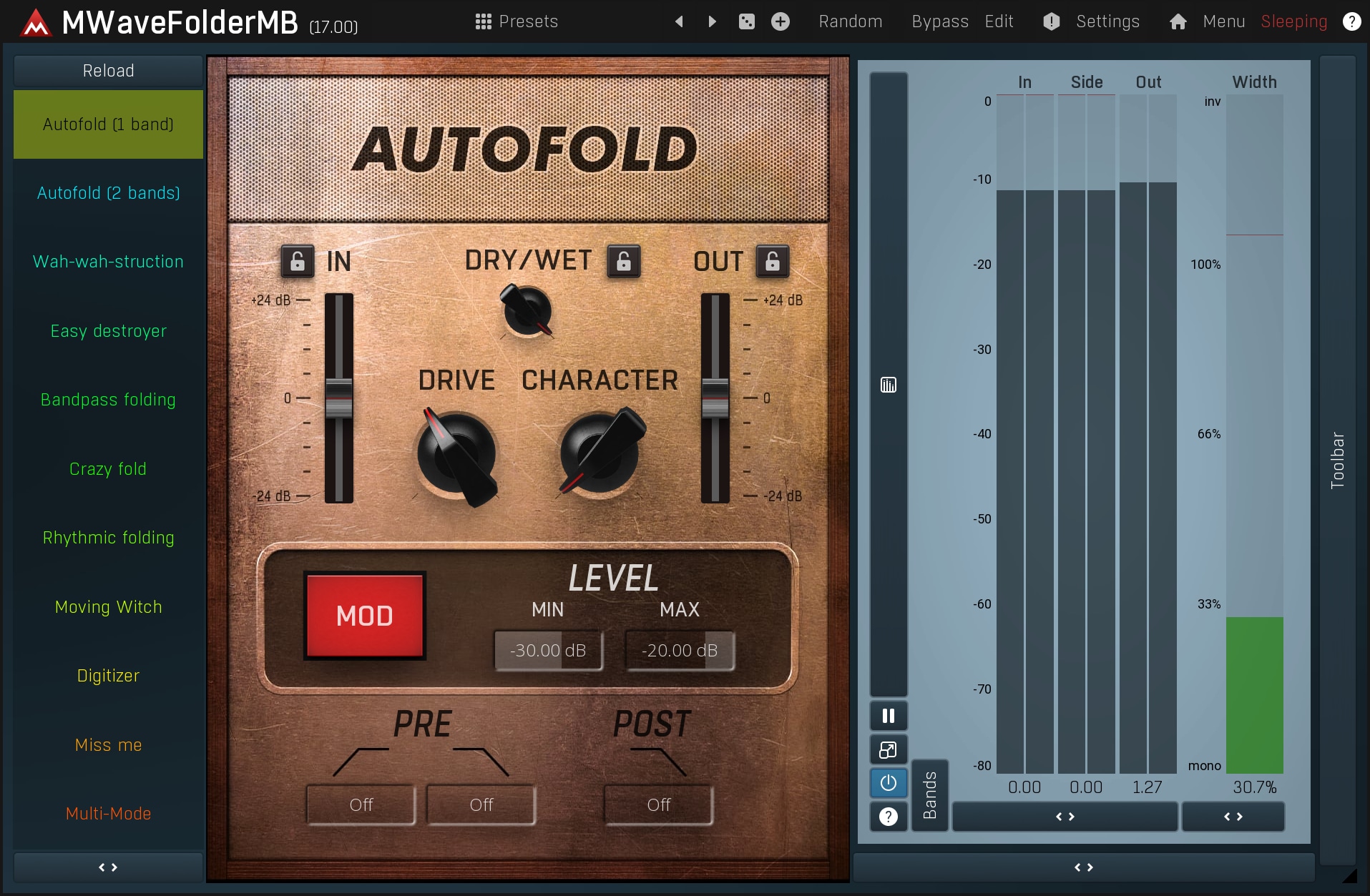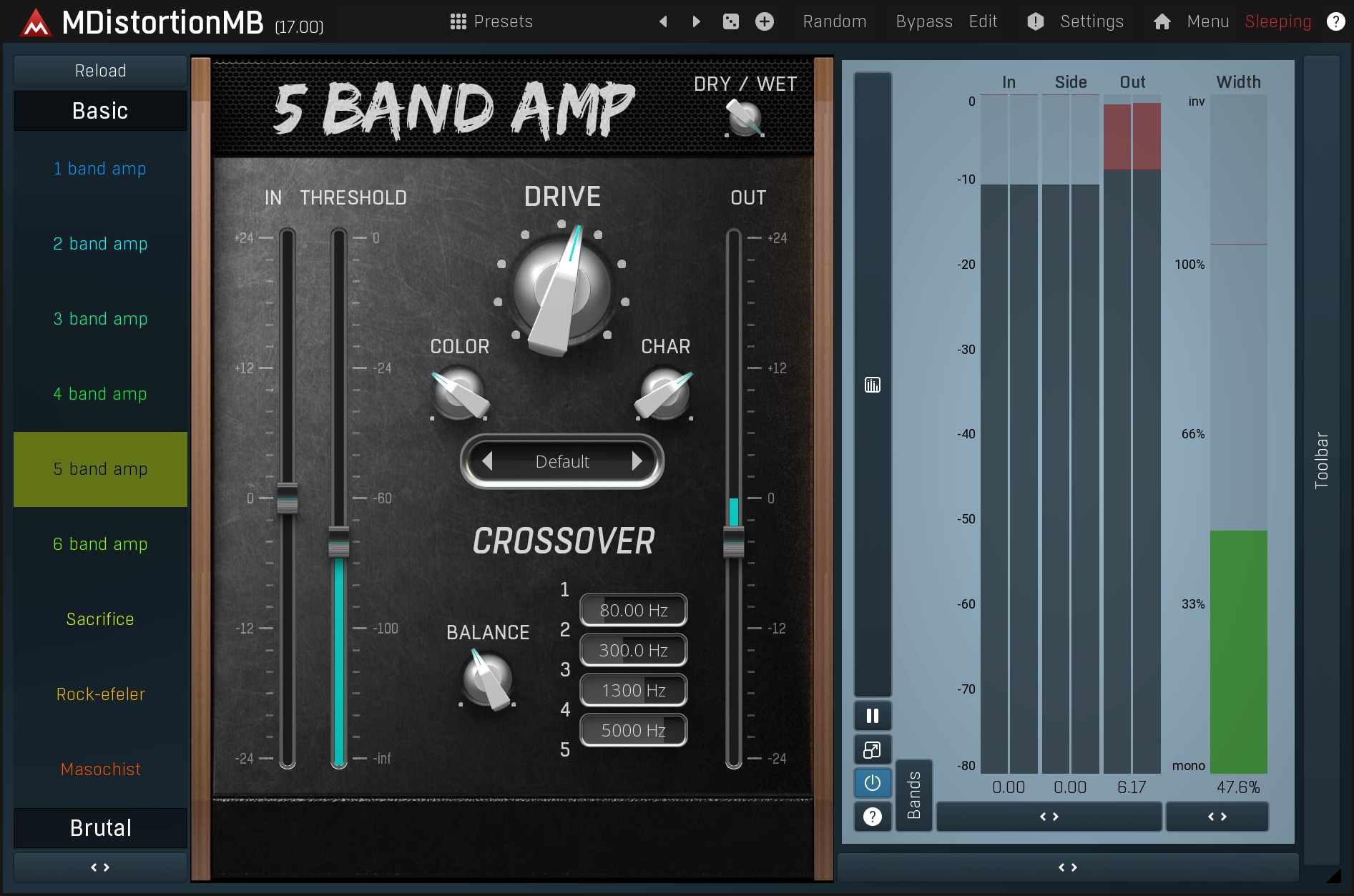
MDistortionMB is MeldaProduction’s distortion effect, combining a generalized amp simulator with six digital distortion algorithms. The amp section includes 12 style-based sounds, including rock and metal, which you can adjust with its controls and equalizer. It does not model specific existing amplifiers, so it may suit producers looking for adjustable amp-style tones alongside digital distortion more than those seeking a model of a particular amp. The product page lists guitars, keyboards and drums as uses, and includes audio examples for guitar, lead, organ and Wurli sounds.
Shape different parts of the signal
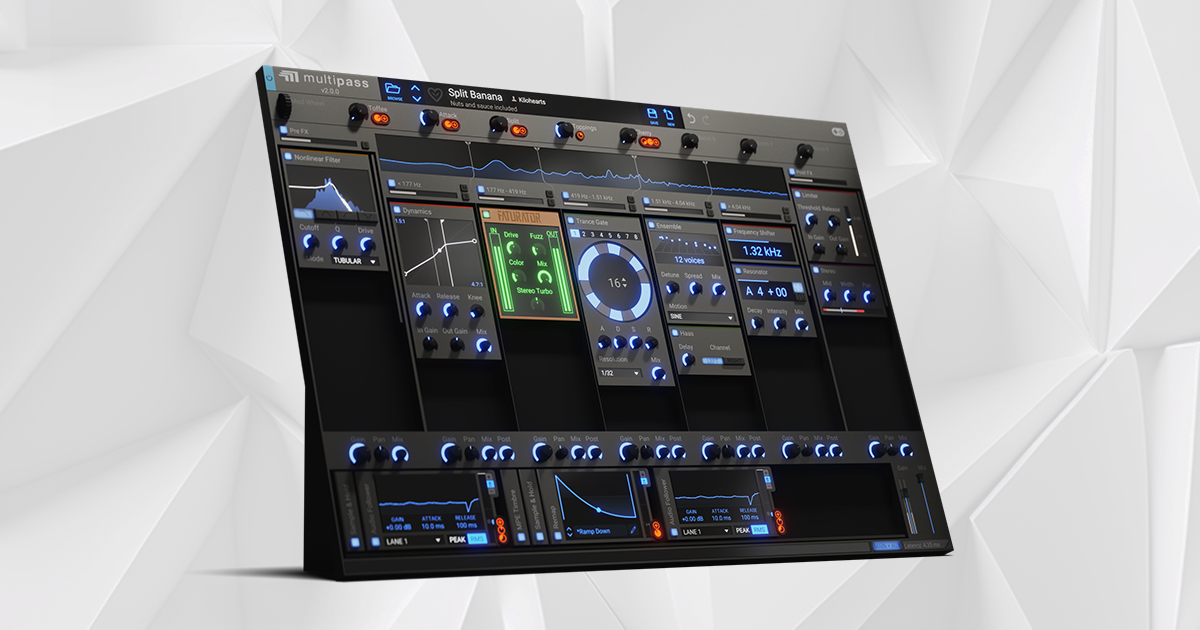
The multiband system separates audio into six bands for individual processing. Frequency crossovers are one option; other documented modes split by level, panorama, Mid-Side, transient or tonal/noise content. Parallel mode sends the full input to each band instead of dividing it, which can raise the output level. For example, a frequency split can let you add distortion to the mids while keeping the lows cleaner. A transient split can isolate attacks for separate treatment. Turn down the output level first when using parallel mode.
Crossover choice also affects timing and phase. The quick-start manual describes analog crossovers as having no latency but generally introducing phase shift. The 6 dB/oct crossover is an exception: it is zero-phase and linear-phase, yet still has no latency. Other linear-phase crossovers add latency without phase shift. Analog phase shift is usually irrelevant unless you later mix the output with the input.
Modulate, edit and compare
Four modulators can control plugin parameters, including other modulators. Each can work as an LFO, level follower, envelope, randomizer or pitch detector, and can use a sidechain input. This lets you make a distortion parameter move over time or respond to input level, pitch or sidechain audio. MIDI learn can map hardware controls to parameters, while multiparameters let one control move several settings together.
The Easy Screen starts with device or preset controls; the Edit Screen exposes the full parameter set. Factory devices cannot be changed directly, but you can create a custom setup and save it as a preset. MDistortionMB also provides A to H settings for switching between up to eight options, plus an X-Y pad for morphing among the first four. Automatic gain compensation keeps the output level close to the input while you compare settings. A safety limiter keeps the plugin output below 0 dB.
Compatibility and trial
MeldaProduction lists Windows 10 and 11 (64-bit), with VST, VST3 or AAX hosts and an Intel or AMD processor with SSE2 support. On macOS, it lists version 10.14 Mojave or newer (64-bit), VST, VST3, AU or AAX hosts, and Intel, AMD or Apple Silicon CPUs. See the support page for current system requirements.
The vendor offers a fully functional 15-day trial for commercial software. After the trial, the plugin switches to demo mode with limitations; purchasing and activating a license restores full use. Review MeldaProduction’s licensing information before buying.