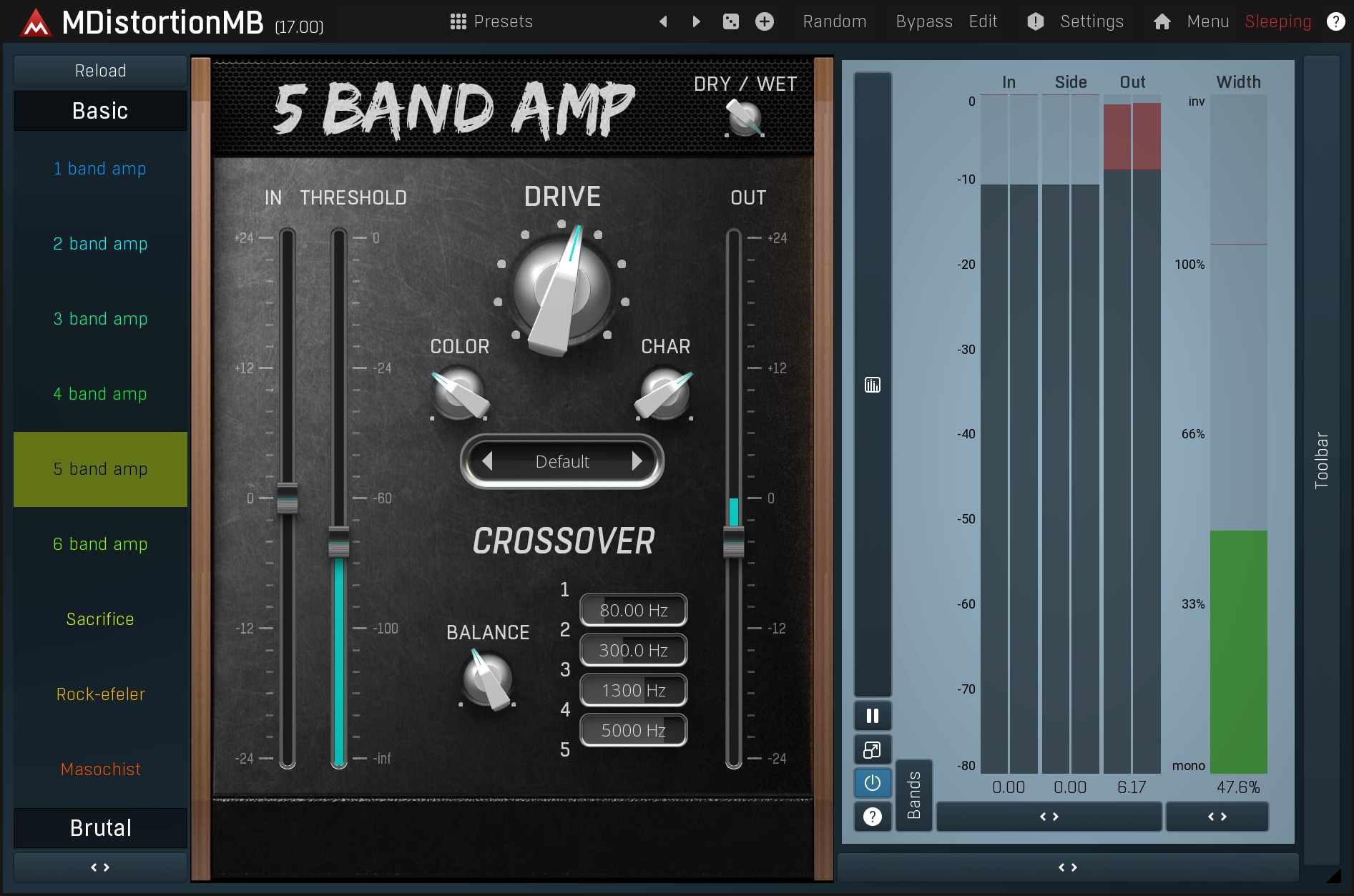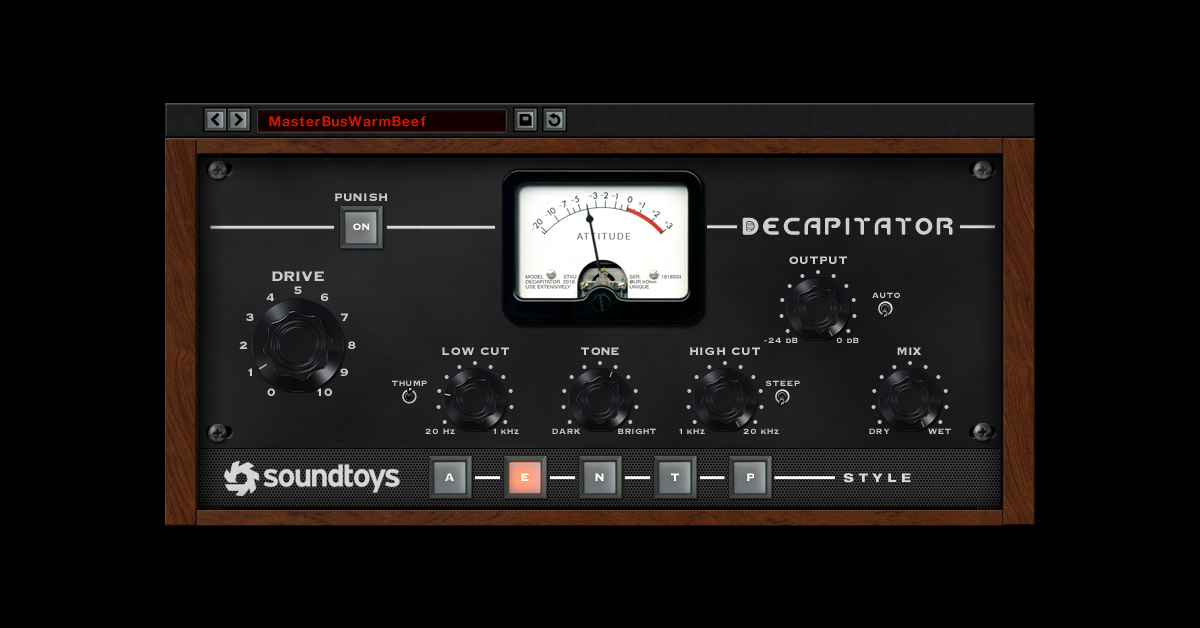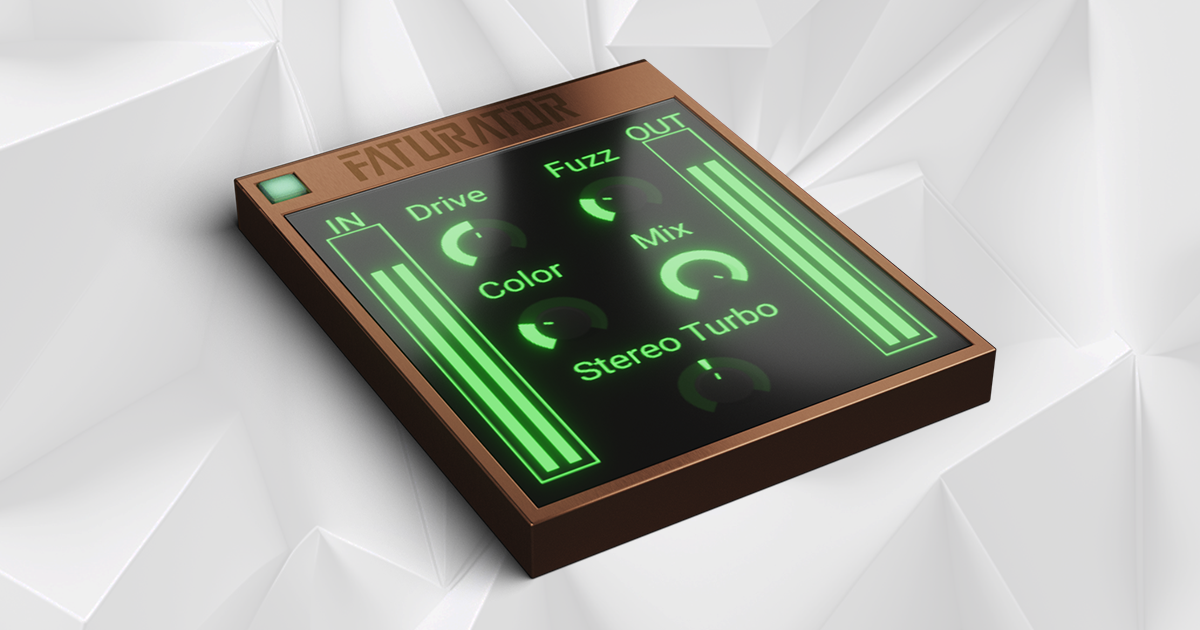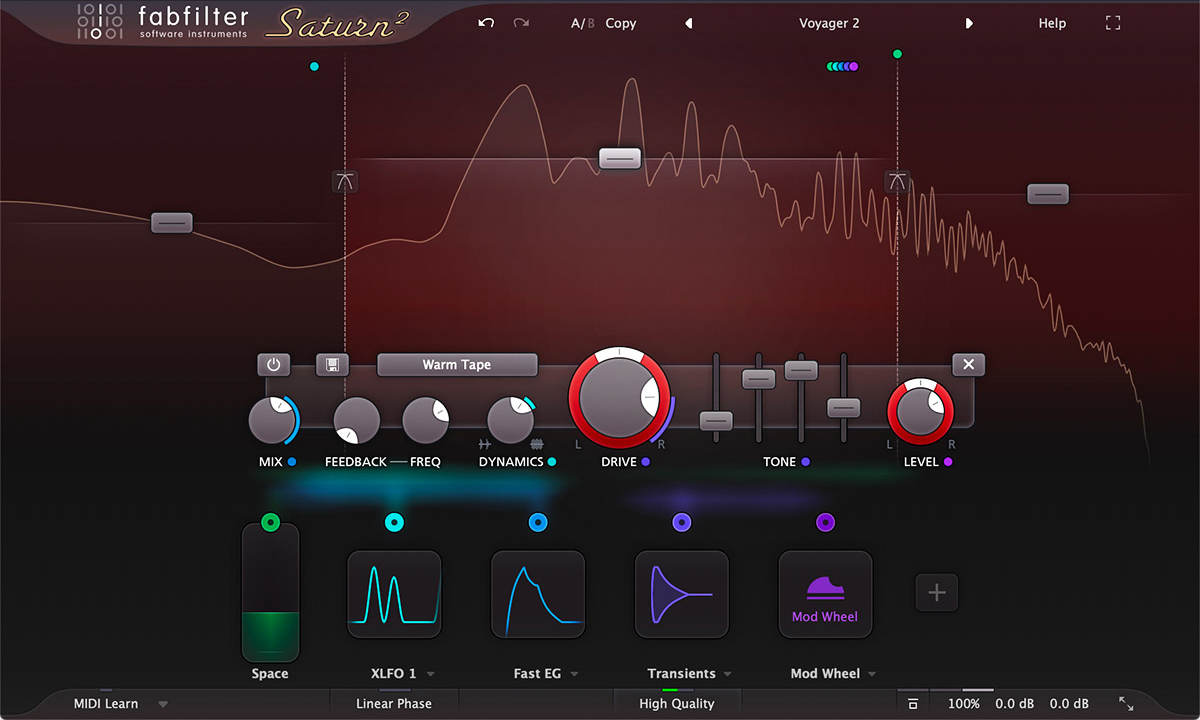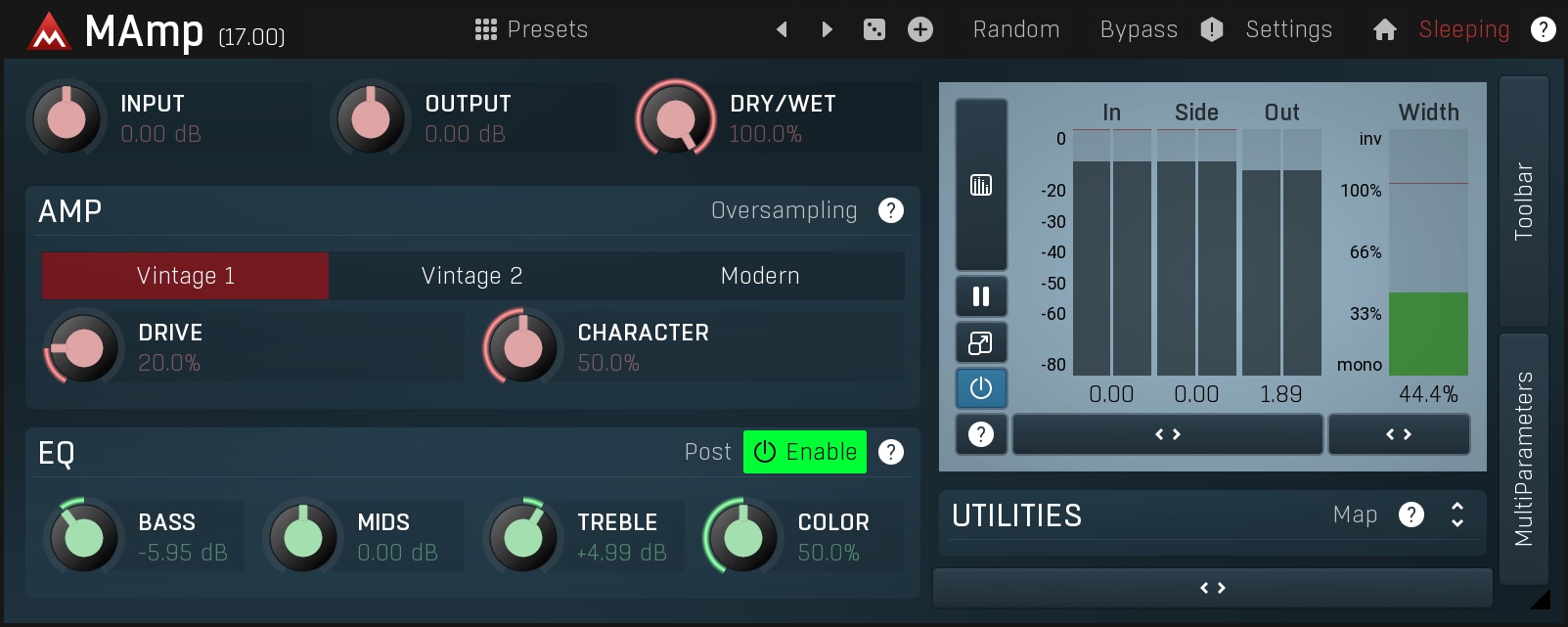
MAmp is a MeldaProduction effect for adding amp-style saturation and distortion to audio. Its distortion algorithm is inspired by vintage analogue components, with digital controls for shaping the drive and harmonic character.
Shape the distortion and tone
The amp section gives you separate controls for Type, Drive and Character. Type changes the distortion character, Drive sets how hard the signal hits the amp, and Character adjusts the distribution of higher harmonics. An integrated EQ provides bass, mids, treble and Color controls. The Post switch places the EQ after the distortion, which changes how the tone controls affect the result.
Input and output gain and a Dry/Wet control help set the level and blend the processed sound with the original. Automatic gain compensation can keep output loudness close to the input while you compare settings, but its 400 ms response can compensate for level changes in a slow tremolo and cause severe pumping when a compressor's attack and release times exceed 100 ms. The optional safety limiter catches peaks above 0 dB; the manual cautions that limiting changes the signal and uses additional processing.
MAmp includes adjustable oversampling from 1x to 1024x to reduce aliasing from nonlinear distortion. Higher settings use more CPU; high-quality mode can add latency, and the manual notes that oversampling may introduce artifacts or change the sound. Choose a setting by listening in the context of the project and drive level. The feature list and MAmp manual describe these controls.
Modulate settings and compare variations
Two modulators can work as LFOs, level followers, MIDI- or audio-triggered envelopes, randomizers or pitch detectors. They can also use a side-chain input. For example, a level follower can make Drive respond to input level, while pitch detection can vary Drive as notes rise. MIDI learn lets a hardware controller adjust parameters, and a multiparameter can control several parameters from one value.
For sound design, MAmp stores up to eight A-H settings in an instance. A/B switching makes it easy to compare two settings, while an X-Y pad can morph between the first four. This is useful for auditioning different distortion characters or creating an in-between setting without rebuilding the amp and EQ controls.
Compatibility and licensing
MAmp supports 64-bit VST, VST3 and AAX hosts on Windows, and 64-bit VST, VST3, AU and AAX hosts on macOS. The support page lists Windows 10 and 11 and macOS 10.14 Mojave or newer. MeldaProduction says Linux is not directly supported. Check the system requirements for host details.
The product documentation lists mono, stereo and mid/side processing, plus surround processing up to eight channels and Ambisonics up to 64 channels. These modes require a host that supports the corresponding channel layout. For surround in VST2, the manual says to enable surround support in MeldaProduction's global settings and restart the host.
MeldaProduction says activation uses licence files and does not require a dongle or internet access. Its product page describes licences as personal to the user and usable on that user's computers. Purchases include free updates, according to the feature list.