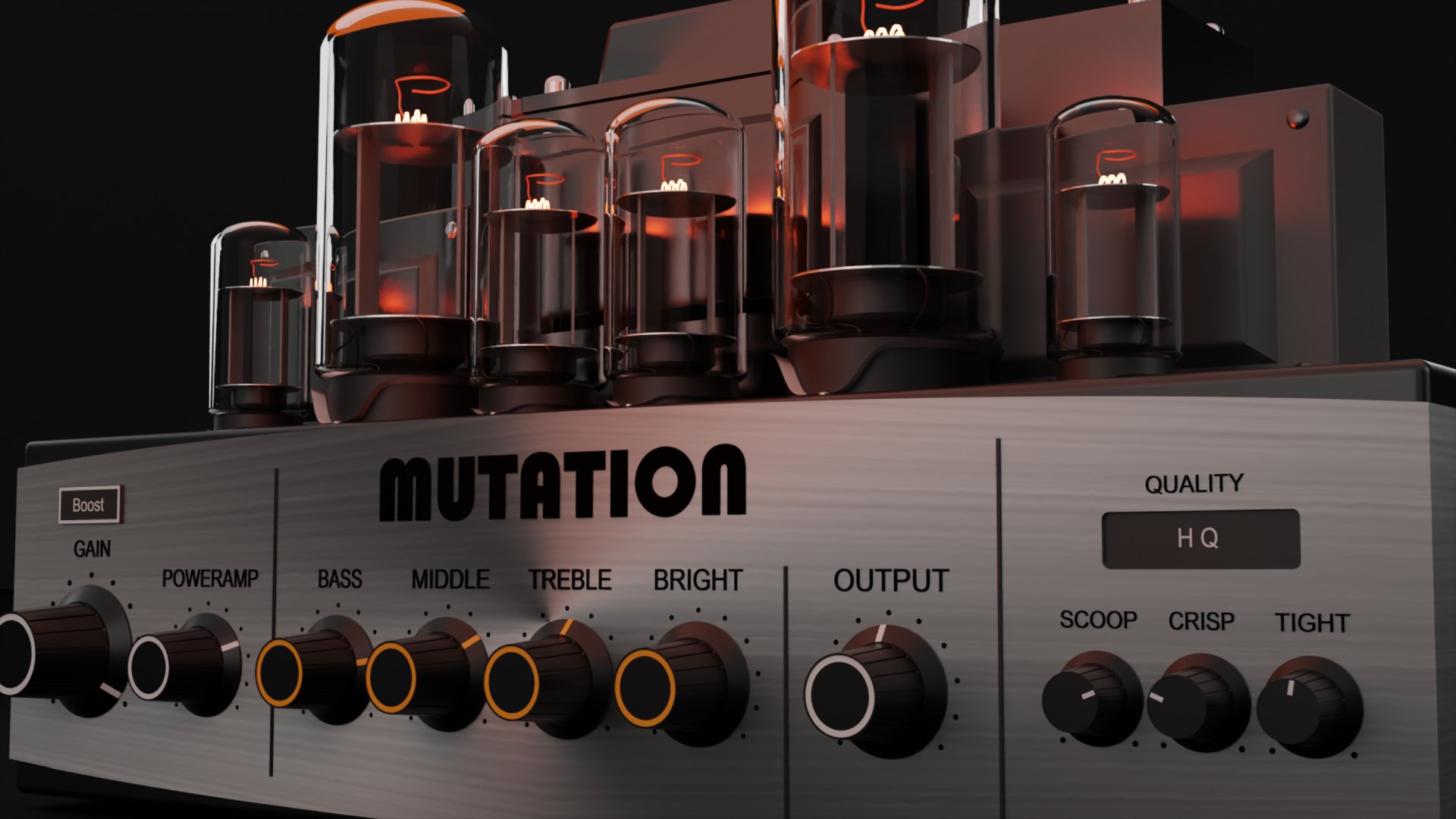
MTurboAmp is a guitar amp and distortion-pedal plugin with nearly 30 amp heads and about a dozen distortion pedals. You can shape the included devices or build custom amps and pedals, and new releases add devices to the collection.
Starting from an amp or pedal
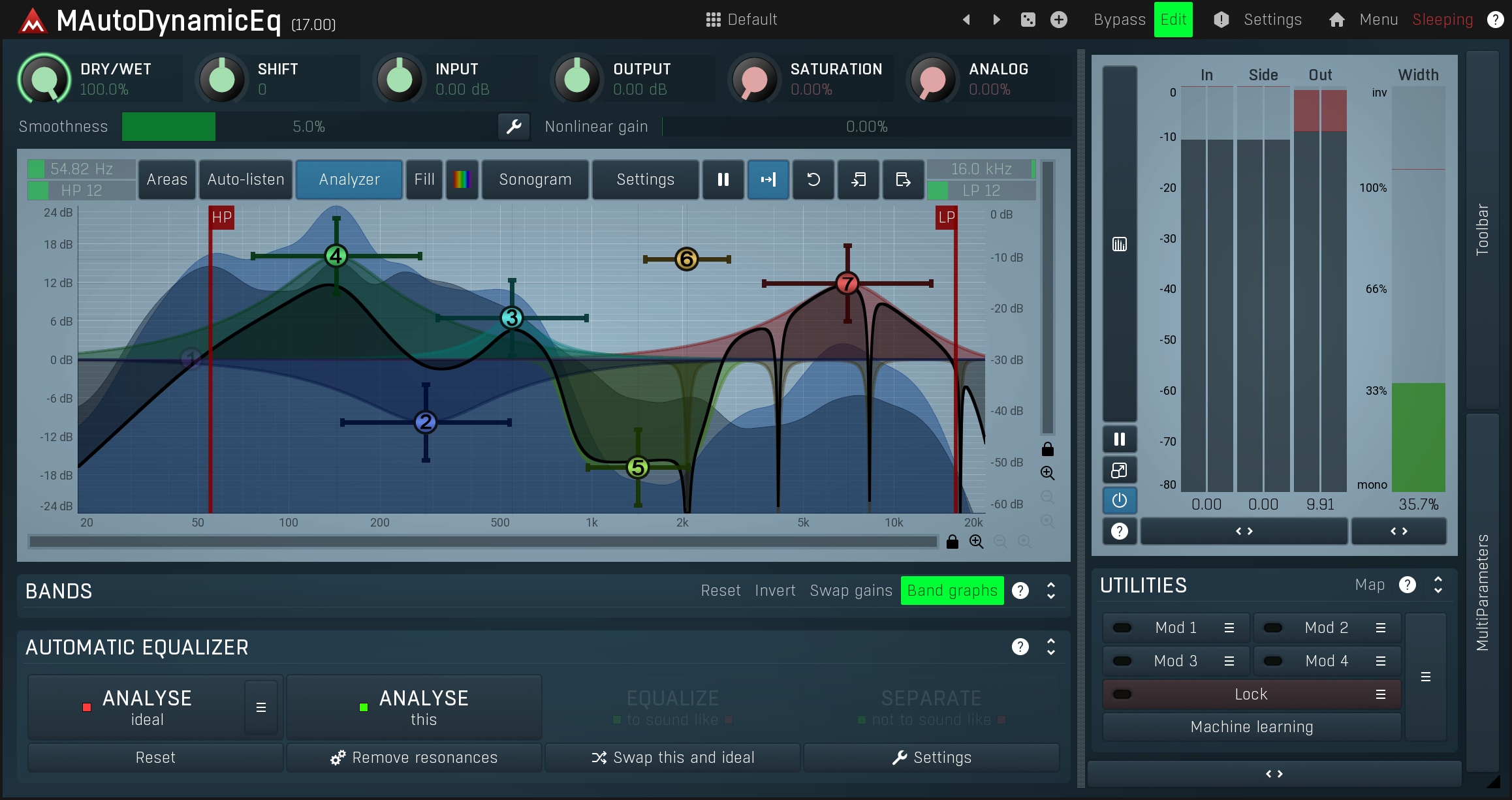
The Easy screen gives each selected device a smaller set of controls. Switch to Edit when you want access to the underlying parameters. The input dynamic EQ sits before the distortion, so it lets you shape which frequencies drive the distortion. MTurboAmp also has a 10-band dynamic EQ for the output.
The quick-start guide covers the Easy and Edit screens and explains several plugin controls.
Building a custom amp or pedal
You can build an amp or distortion pedal from scratch using two 10-band dynamic EQs, for input and output, and a distortion creator with up to nine stages. Each stage has input gain, high-pass and low-pass filters, peak filtering, a distortion unit and output gain. Its convolution processor can load an impulse-response file.
The Custom GUI Designer lets you lay out controls such as knobs, switches, LEDs, sliders and buttons. Multiparameters can group controls for the Easy screen, giving a custom design a simpler front panel.
Cabinet pairing
If your setup needs cabinet simulation, MeldaProduction recommends pairing MTurboAmp with its separate MCabinet plugin.
Compatibility and trial
On Windows, the listed requirements are 64-bit Windows 10 or 11, a 64-bit VST, VST3 or AAX host, and an Intel or AMD processor with SSE2. On macOS, the requirements list 64-bit macOS 10.14 Mojave or newer, VST, VST3, AU or AAX hosts, and Intel, AMD or Apple Silicon CPUs. Linux is not directly supported; MeldaProduction says the plugins may run through Wine if .wine/drive_c/windows/Fonts/ contains Microsoft True Type Fonts. See the MTurboAmp support page for requirements and installation information.
MeldaProduction links a free trial from its downloads page, so you can check the plugin in your setup before purchasing.