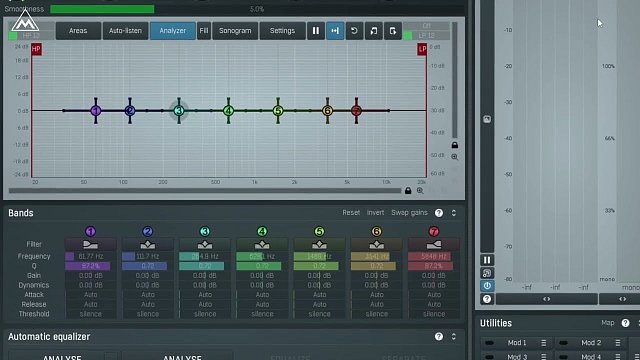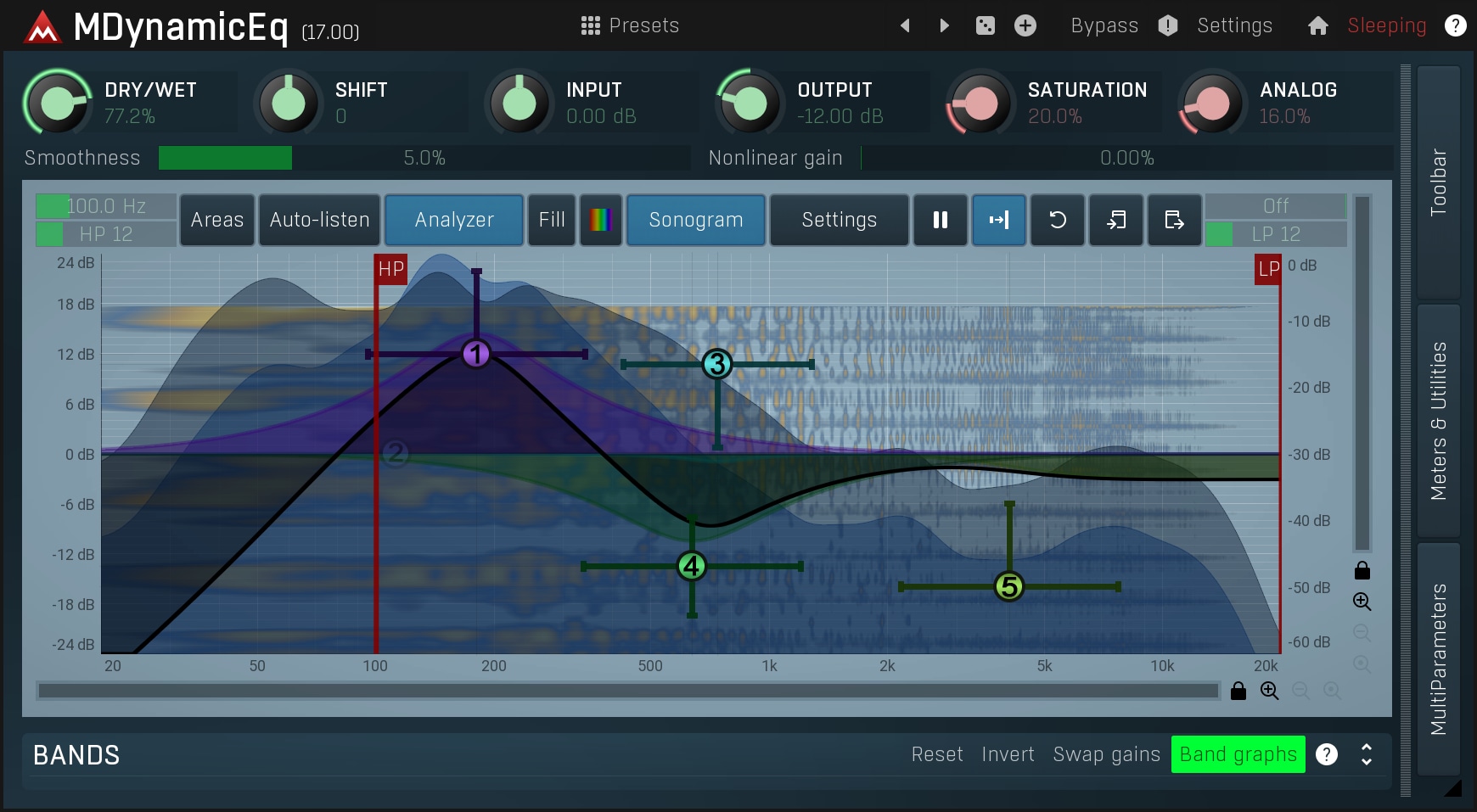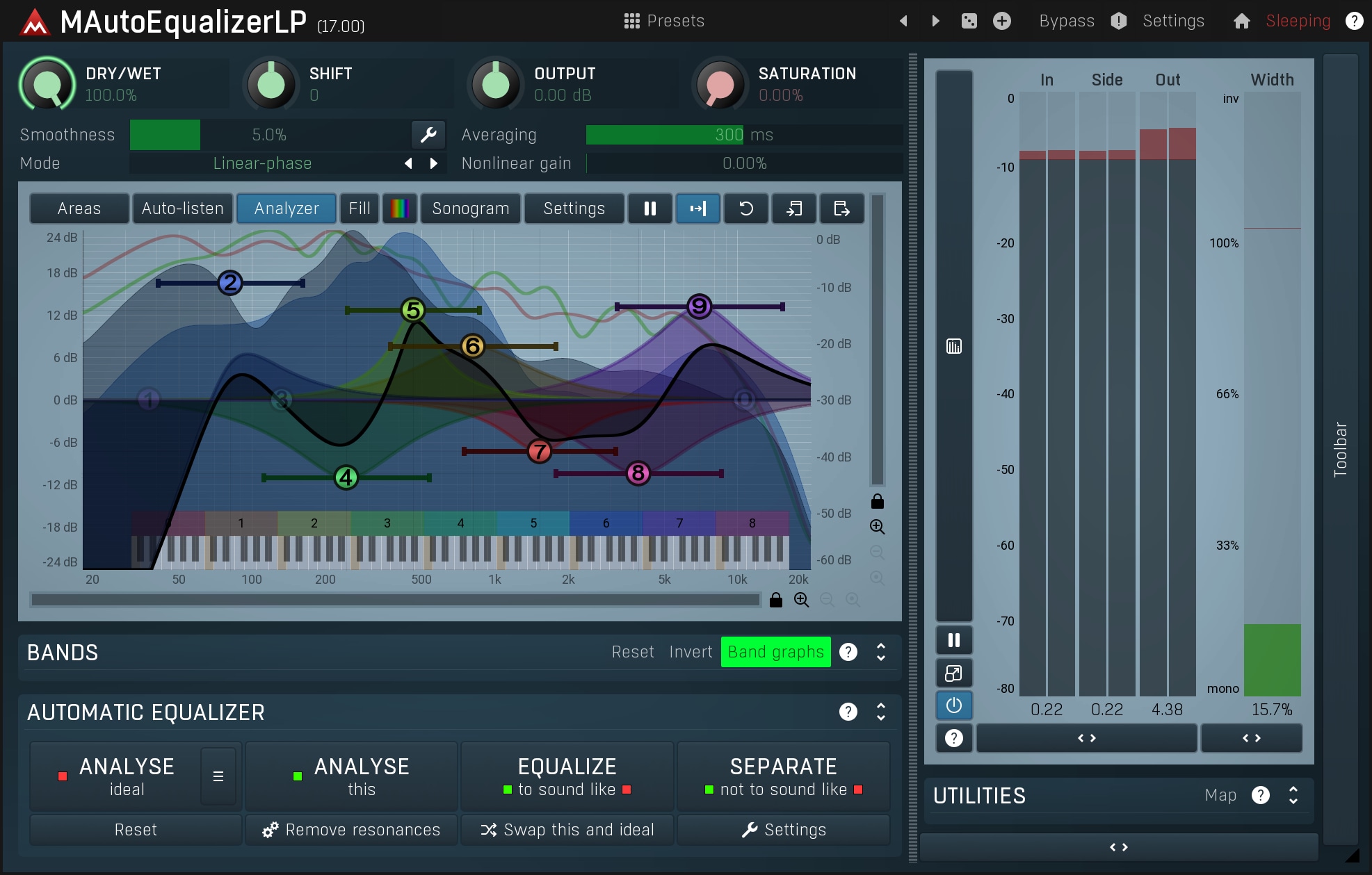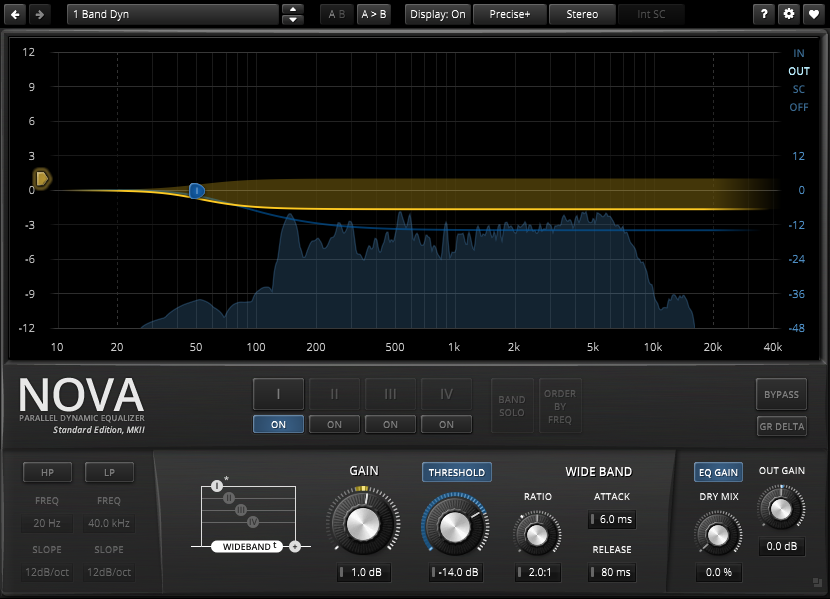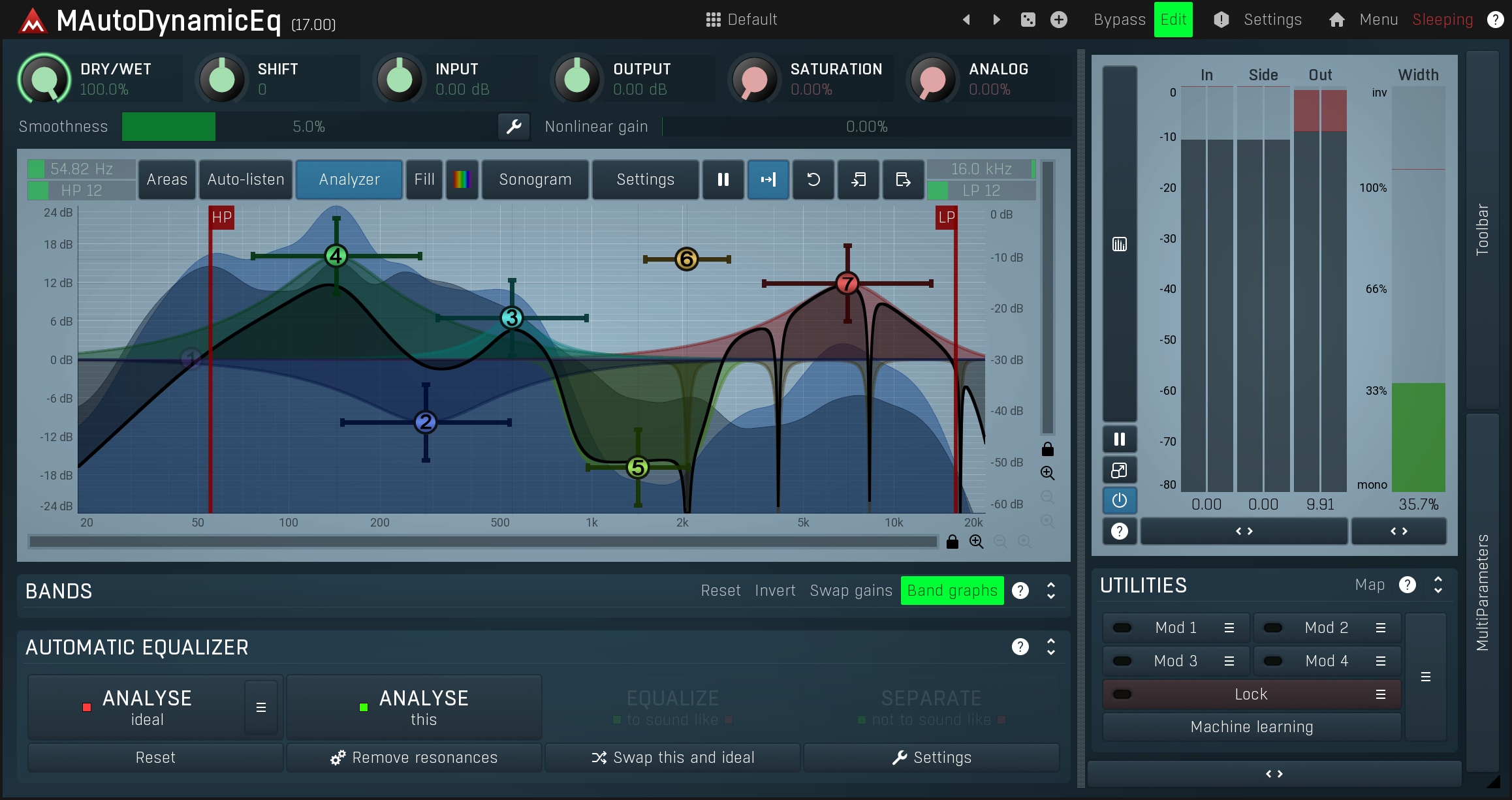
MAutoDynamicEq combines a seven-band parametric equalizer with level-responsive controls and analysis tools. It suits mixing and mastering work where a cut or boost should react to the audio, or where you want to compare a track with a reference. Its automatic matching, separation and resonance tools can help with specific mix problems; the detailed controls also let you shape the result by hand.
Dynamic EQ for sibilance and masking
Each band can respond to the level it detects. Negative dynamic gain reduces the band as the signal grows, much like compression within that frequency range. Positive dynamic gain raises it as the signal grows, working like expansion. Threshold, attack, release and detector settings control when and how quickly the band responds. A transient detector can also mix transient response with level detection.
For de-essing, find the sibilance range with the analyzer, sonogram or auto-listen feature, then use a peak band with negative dynamic gain. Set the threshold so the cut responds to louder sibilants while quieter vocal detail remains less affected. To make room for kick and bass, route the kick to the bass track's sidechain and have a low-shelf band on the bass respond to it. The bass is reduced while the kick plays, instead of being cut continuously.
Match tone or make space in a mix
The automatic equalizer uses two analyses: a source, which is the reference sound, and a target, which is the track being processed. Use Equalize to shape the target toward the source's tonal balance. To reduce masking, analyze the busier sound as the source and the track that needs room as the target, then use Separate to reduce frequencies prominent in the source. For example, analyze a kick as the source and bass as the target.
The resulting curve depends on settings such as smoothness and the maximum number of bands. MeldaProduction's quick start guide notes that automatic results can be too strong; adjust Dry/Wet and audition the curve before keeping it.
Find resonances and refine the curve
For ringing tones, analyze the section where the resonance is audible and use Remove resonances to create notch filters at detected peaks. Listen to the notches, disable ones that remove a wanted tone, and adjust their Q values as needed. The equalizer also has 14 filter types per band, including peak, shelf, notch and band-pass options, with adjustable slopes and graph-based controls.
Interface, channels and modulation
Easy Screen presents a smaller set of macro controls for common tasks. Edit Screen exposes the full parameter set, and custom controls can be saved for later use. Four modulators can work as LFOs, level followers, MIDI or audio-triggered envelopes, randomizers or pitch detectors. Channel modes include left/right and mid/side processing, surround audio up to eight channels and ambisonics up to 64 channels.
Compatibility and licensing
MeldaProduction lists 64-bit Windows 10 or 11, 64-bit VST, VST3 or AAX hosts, and Intel or AMD processors with SSE2 support. On macOS 10.14 or later, 64-bit VST, VST3, AU and AAX hosts are listed, with Intel, AMD or Apple Silicon CPUs. MeldaProduction says its plugins may still work below the listed minimum requirements and recommends using the trial period to check. Linux is not directly supported; MeldaProduction says its plugins may work through Wine and specifies that .wine/drive_c/windows/Fonts/ must contain Microsoft True Type Fonts before installation. For Ableton Live, MeldaProduction says the DAW mishandles reported plugin buses, so surround processing does not work; its requirements say to use the VST version, which reports stereo capabilities by default. On Mac with Live 11 or 12, it strongly recommends VST3 because of reported issues with the AU versions. See the product support page and system requirements for details.
MeldaProduction says its licenses are assigned to a person, who may use the software on all of their computers as long as they are the user. Activation uses license files and does not require a dongle or internet access. The manufacturer lists free updates with purchase and a trial through its downloads page.