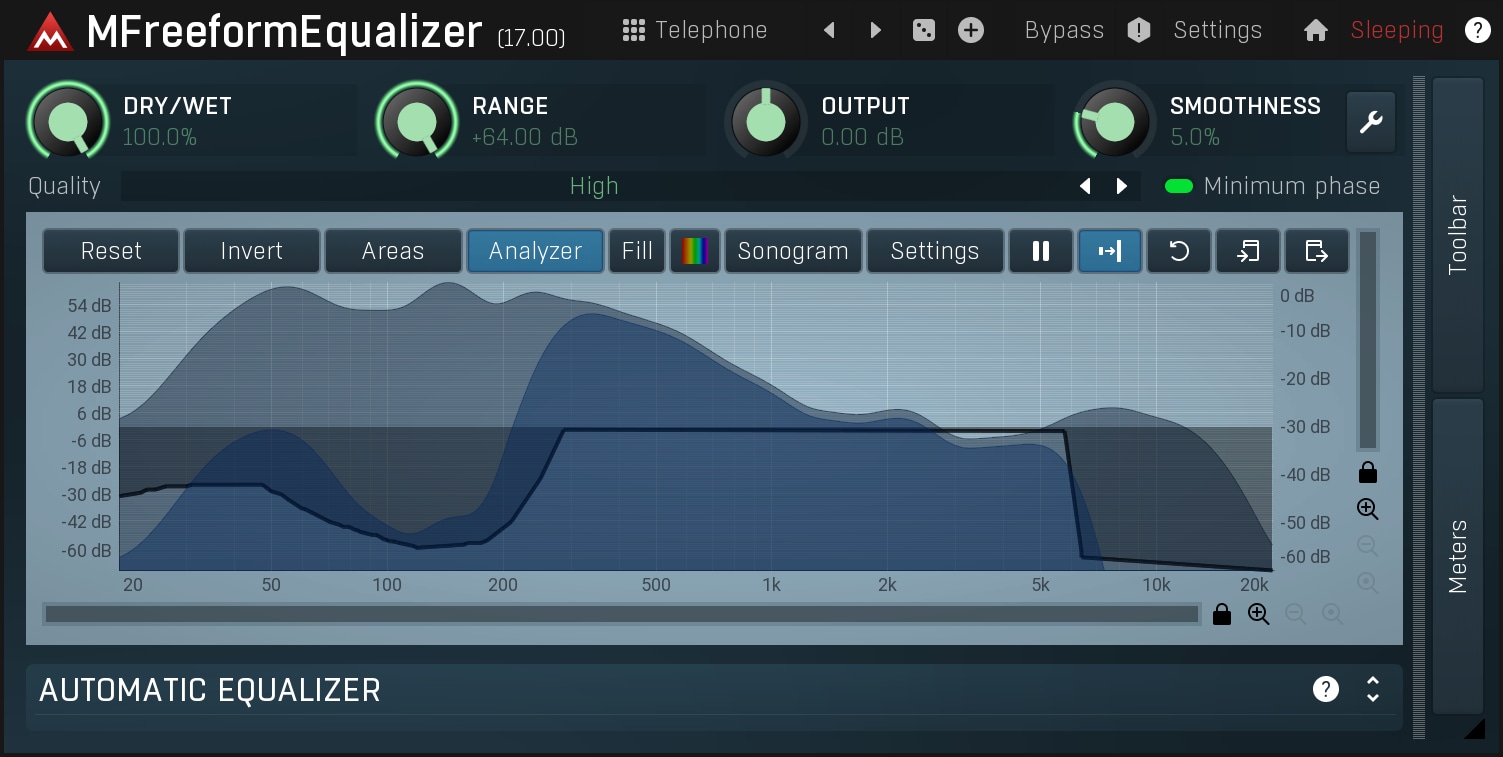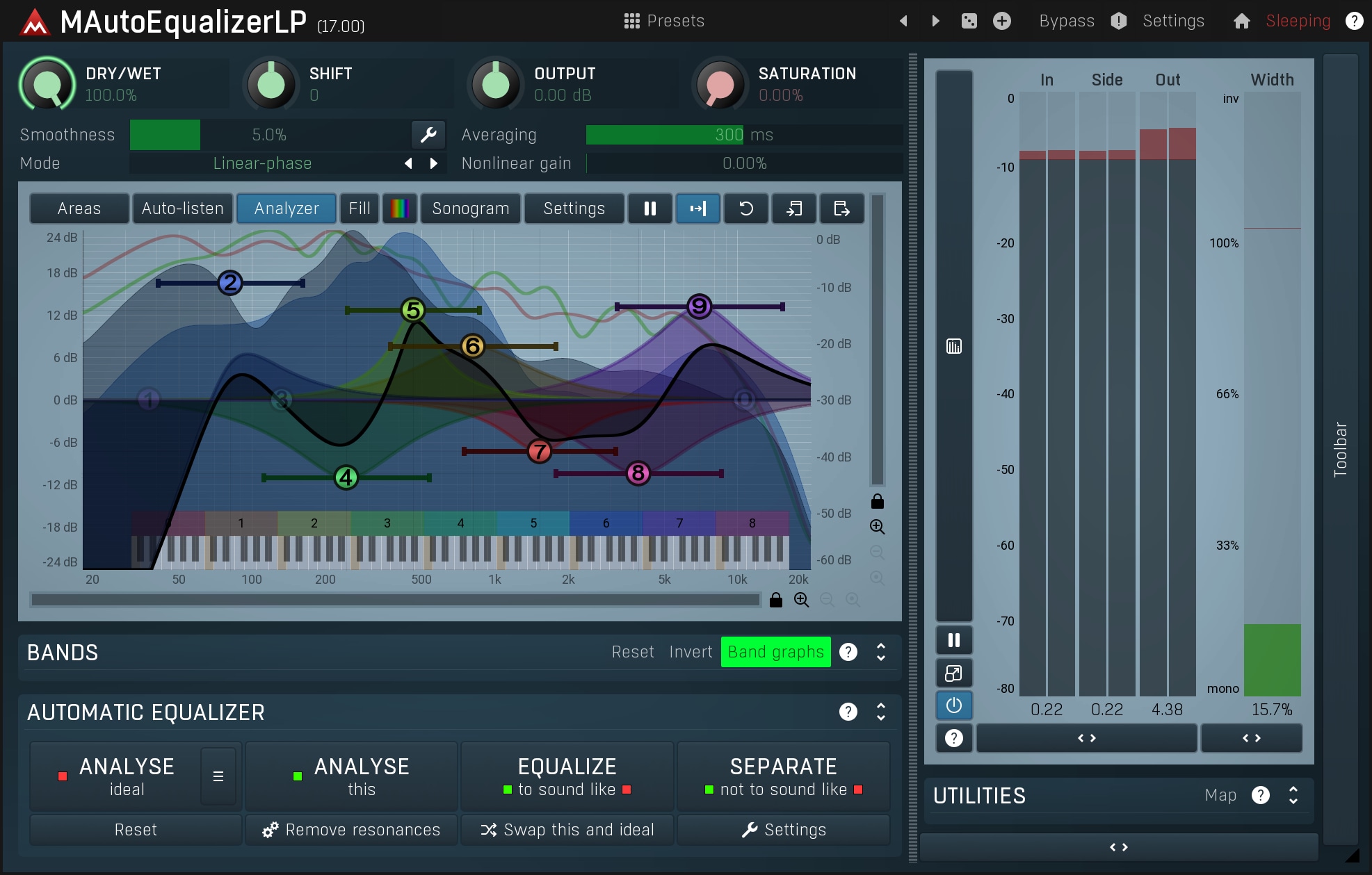
MeldaProduction’s MAutoEqualizer is a parametric equalizer with automatic tools for matching a track’s tonal balance to a reference, reducing overlapping frequencies, and finding resonances. You can inspect and edit the generated filter bands afterward, or use the equalizer graph for manual adjustments.
Match a track or make room in a mix
The automatic workflow uses separate analyses for the audio you want to process (the target) and the spectrum you want to compare it with (the source). Analyze both, then choose an operation:
- Equalize adjusts the target toward the source’s spectral balance. The source can be another recording, a saved analysis, or a response curve you draw.
- Separate reduces frequencies in the target that are prominent in the source. For example, analyze a kick drum as the source and a bass part as the target to produce a curve that reduces shared frequencies in the bass. For a crowded mix, analyze the whole mix as the source and an additional track as the target.
Increase Smoothness to make the curve less pronounced. Lowering Dry/Wet can blend the result, but in minimum-phase processing the ratio does not affect low-pass, high-pass, band-pass, or notch filters unless set to 0%, which bypasses all processing. The maximum band setting limits how many bands automatic equalization configures.
Inspect and shape the result
For manual work, each band can use one of nine filter types, including peak, shelf, low-pass, high-pass, band-pass, and notch filters. Adjust frequency and Q in the graph or enter values in the band controls. The Remove Resonances function analyzes the target and creates notch filters around prominent peaks; review those bands and disable any that remove frequencies you want to keep.
The spectrum analyzer shows frequency levels, while the sonogram adds a time axis to show how those levels change. MAutoEqualizer also provides peak detection, bass-focused super-resolution, and optional prefiltering for analysis. Peak detection marks dominant frequencies, and super-resolution improves low-frequency detail. Optional prefiltering adjusts frequency levels before analysis.
Processing options and comparison
The package includes minimum-phase and linear-phase processing. Its manual describes a bidirectional linear-phase algorithm and an FFT-based linear-phase option; the FFT mode has reduced accuracy at low frequencies. Linear-phase processing adds latency, which may matter in a live session.
For auditions, A-H slots store up to eight parameter sets, but exclude channel mode, oversampling, and potentially other global controls. Switch between two slots or use an X-Y control to morph automatable and modulatable parameters among the first four; the result overwrites the selected slot. Automatic gain compensation can bring output loudness closer to the input level during comparisons, helping you judge the EQ change without a simple level increase dominating the comparison. A safety limiter is also available to keep peaks below 0 dB; it changes the output signal, so enable it when that protection is needed.
Channel modes include left/right and mid/side processing. The product page also lists surround processing up to eight channels and ambisonics up to 64 channels. These modes depend on host support. The manual requires global activation and a host restart for VST2 surround; VST3, AU, and AAX need no surround activation. Ambisonics requires activation in the DAW and a host restart.
Compatibility, trial, and licensing
MeldaProduction lists 64-bit VST, VST3, and AAX support for Windows, and VST, VST3, AU, and AAX support for macOS. Its stated minimums are Windows 10 or 11 with an Intel or AMD processor supporting SSE2, or macOS 10.14 or newer on Intel, AMD, or Apple Silicon. Linux is not directly supported; MeldaProduction says Wine may work if the .wine/drive_c/windows/Fonts/ directory contains Microsoft TrueType fonts. Check the system requirements for host-specific notes.
The product page offers a trial. MeldaProduction says activation uses a license file and does not require a dongle or internet access. The license is assigned to one person and can be used on that person’s computers as long as that person is the user. The vendor also says purchases include free updates for life. The product manual covers the analysis and processing controls in more detail.