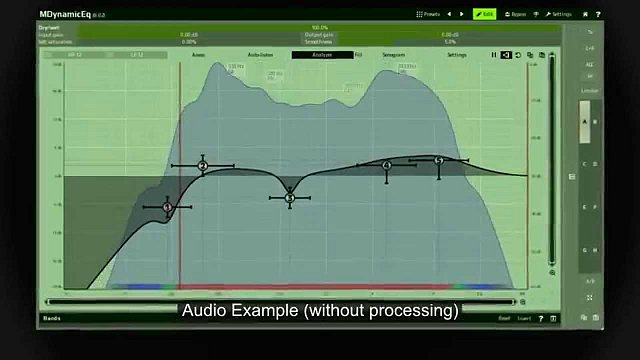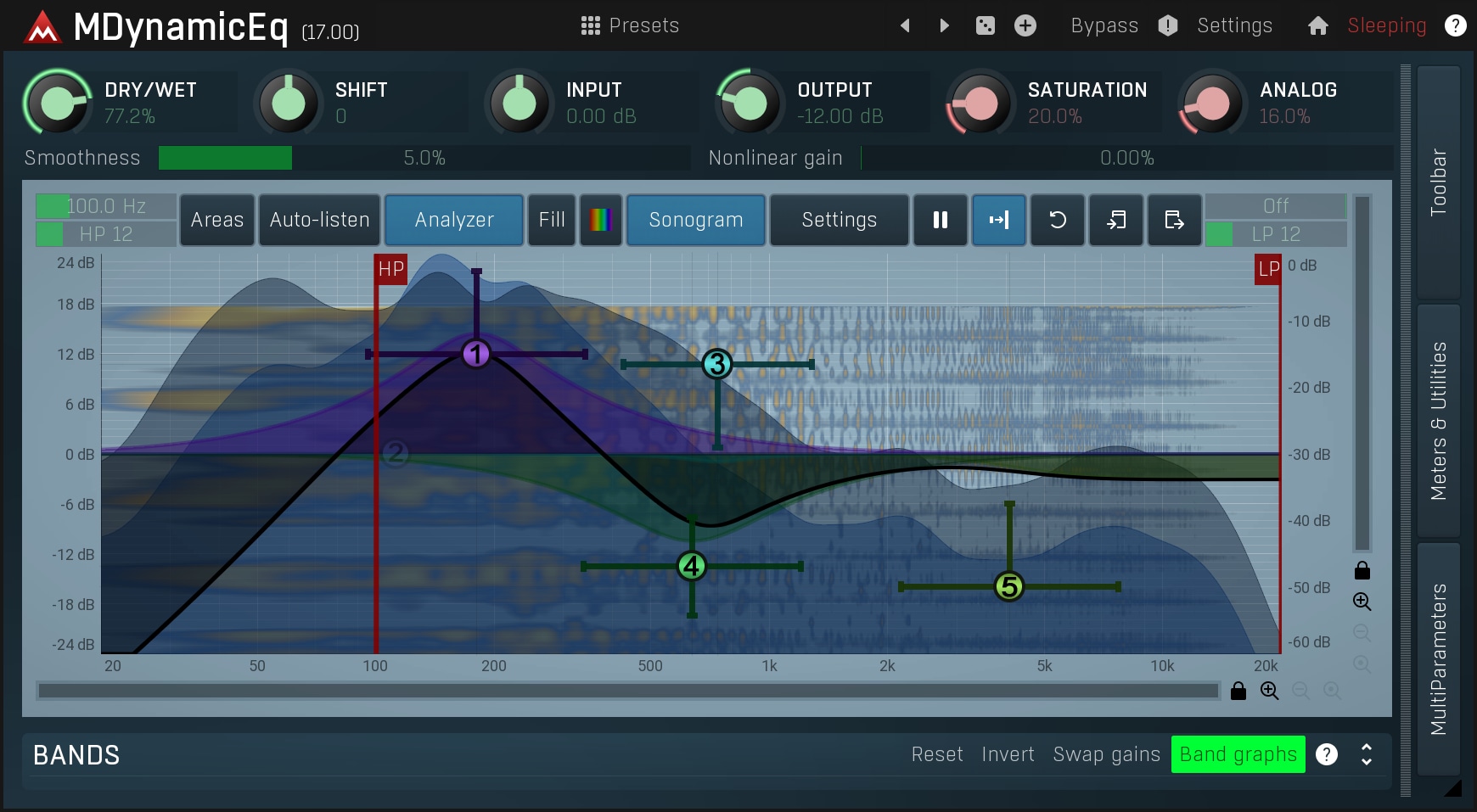
MDynamicEq is a five-band equalizer for changing selected frequencies as the audio level changes. Each band can also work as a static EQ band. Negative dynamic gain reduces a band as its measured input level rises, while positive dynamic gain increases it. The dynamic setting limits how far the gain moves.
Mixing tasks it can handle
Control vocal sibilance
Use the analyzer, sonogram or auto-listen feature to find the sibilant range. Set a peak filter there with negative dynamic gain, then use the threshold if you want the reduction to start only on louder bursts. Quieter parts of the vocal can keep their original tone.
Make room for a kick drum
On a bass track, route the kick drum to MDynamicEq's sidechain in your host. Set a band to listen to that sidechain and reduce the bass in the overlapping range. The bass is attenuated when the kick plays, so it can retain more level between hits than it would with a constant cut.
Tame peaks or add level only when needed
A negative dynamic setting can reduce a resonant frequency when it becomes prominent. A positive setting can add level to a selected range as its measured signal grows. The detector can follow the band's filtered signal or use a sidechain; the manual also describes threshold, attack and release controls for shaping its response.
Filters, analysis and comparisons
Each band has 14 filter types, including peak, shelf, band-pass, notch and slope filters. Their parameters can be adjusted on the EQ graph, and built-in high-pass and low-pass filters provide quick cuts at the ends of the spectrum. The analyzer shows frequency levels; the sonogram shows how they change over time. Auto-listen can isolate a band while you search for a problem frequency.
For level-matched listening, automatic gain compensation can bring output loudness closer to the input. The manual says AGC takes about 400 ms to measure loudness; when a compressor's attack and release times both exceed 100 ms, AGC can cause pumping. MDynamicEq also stores up to eight A-H settings and can morph between the first four. Its safety limiter can contain peaks above 0 dB, though the manual advises enabling it deliberately because it changes the signal and uses processing power.
For channel work, it supports left/right and mid/side processing, plus surround up to eight channels and ambisonics up to 64 channels. Surround and ambisonics setup depends on the host: the manual says VST2 surround requires activation and a host restart, while VST3, AU and AAX do not require that activation; ambisonics requires DAW support and activation.
Compatibility and product limits
MeldaProduction's support page lists 64-bit VST, VST3 and AAX hosts for Windows 10 or 11, with an Intel or AMD processor supporting SSE2. For macOS 10.14 Mojave or later, it lists 64-bit VST, VST3, AU and AAX hosts on Intel or Apple Silicon. Linux is not directly supported; Melda says it may work through Wine if Microsoft TrueType fonts are installed in Wine's fonts directory. Check the system requirements use the trial to check whether the plugins work if your computer falls below the minimum requirements.
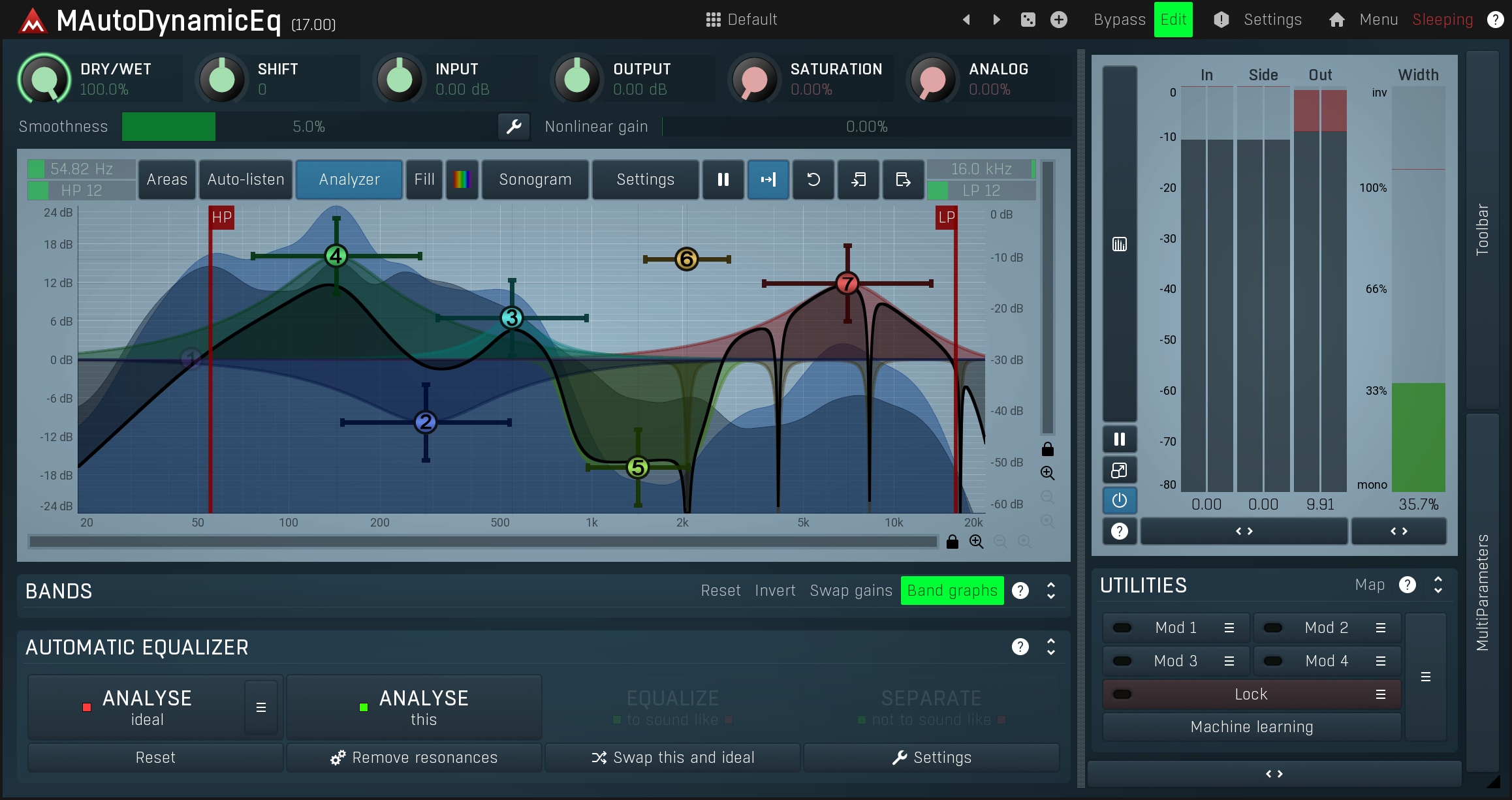
Melda describes MDynamicEq as the simpler sibling of MAutoDynamicEq. Automatic equalization is listed in the manual as an MAutoDynamicEq-only feature, so choose that product if you need it to generate EQ settings from source and target analyses. Melda states that a purchased licence is tied to the user, can be used on that user's computers, and does not require a dongle or internet access for activation. The product page also says purchased software includes free updates for life.
For setup details and the full parameter reference, see the MDynamicEq quick start guide and product manual. Melda links to MPluginManager for installation and updates on its support page.