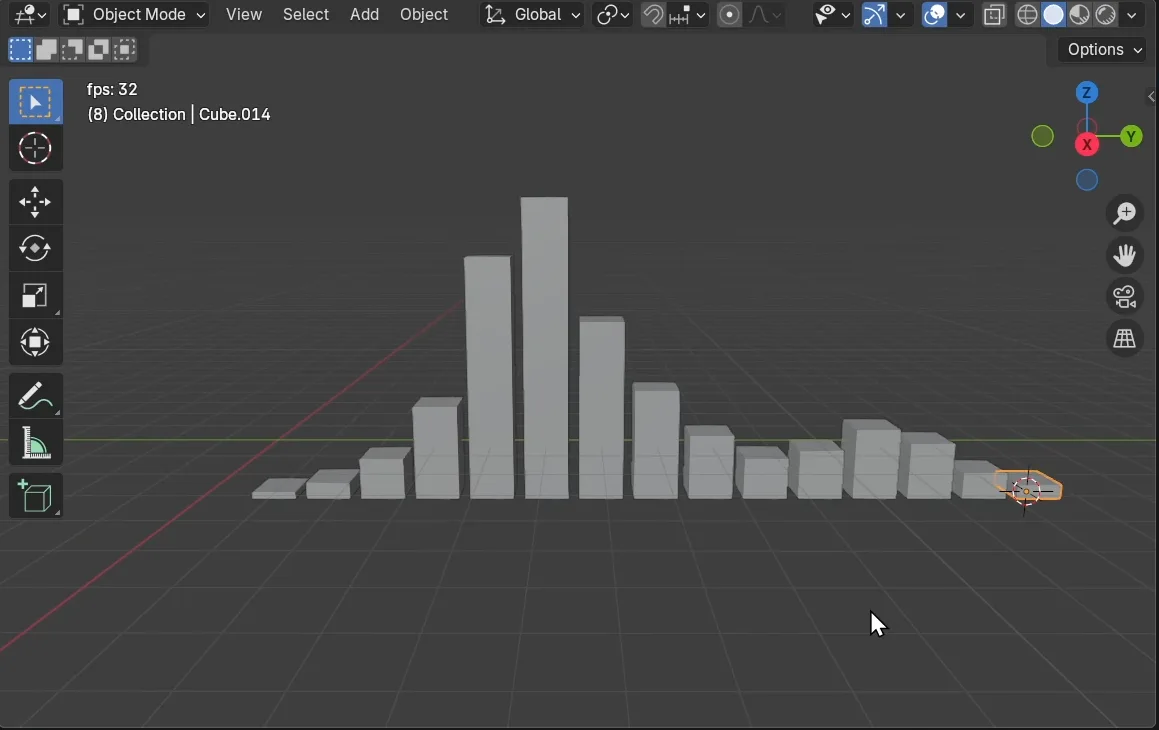
Music Motion is a Blender add-on by Digital DiLeo that uses imported audio to drive selected objects' position, rotation, or scale. You choose the axes and can assign separate tracks to different parts of a scene. Its product listing describes a workflow that needs no complicated nodes or scripting.
How it maps audio to motion
Each track can use its own audio file, frequency range, and strength. The documented filters are All, Bass, Mids, and Highs. The guide gives approximate ranges of 20 to 250 Hz for bass, 250 to 2,000 Hz for mids, and 2,000 to 20,000 Hz for highs, while noting that real audio varies. A bass track can drive an object's scale while a vocal track controls rotation on another object.
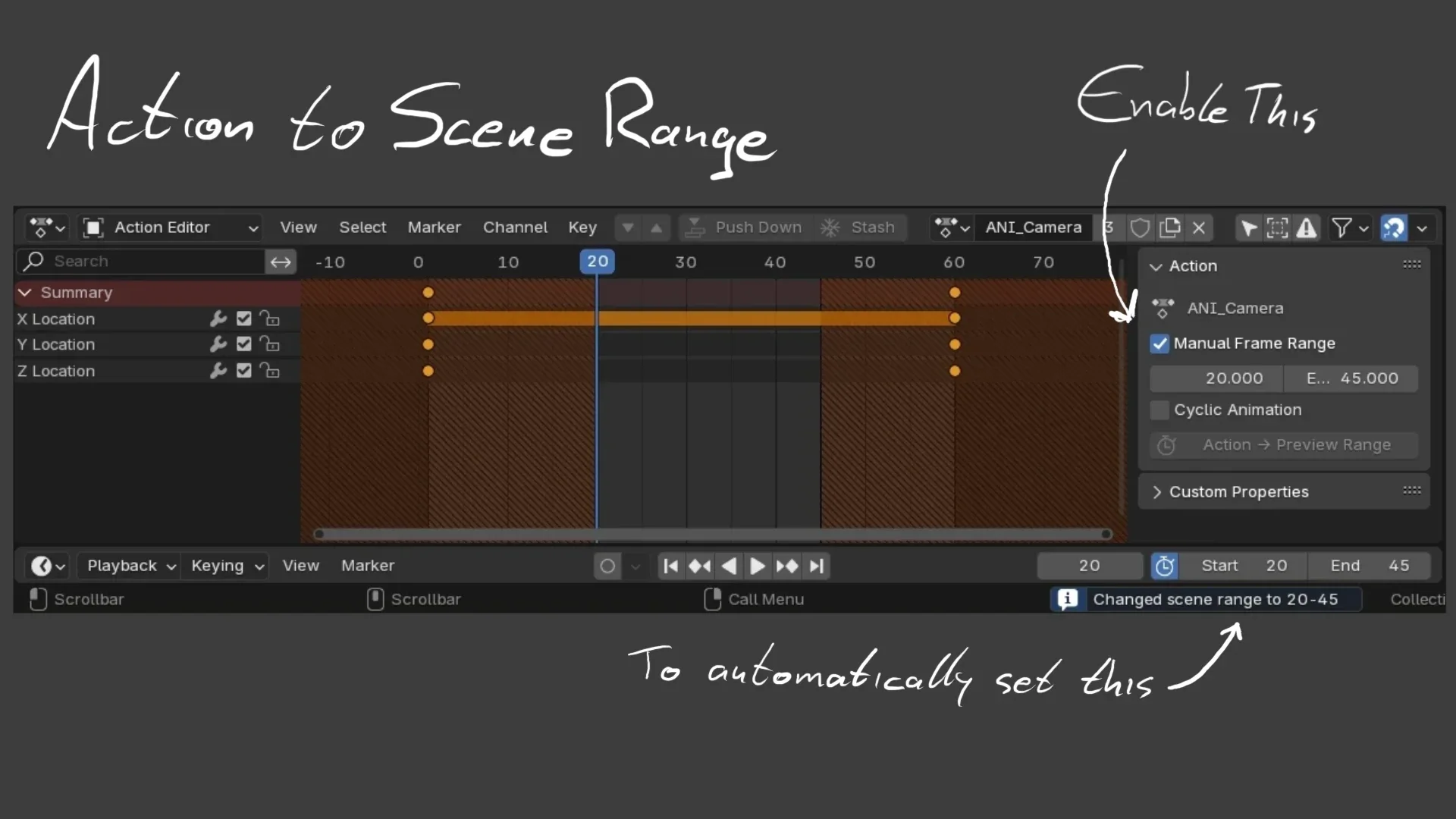
You can animate position, rotation, and scale on one or more X, Y, or Z axes. Per-track strength controls each track's effect, while global strength scales the combined result. For scale, the guide describes Big and Small modes: an amplitude from 0 to 1 maps to a scale from 1 to 2 or from 1 to 0, respectively. A frame offset can move where the generated motion begins on the timeline.
Set up and refine an animation
- Install the MusicMotion folder or ZIP through Blender's Edit > Preferences > Add-ons, then enable the add-on. In the 3D View, open the Sidebar and choose the Music Motion tab. Add a track and assign an audio file.
- Load the audio, select the objects to animate, then choose a frequency range, strength, transforms, and axes. The documentation gives WAV and OGG as examples, but not a complete format list; use a format Blender supports. It recommends a stable, uncompressed format such as WAV for best results because some compressed formats can behave unpredictably.
- Use the documented bake operation to generate animation data for the selected objects. The operator name may vary by release.
- Play or scrub the timeline, then adjust the resulting curves in Blender's Dope Sheet or Graph Editor. Change the track settings and bake again if the motion needs another pass.
The Superhive product page mentions music videos, live visuals, and intros as possible uses. Its documentation describes loading audio and baking it into timeline animation. If you need a live-input performance workflow, check the developer's materials before relying on the add-on for that setup.
Compatibility, price, and license
The Superhive listing names Blender 4.0, 4.1, 4.2, and 4.3, and identifies the license as GPL. AnyPlugins lists Music Motion as free. Check the current Superhive product listing for download availability and newer compatibility details, and consult its documentation for setup instructions.