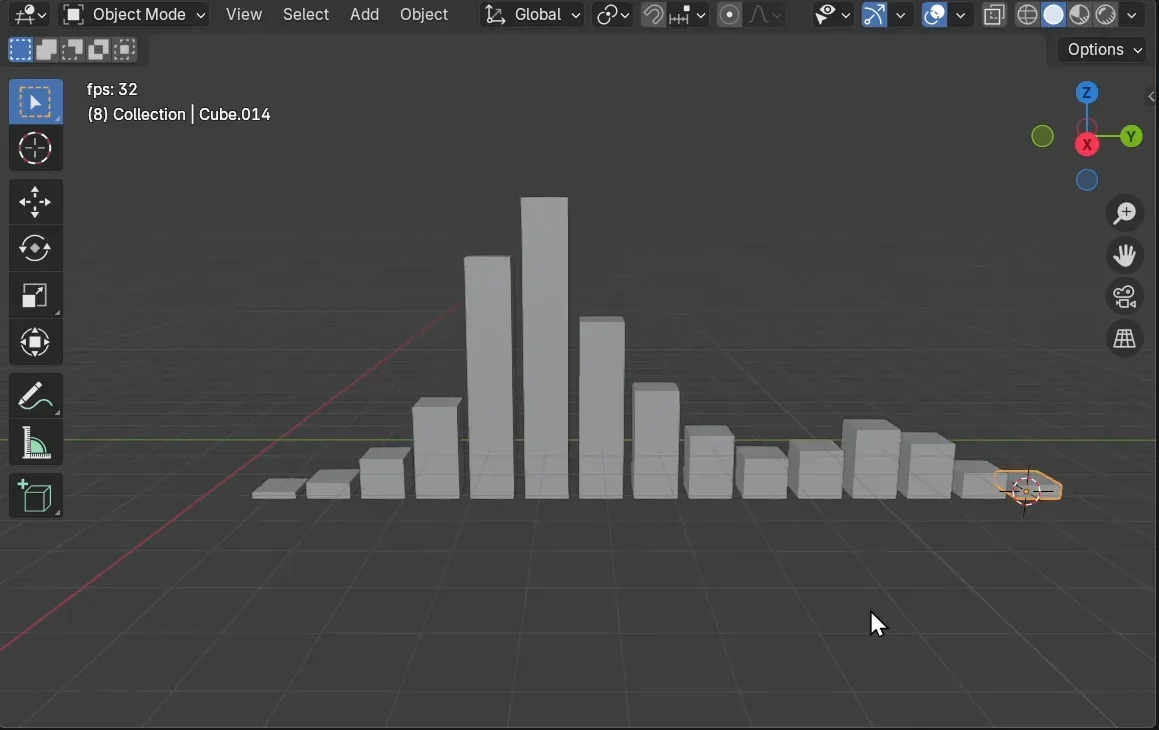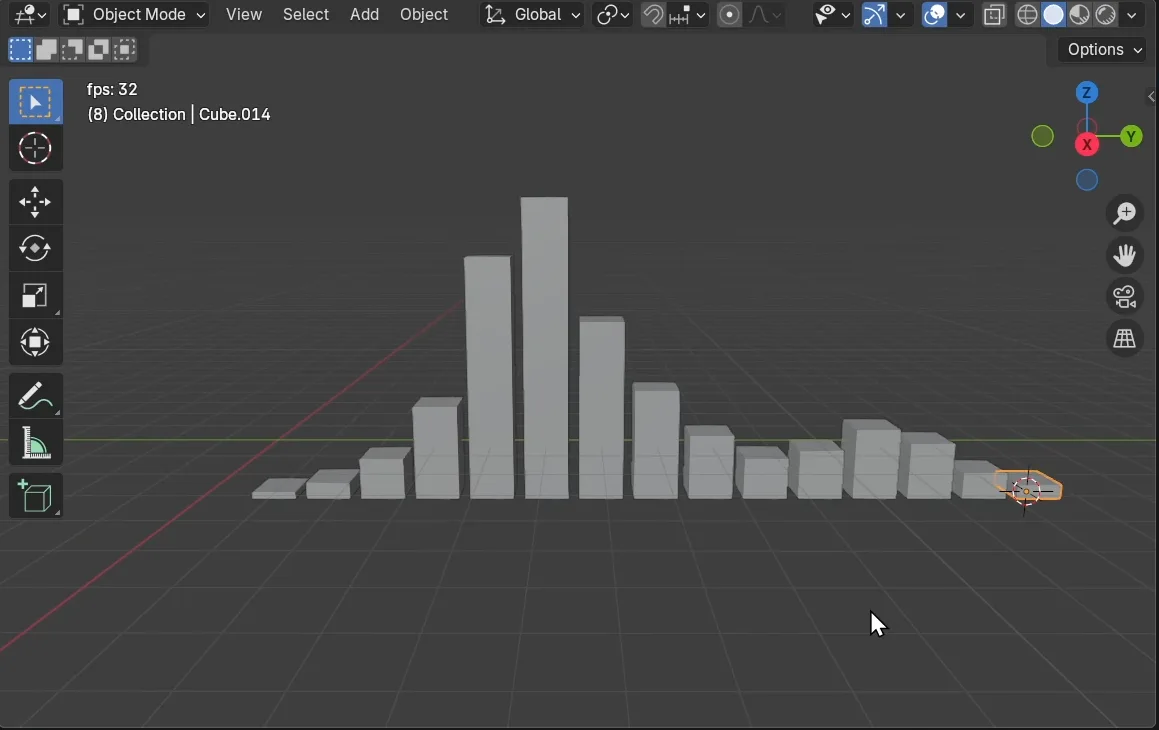
Simple Audio Visualizer is a Blender add-on maintained by Polyfjord that turns an audio file into animation. It has two workflows: generate a set of audio-reactive cubes, or use objects already in your scene. The first gives you a ready-made spectrum visualizer; the second lets you choose which transforms respond to the sound.
It suits Blender users making music visuals, animated graphics, or scenes where motion should follow an audio track.
Generate an audio-reactive cube visualizer
Choose an audio file, set the cube count and intensity multiplier, and optionally enable Mirror Mode. Each cube’s height follows the volume in a frequency sector, with sectors arranged along an exponential frequency curve.
Animate objects in your scene
For a custom scene, select objects in the viewport and choose which transform channels the audio should drive: Location, Rotation, or Scale. You can also choose the X, Y, or Z axis. The add-on distributes the audio spectrum across the selected objects in alphabetical order, so name them deliberately if the order of their response matters.
Additive mode adds audio-driven animation on top of existing keyframes instead of replacing them.
Find the controls in Blender
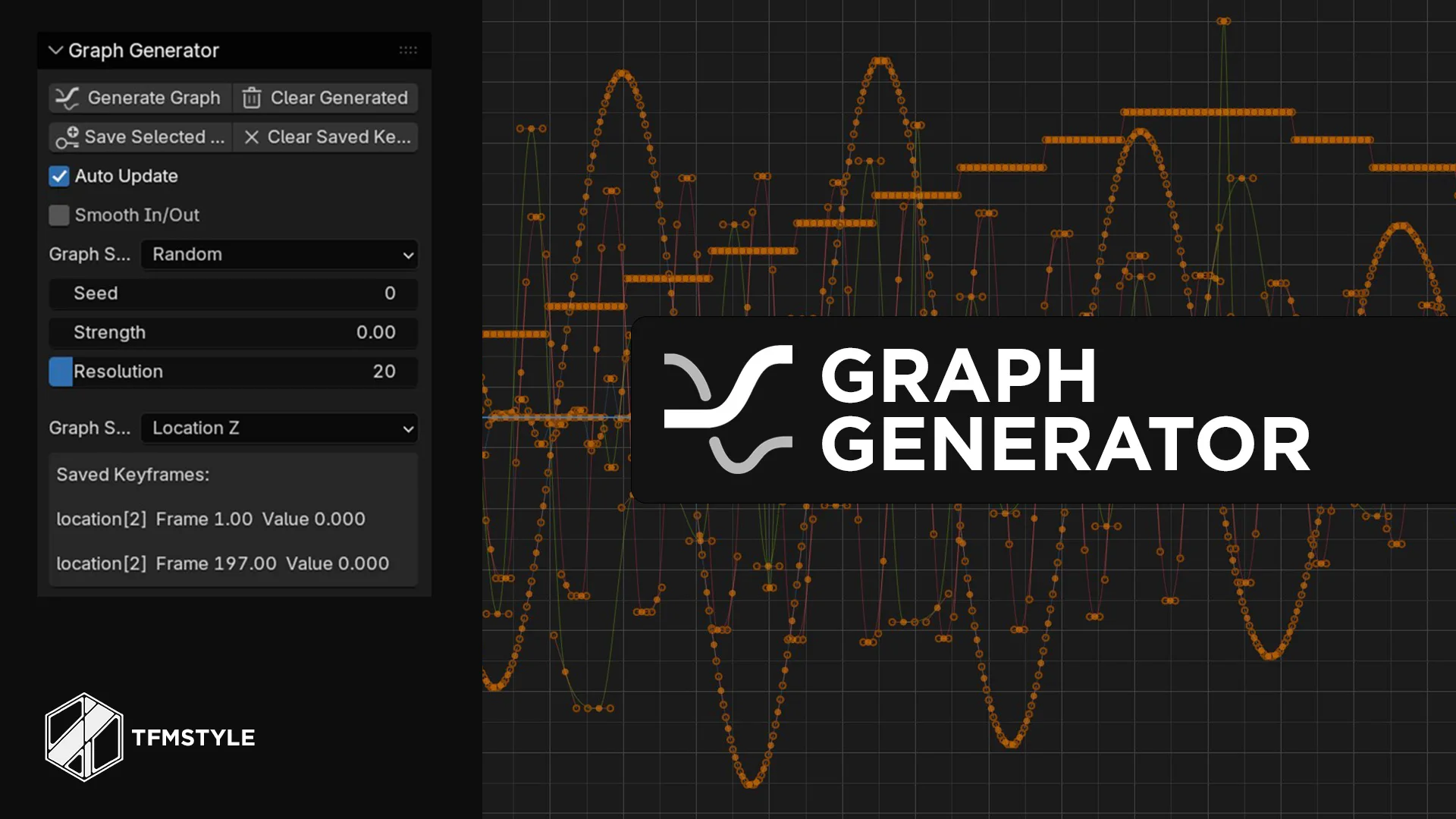
Open the Graph Editor and expand its sidebar to find the Simple Audio Visualizer panel used by both workflows.
Version, license, and audio access
The Blender Extensions listing identifies Polyfjord as maintainer and lists version 1.2.0, with Blender 4.2.0 as the minimum version. Its manifest gives the license as GPL-3.0-or-later and lists permission to import audio from disk. Check the listing for the current release details before installing. The listing also links to Polyfjord's source repository and its issue tracker.