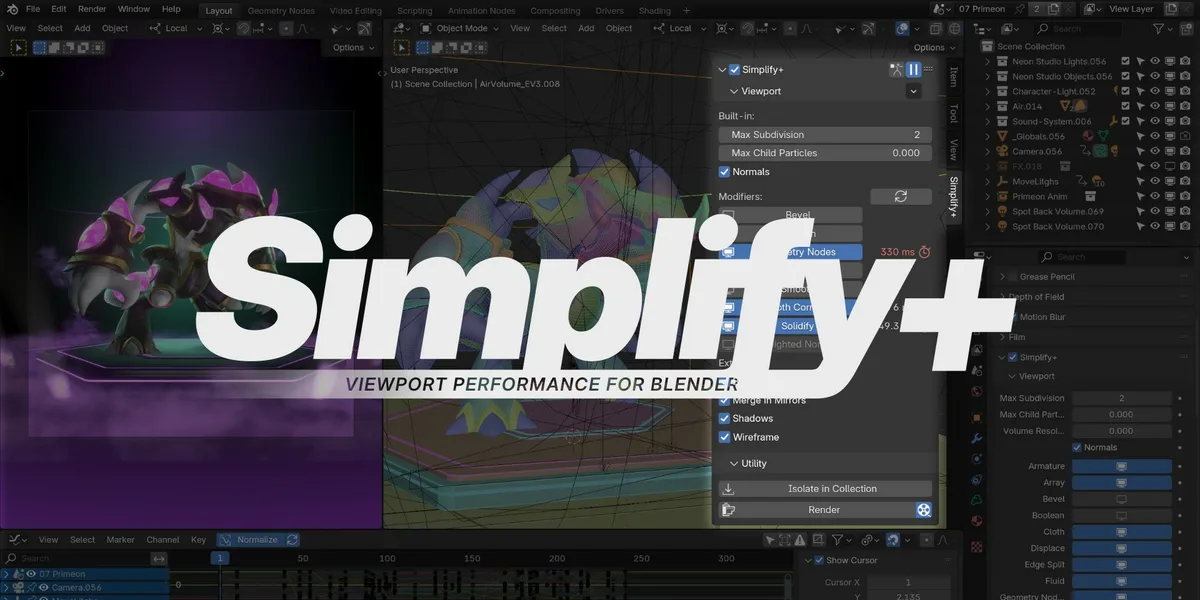
Mustard Simplify is a Blender add-on for reducing viewport work while animating in a complex scene. Its Simplify Scene control temporarily disables selected scene and object features. Turning it off restores their prior settings, but if Disable Drivers is selected, it unmutes those drivers; add affected objects to Exceptions to prevent unintended unmuting. The Blender Extensions catalog lists release 2026.3.1, a minimum Blender version of 4.3.0, and a GPL-3.0-or-later license. Check the official extension listing for current release details.
Choose what to simplify
Choose modifier types, control driven and non-driven shape keys separately, and use Blender's own Simplify setting when the scene simplifier is active. Object and collection exceptions leave selected parts out of simplification. A collection exception takes precedence over object-level exceptions. Blender linked objects must be library-overridden before Mustard Simplify can simplify them.
Inspect the scene before changing settings
The Scene Complexity Analyzer colors visible meshes in a heatmap by evaluated polygon count, material texture resolution, or active modifier count. It works in Workbench Solid shading. Texture-resolution mode checks images used by the materials and can make the viewport temporarily unresponsive. Live update also has a performance cost, so enable it only while you need a refreshing heatmap.
Execution Times estimates how long enabled modifiers take to evaluate. Its animation update can slow playback in heavy scenes, so turn it on only while measuring.
Use the extra tools carefully
The Armature Proxy Generator creates a mesh for each bone to speed viewport work during blocking and animation. It trades mesh quality for performance and leaves the original source mesh unchanged. Data Removal deletes user-selected object data blocks; the developer describes this operation as highly destructive. Save a backup before using it.
Install as a Blender Extension
The developer recommends the Blender Extension method. The installation guide covers the Get Extensions panel and legacy ZIP installation; Blender Extension installs receive automatic updates, while the legacy ZIP requires manual updates. The developer wiki also explains the add-on's controls.