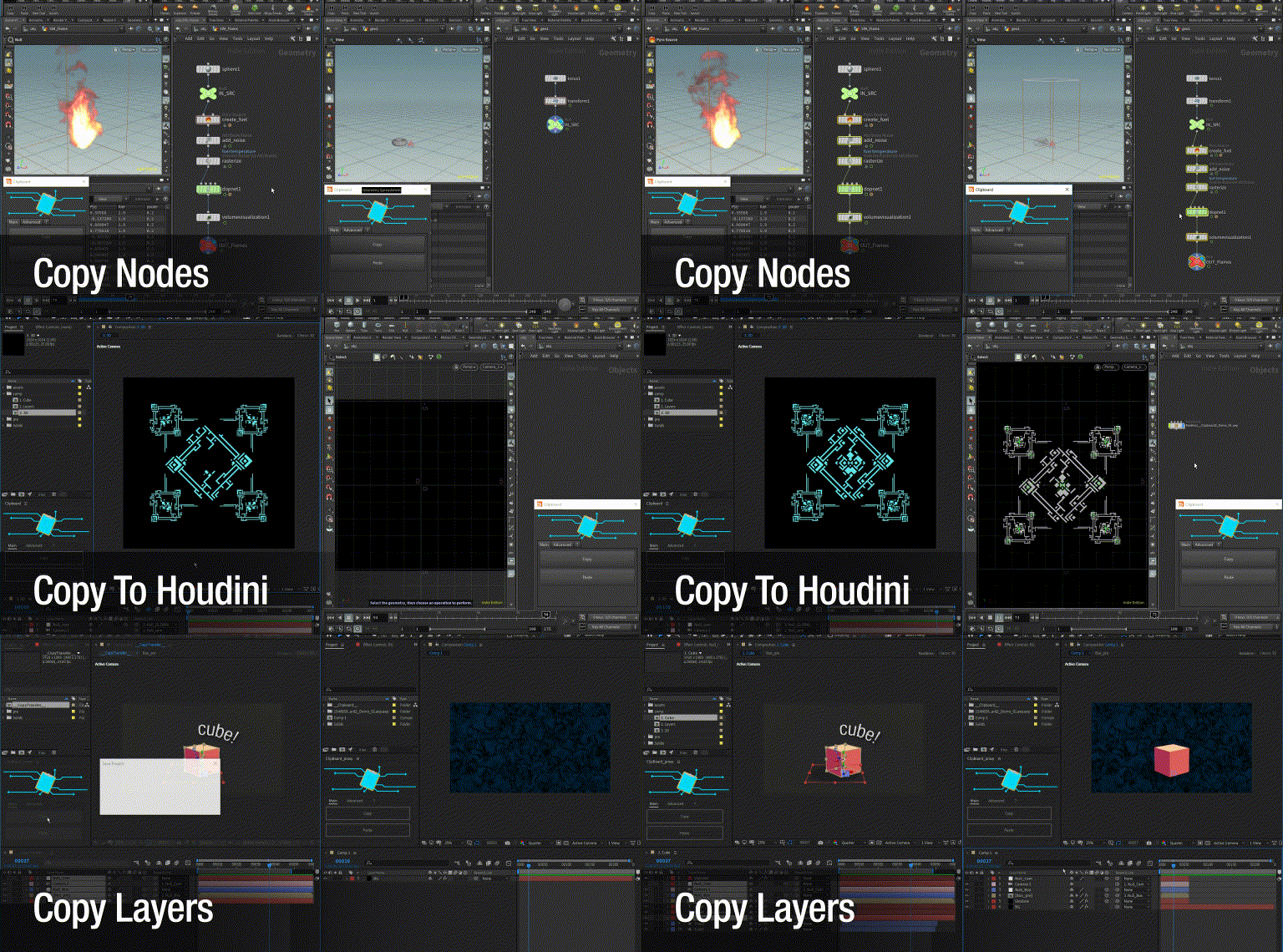
Network Clipboard 2 lets artists copy selected creative elements between projects across a network. Select items in one application and press Copy; a teammate can paste them into a scene without preparing a reduced project for the handoff. The product listing names comps, layers, lights, geometry, cameras and nodes, including animated or static elements.
Move elements between supported applications
The feature list describes copy and paste between After Effects, Cinema 4D and Houdini. On the After Effects side, it also lists FBX support. In After Effects, an item can be pasted into the project or directly into the active composition. The listing describes element transfers, rather than a method for transferring an entire project.
Revisit earlier copies
Network Clipboard 2 keeps a copy history for as long as you choose, and you can paste any item from that history. An environment variable can set the clipboard directory. The product also includes an option to override the username attached to copies and floating license support.
Check application compatibility
The aescripts compatibility list names these versions:
- After Effects: 2025, 2024, 2023, 2022, 2021, 2020, CC 2019, CC 2018 and CC 2017
- Cinema 4D: 2025, 2024, 2023, S26, R25, S24, R23, S22, R21, R20 and R19
- Houdini: 21, 20.5, 20, 19, 18 and 17
- Maya: 2023, 2022, 2020, 2019 and 2018
The version history records Maya support in version 2.4.0 (April 26, 2022), but the feature summary does not specify which Maya transfer paths it covers. Confirm that workflow with the developer.
The listed release is version 2.4.4. Its version history, dated May 4, 2026, notes a fix for a PySide6 import issue in Houdini 21. The aescripts product page lists a free trial and current pricing and license details.