Next Limit RealFlow 10.5 is a standalone application for fluid and multiphysics simulation. Its Dyverso solver handles interacting materials such as liquids, granular substances, rigid bodies, and elastic materials. Artists working in Cinema 4D can set up and cache a simulation in RealFlow, then move it into the host application through a free connectivity plugin.
Choose a solver for the scene
Dyverso targets small to medium simulations. For larger scenes such as floods and breaking ocean waves, Next Limit describes HyFLIP and Hybrido2 as its medium to large scale tools. RealWave handles small to medium ocean surfaces, while Caronte provides rigid and soft body dynamics.
The solver choice depends on the scale and material behavior in the shot, so check the RealFlow 10.5 feature details against the scene before committing to a workflow.
Connect RealFlow to Cinema 4D
RealFlow handles the simulation, then exports it to a 3D application through connectivity plugins. Next Limit also lists connections for 3ds Max and Maya. RealFlow Nodes can send different scene iterations or secondary Hybrido elements to a farm for calculation.
What version 10.5 adds
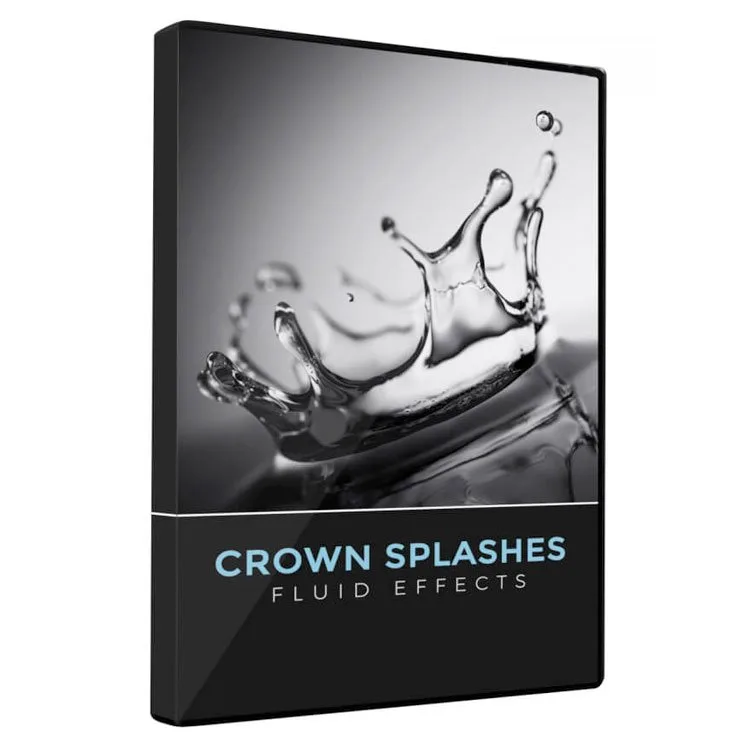
RealFlow 10.5 adds a Macro Daemon for close-up fluid effects and a curvature-cohesion mode for the Surface Tension daemon. It also includes Maxwell denoising support. Next Limit reports Dyverso GPU calculations at 2 to 8 times CPU speed, with CUDA and OpenCL around 3 times faster than RealFlow 2015 in its published comparison. Those figures depend on the benchmark hardware and scene, so treat them as vendor results rather than a guaranteed speedup.
License and compatibility
Connectivity plugins are free. RealFlow uses a Standard License for simulation, and the vendor's store lists current RealFlow license options. Check the vendor's compatibility and license terms before installing or budgeting for a project; the exact supported host versions and prices can change.