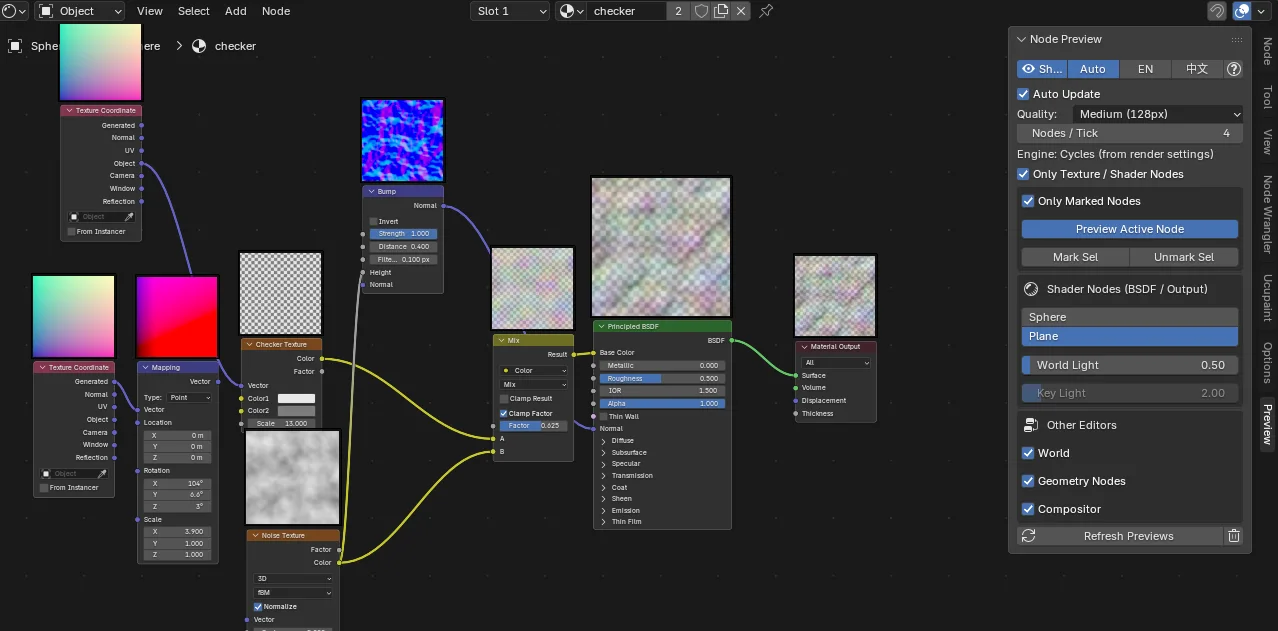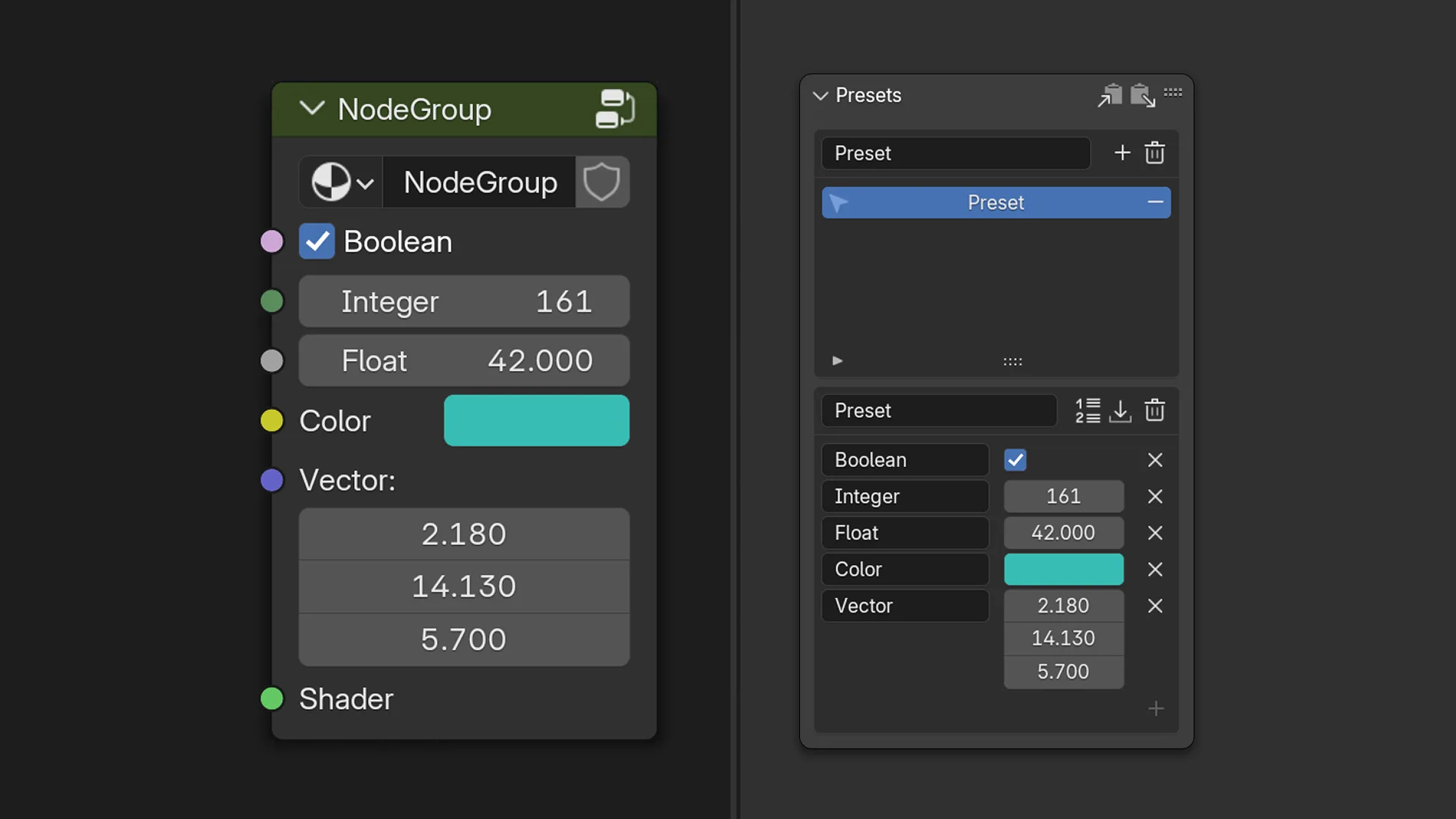
Node To Python is a Blender add-on that converts supported node groups into legible Python for scripts and add-ons. It works with Geometry Nodes, Shader or Material nodes, and Compositing nodes. The developer says it carries over node layout, default values, subgroups, names, and colors. The Blender Extensions listing identifies Brendan-Parmer as its maintainer.
What it converts
The add-on gives Blender users a way to reuse a visual node setup in a Python-driven workflow. After installation, focus a Node Editor and press N to show the add-on's sidebar. Its panels cover Geometry Nodes, Materials, and Compositing, with options for the export.
Choose a script or add-on
- Script mode creates a Python function that generates the node tree and copies it to Blender's clipboard.
- Add-on mode saves a ZIP file to the directory selected in the Node To Python menu. The generated package includes operator registration and code to create a modifier, material, or scene for using the node tree.
The generated code uses Blender's Python API, so it is intended for Blender rather than as a general standalone Python program. Check Blender's Info window for warnings that could affect an export, then try the result in a test file before using it in a production workflow.
Version support and installation
The Blender Extensions record lists version 4.3.0 with Blender 4.2.0 as its minimum version. The project README lists support for Blender 4.2 through 5.3 on Windows, macOS, and Linux. Check the release notes for the version you plan to use, especially if you rely on newer node types.
Release 4.3.0 adds Blender 5.3 support. It also fixes a script-mode log message when exporting one node group and a problem creating deep-copied library node groups in add-on mode. For Blender versions beyond the stated support range, this release warns instead of canceling the export. The developer notes that new Blender versions can introduce nodes, settings, and node-tree features that require updates; experimental Blender versions may not work properly and may even crash.
The project recommends installing through the Blender Extensions platform. You can also download the ZIP from the GitHub releases and use Blender's Edit > Preferences > Get Extensions > Install from Disk command.
File access and licensing
The extension requests permission to create and write files in a directory you choose. Add-on mode uses that location for its generated ZIP, so confirm the destination before exporting.
The extension is listed under the GNU General Public License v3.0 or later. The project's licensing note discusses Blender Python API requirements for generated code that uses it. Review the project documentation before redistributing generated scripts or add-ons.