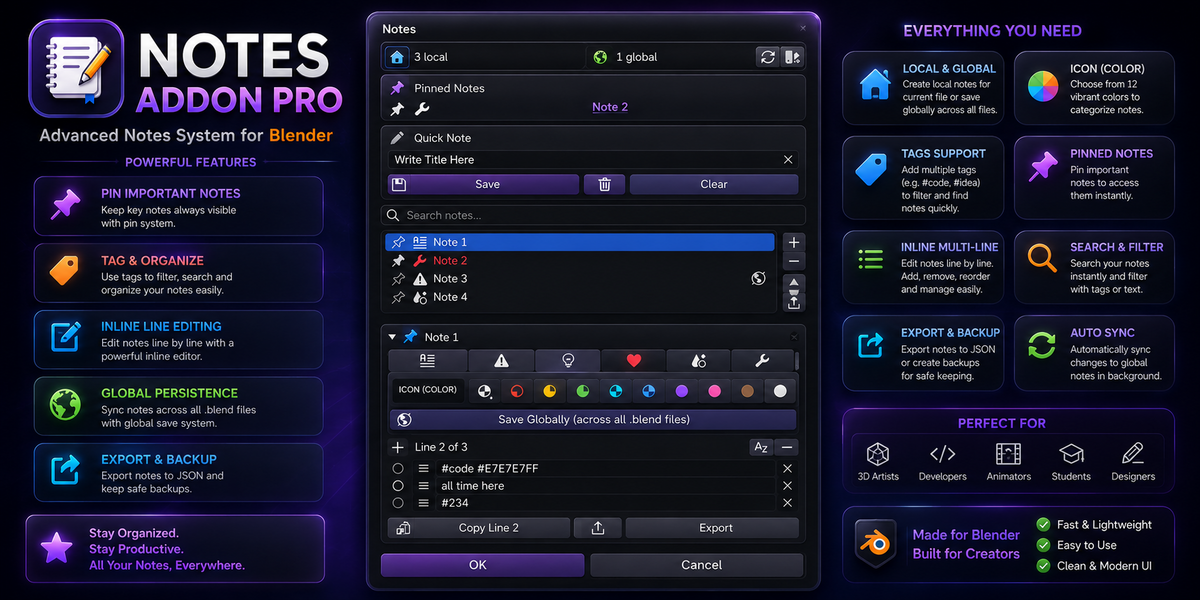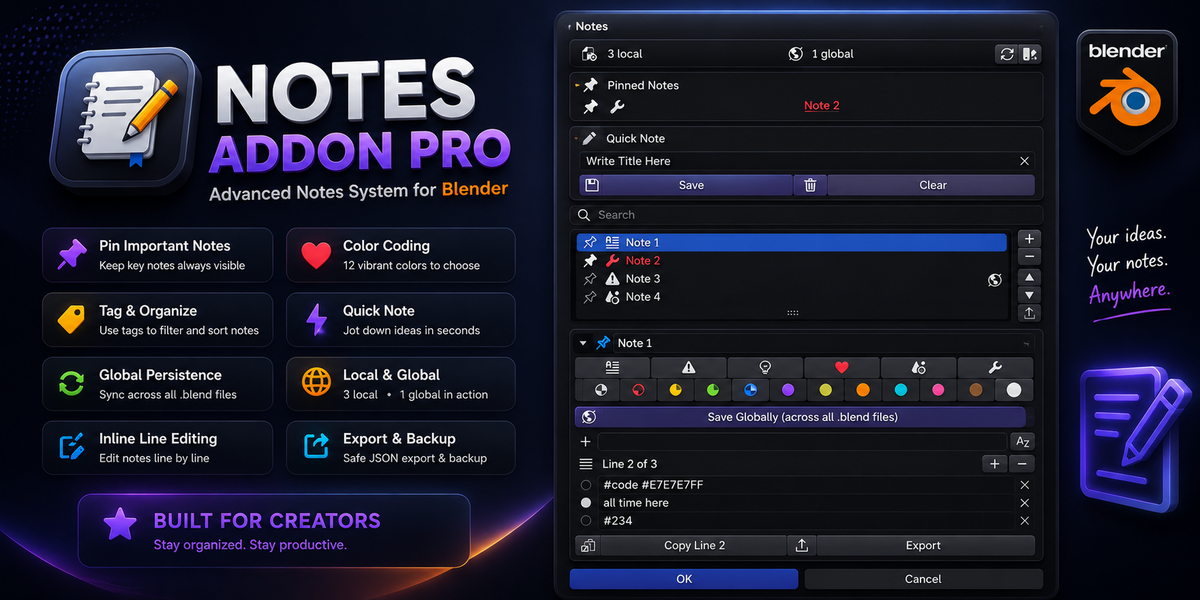
Notes Addon Pro - Advanced Notes System is a note manager for Blender by RealDevCode. It lets you keep ideas, task reminders and references in Blender, with notes available from the N-panel sidebar or a popup. Use Ctrl + Alt + N to open Notes Manager.
Capture and organize notes
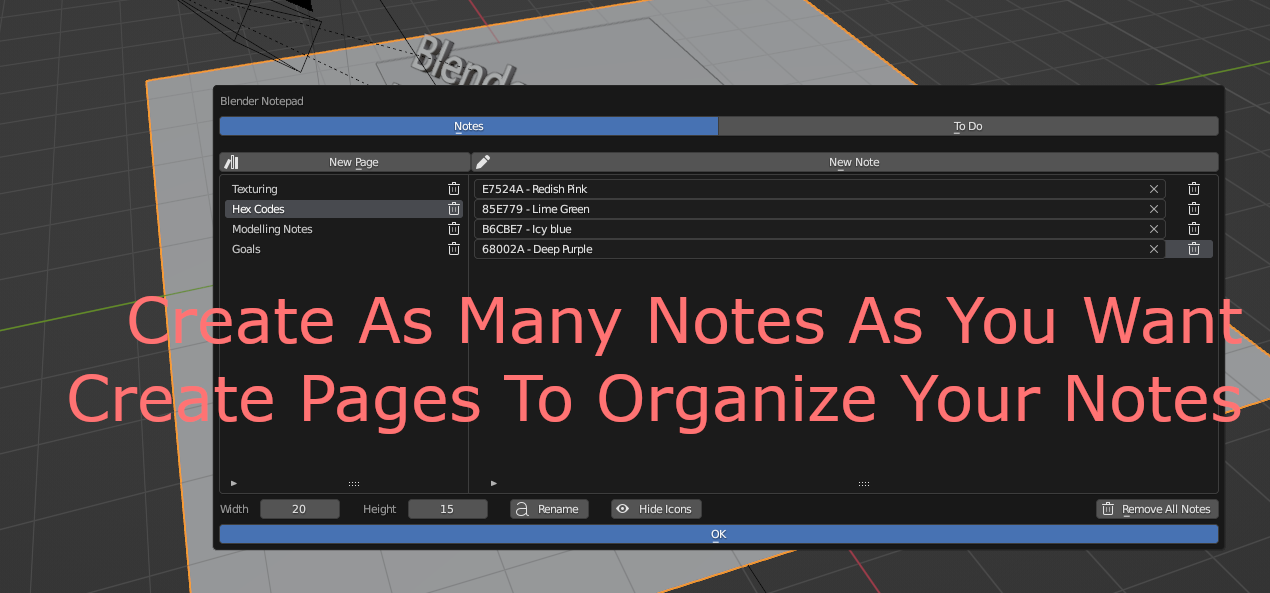
Create unlimited notes with the quick input field. Pin important notes to keep them at the top, add colors to group them visually, and move notes up or down to change their order. These controls help keep project reminders and reference notes accessible while you work in Blender.
When a note is hard to locate, use search and filtering instead of scrolling through the list.
Copy or export notes
Copy a note to the clipboard when you need to use its text elsewhere. The add-on can also export all notes to a .txt file. The .txt export gives you a plain-text copy outside Blender.
Compatibility and installation
The product listing identifies Blender versions 4.2 through 5.1 and marks the add-on as Blender Extension compatible. It is listed under the GPL license. To install it, open Edit, then Preferences, then Add-ons, choose Install and select the add-on ZIP file. Enable the add-on after installation. The product documentation includes the setup steps and notes-panel controls.
Local storage and offline use
The product listing describes Notes Addon Pro as fully offline, with no data collection or tracking. Its FAQ says notes are saved locally on your system.
For current Blender compatibility and product details, check the publisher listing .