Quick Align is a Blender extension by Null Station for aligning and distributing objects in the 3D Viewport. Its controls are modeled on Adobe Illustrator’s align-and-distribute workflow. The product listing specifies Blender 4.2.0 or later and lists versions 4.2 through 4.5.
Alignment and distribution controls
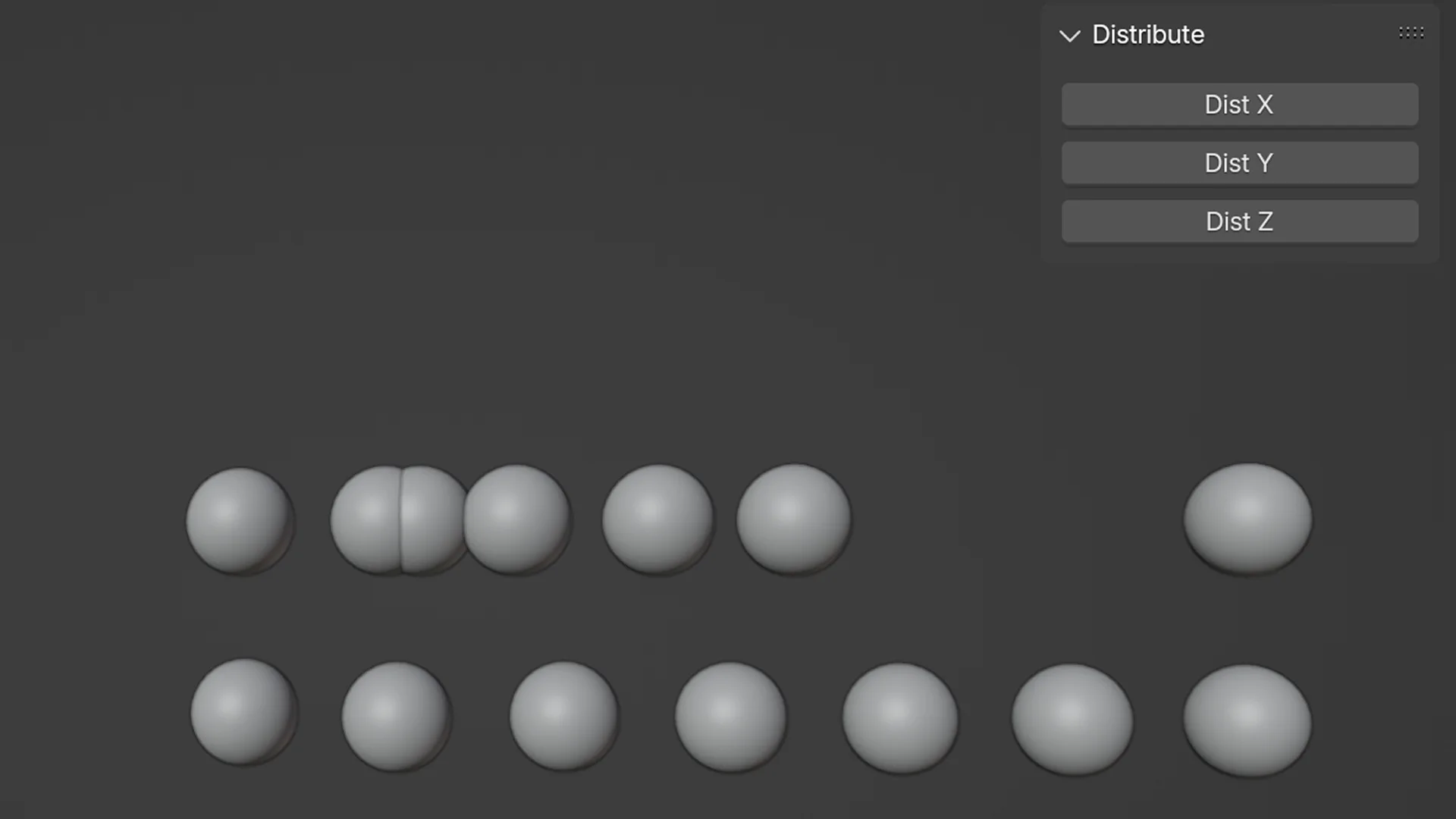
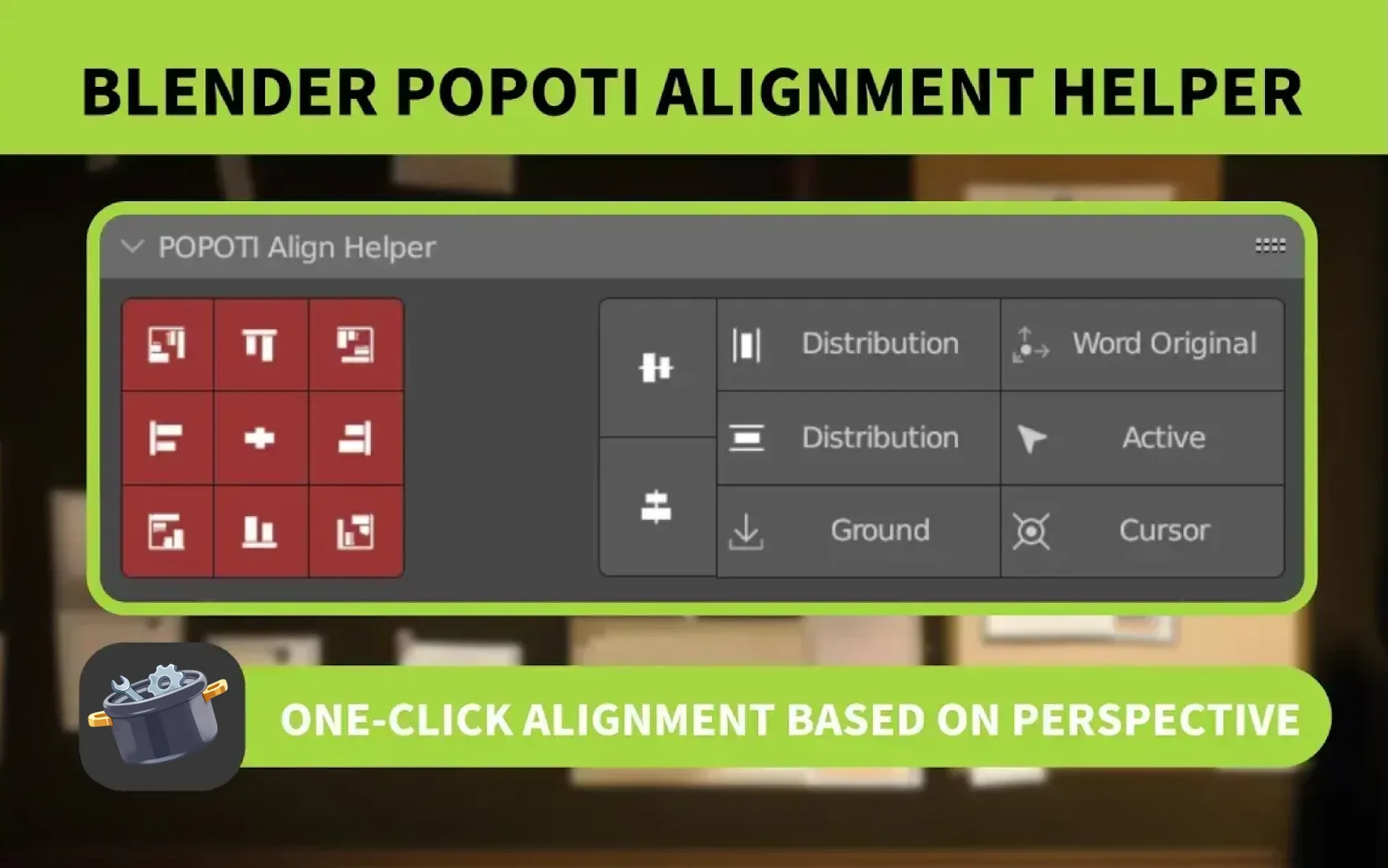
Quick Align has six alignment modes: Left, Center Horizontal, Right, Top, Center Vertical, and Bottom. Its six distribution modes space objects using horizontal left, center, or right edges, or vertical top, center, or bottom edges.
Smart Axis Detection chooses horizontal and vertical axes from the current view. Manual Axis Control lets you choose those axes yourself. The documented axis mappings are X and Y in Top view, X and Z in Front view, and Y and Z in Side view.
Choose the alignment target
You can align objects to the bounds of the full selection or to the active object, which is the last one selected. Select at least two objects for alignment and three or more for distribution.
Install and use Quick Align
- Download the extension as a ZIP file.
- In Blender 4.2 or later, open Edit > Preferences > Extensions.
- Choose Install from Disk, select the ZIP file, and enable Quick Align.
- Select the objects, open the Quick Align panel in the 3D Viewport sidebar with the N key, and choose automatic or manual axis control.
- Click an alignment or distribution control.
The product documentation identifies Quick Align as a Blender add-on under the GPL license. Check the listing for current compatibility and release details.