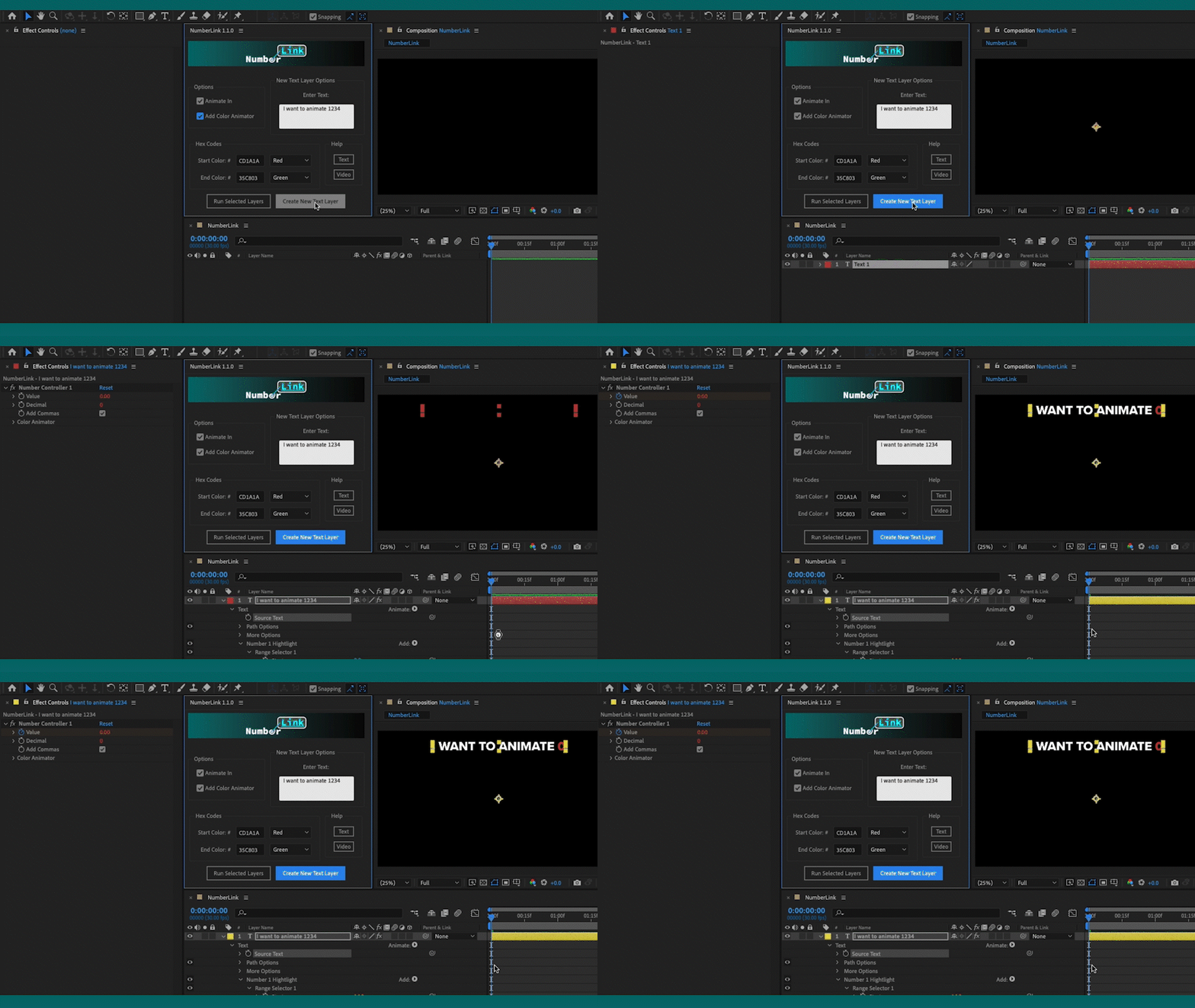
NumberLink by Hype Stride Media is an After Effects plugin for animating numbers inside text layers. Select one or more text layers and run the tool; it identifies each set of digits and links it to a slider value while leaving the surrounding text in place. Each number set gets its own controls, including options for commas and decimal places. That lets a label such as Downloads: 1,250 keep its wording while the number changes.
You can also enter text and have NumberLink create a new text layer with the settings you selected. Its controls cover slider-linked values, keyframes, and text color.
Animate values and color
With Animate In selected, NumberLink sets a keyframe at zero and another at the number's original value. You can then adjust the animation in After Effects. Add Color Animator to control the text color, offset range, and offset type. Colors can be entered as hex codes or chosen from presets, and you can change them after running the tool.
When Animate In and Add Color Animator are both selected, NumberLink places the number and color keyframes at the same times. The starting keyframes use zero and the start color; the ending keyframes use the original number and end color. If Animate In is off, the color comes from the End Color setting.
Create text layers in a composition
Enter the wording you want, then choose Create New Text Layer. NumberLink creates the layer and applies the selected settings. If another layer is selected, the new text layer matches its in and out points and is placed directly above it in the composition. This can keep a counter aligned with the timing of an existing element.
Version and compatibility
The developer listing shows version 1.2, released May 14, 2024. It adds a smaller, resizable interface, stroke color and width controls, and color labels that change to match the selected color. Version 1.1 introduced a pseudo effect for a more user-friendly experience.
The listed compatibility is After Effects 2020, 2021, 2022, 2023, and 2024. The listing does not confirm compatibility outside that range, so check the aescripts product listing if you use another release.