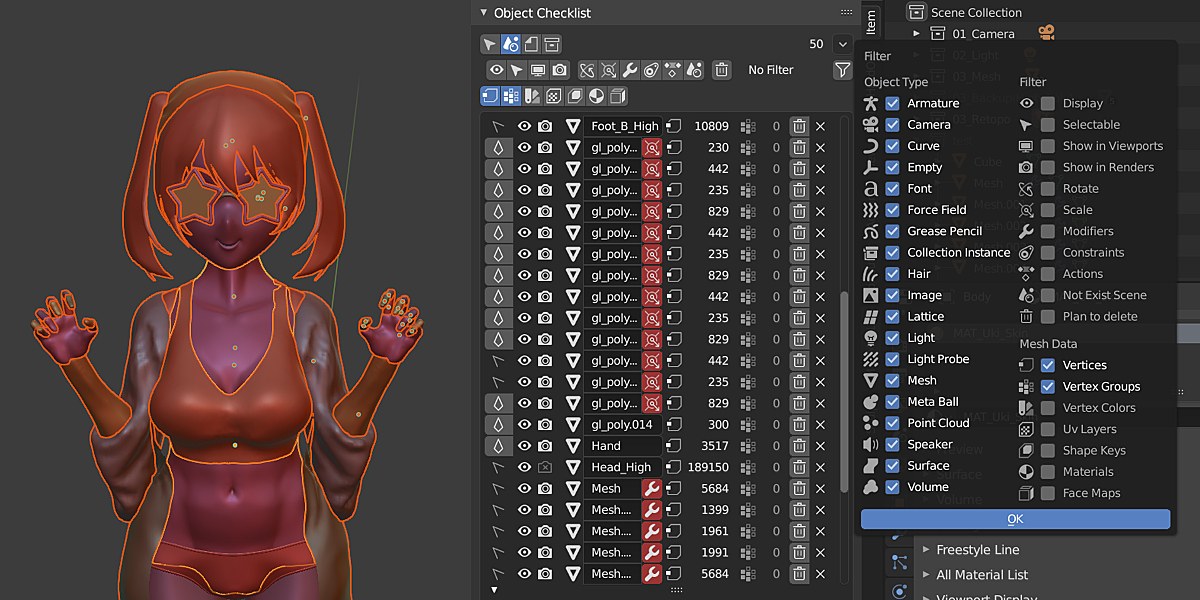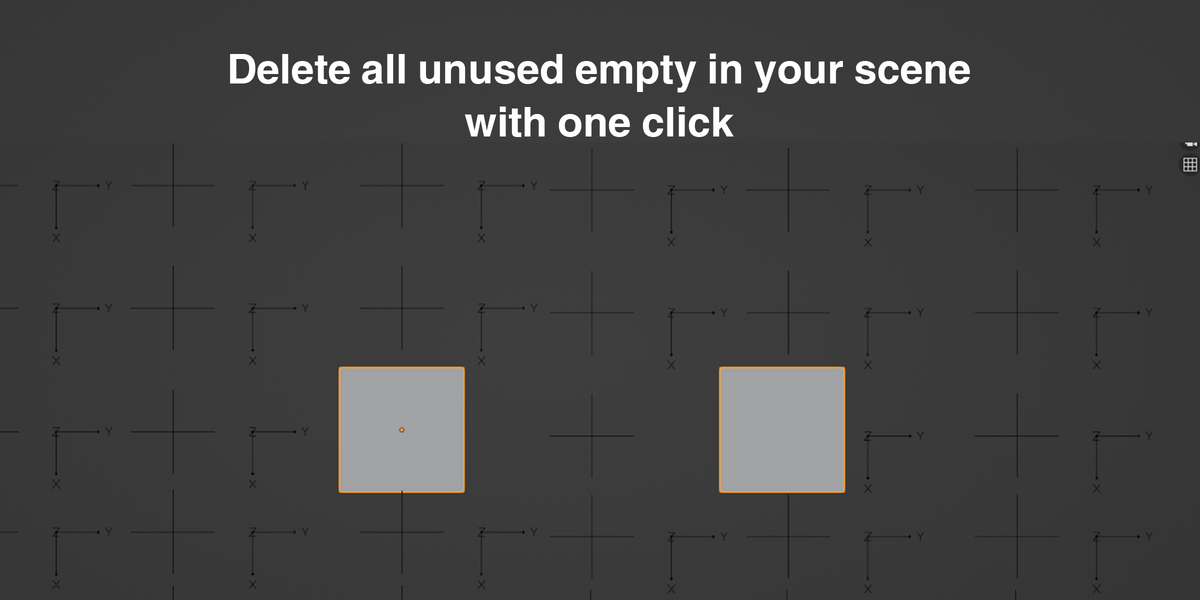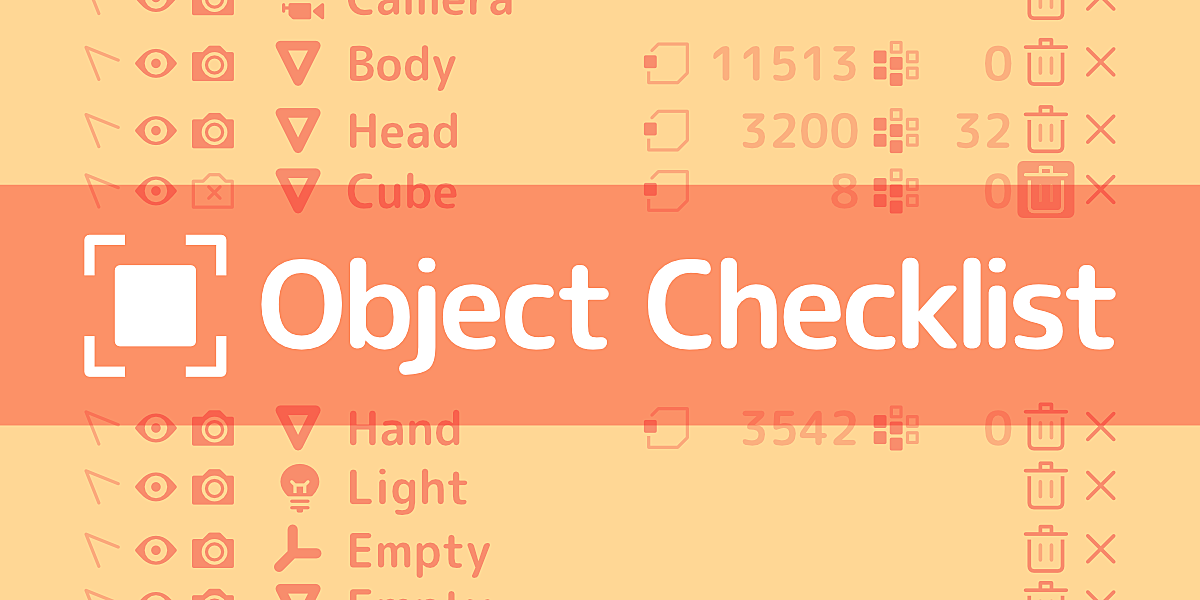
Object Checklist is a Blender add-on by Bookyakuno for reviewing object data before submitting a completed scene or transferring it to another application. Its list combines object filters, mesh-data counts and basic object controls in the 3D View sidebar.
Filter the object list
Choose a scope for the list: the selected object, scene objects, all data objects or a specified collection. Filters also cover object type, visibility, selectability, viewport display and render state. You can find objects with rotation or scale values, non-rendering modifiers, muted constraints or actions.
Review mesh data and objects
For mesh data, the panel shows counts for vertices, vertex groups, vertex colors, UVs, shape keys, materials and face maps. These counts can help you spot data you may not need before handing off a scene.
From the list, you can select an object, change its display or render state, rename it or delete it. To prepare a group of objects for removal, mark them with the trash icon. The add-on can remove marked objects together through its dedicated Save As function or the Delete Planed Object command in the menu.
Open Object Checklist
In Blender, go to 3D View > Sidebar (N) > Mat List > Object Checklist. The documentation says filter settings are saved as add-on settings.
Compatibility and license
The product listing names Blender releases from 2.8 through 3.2 and lists the GPL license. It does not name newer Blender releases, so check the developer's listing for current compatibility before installing.