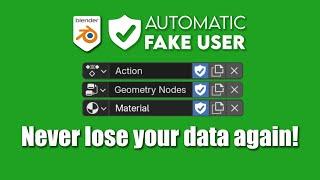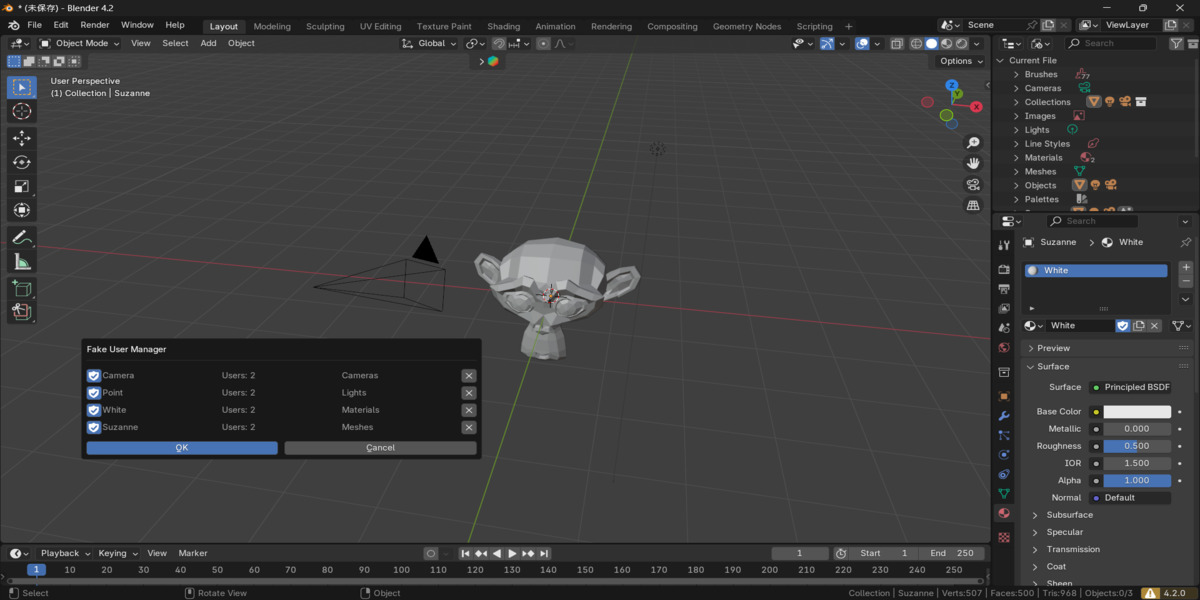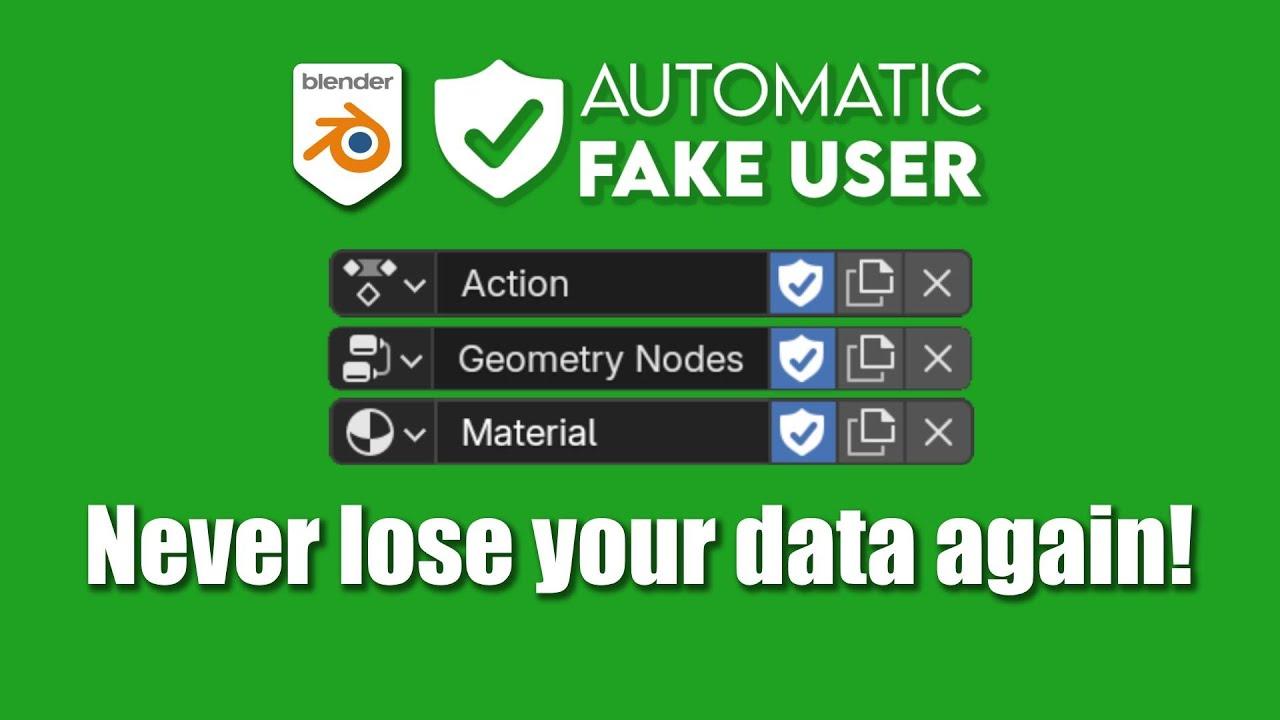
Automatic Fake User is a Blender add-on by carlosmu for people who forget to enable the fake-user flag on a datablock. It assigns that flag to selected types when you save, helping keep those datablocks from being lost. The first version covers actions, materials, geometry nodes, shader groups, and worlds.
Choose which datablocks to retain
The add-on's preferences let you choose the data types it handles and configure exclusions. You can exclude datablocks by name, prefix, or suffix, which is useful when testing features and you want some data left out. The exclusion marker is adjustable: the documentation says you can replace the default word with a symbol such as "!" or "#".
Use automatic or manual assignment
Automatic Fake User can assign the flag on save. If you prefer to decide when assignment runs, disable the on-save behavior and use the button in Blender's File Menu instead. The same data-type and exclusion settings remain available in preferences.
Install and configure the add-on
The product documentation describes installation through Edit > Preferences > Add-ons: choose Install, select the add-on ZIP file, then search for "fake" in the add-on preferences to choose data types, behavior, and exclusions. The product listing marks it as Blender Extension compatible, lists Blender 3.6 through 4.4, and identifies the license as GPL. Check the listing for compatibility details if your Blender version is outside that range.
Its initial supported-type list is specific, so check the product listing or ask the developer if you need a type that is not named there.