Quick Project Cleaner is a Blender add-on for removing unused data from a .blend project. Its Clean Project action can target materials, images, meshes, textures, actions, node groups, and collections. Choose which data types to clean, or select them all. The panel also shows total and unused datablock counts. The add-on is aimed at 3D artists preparing files for export or sharing, game developers cleaning asset-heavy scenes, and motion designers organizing large projects.
Preview, clean, or purge
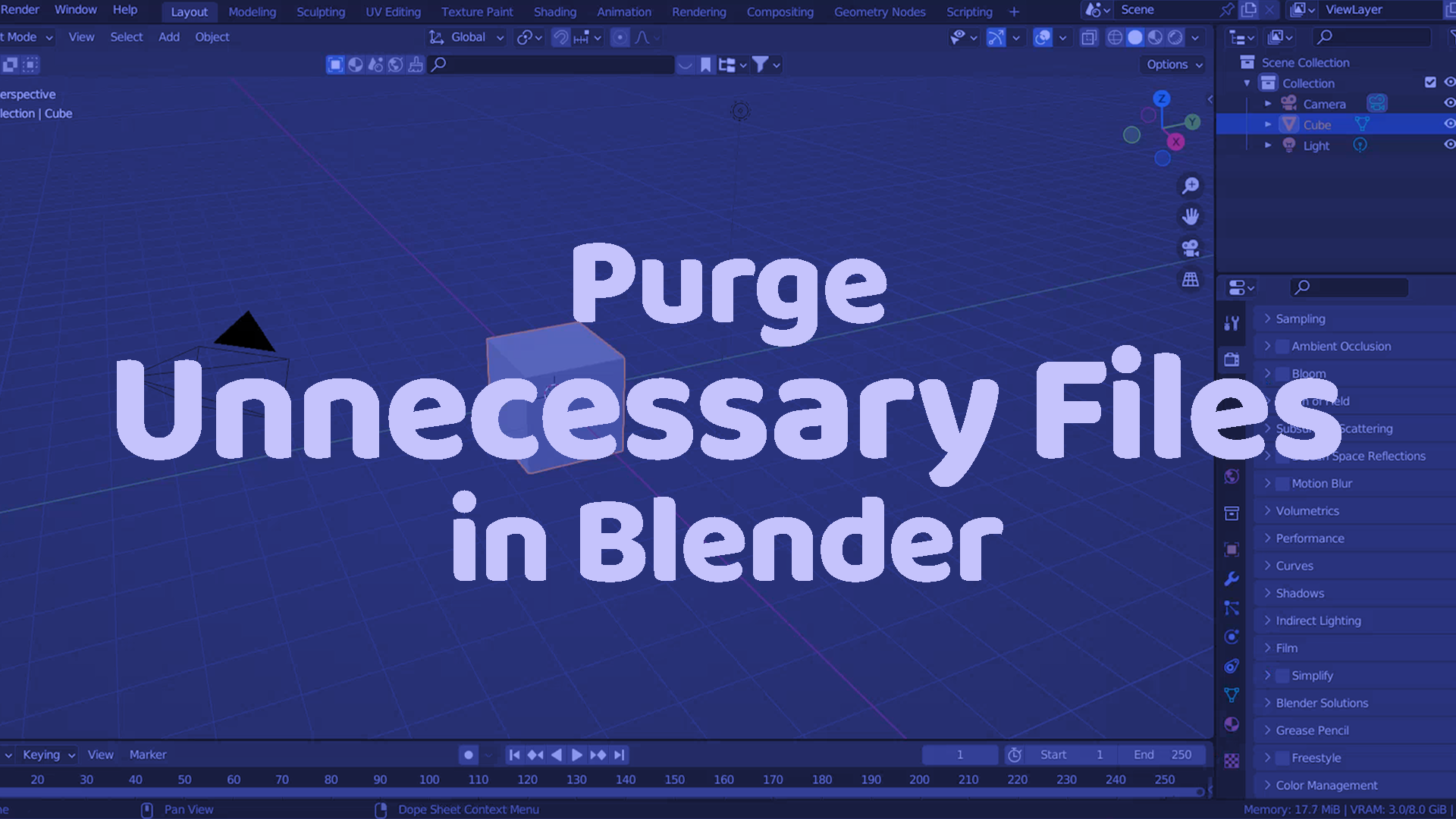
Enable Dry Run, also called Safe Mode, to preview what the add-on plans to delete before cleaning. When ready, use Clean Project. Purge All runs Blender's internal Orphans Purge.
Install and open the panel
- In Blender versions before 4.2, open Edit → Preferences → Add-ons → Install and select quick_project_cleaner_s4c.zip. In Blender 4.2 and later, open Preferences → Extensions and choose Install from Disk to select the ZIP.
- Enable the add-on.
- In the 3D Viewport, open the Sidebar and select the Cleaner tab.
The product listing identifies version 1.2.0 and describes the add-on as free under an MIT license. Its compatibility details differ: the add-on information says Blender 4.0 and above, while the Details field lists Blender 3.5–4.5. The Quick Project Cleaner product listing does not resolve the conflict.