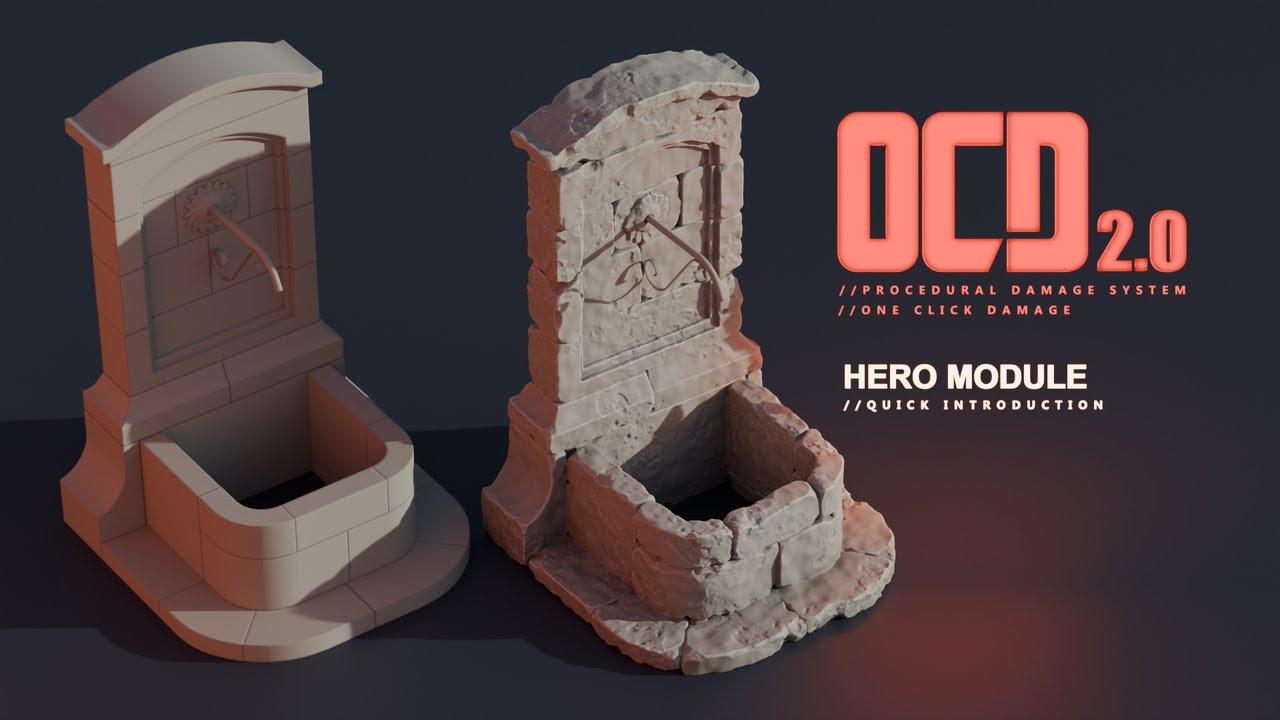
Ocd (One Click Damage) is a Blender add-on for applying procedural wear and damage to mesh objects. Version 2.5.0 can create effects from subtle surface wear to deeper scars on stone, concrete, wood and brick. Its procedural controls let you revise the damage after applying it, combine effects in layers and erase selected areas with masks.
How the damage controls work
Ocd works on single objects and more complex meshes. Adjust the damage with sliders and advanced parameters, then use the pattern changer to try different noise patterns. Combine Damage lets you stack effects with control over the layers. Masks remove damage from areas where you want to preserve the original surface.
Sync Damage transfers effects between objects for consistent damage or noise types. Material assignment can apply materials specifically to damaged areas. The HERO Module adds further detail to an object.
Where it fits in a modeling workflow
The add-on is aimed at artists adding wear to architectural and environmental meshes, including stone, concrete, wood and brick structures. A wall, wooden plank or ruin can start as a base mesh, receive damage in Ocd, then be refined with materials and other modeling work. The product page describes a sample game-asset workflow, while noting that the steps vary with the object and the desired result.
Meshes, textures and limitations
Ocd does not include ready-made models or presets. The showcased examples are made in Blender with the add-on's built-in procedural textures. The developer notes that results depend on the object's shape and still require design decisions and texture work. If the effect does not suit a mesh, the product guidance suggests splitting it into simpler shapes; some objects may need topology changes.
Version and documentation
The listing identifies version 2.5.0, states that Blender 4.5 is required, and shows a Blender version range of 4.5 to 5.2. It also lists Blender Extension compatibility and a GPL license. Check the Superhive product listing for current details, and read the developer's OCD online manual before choosing it for a project.