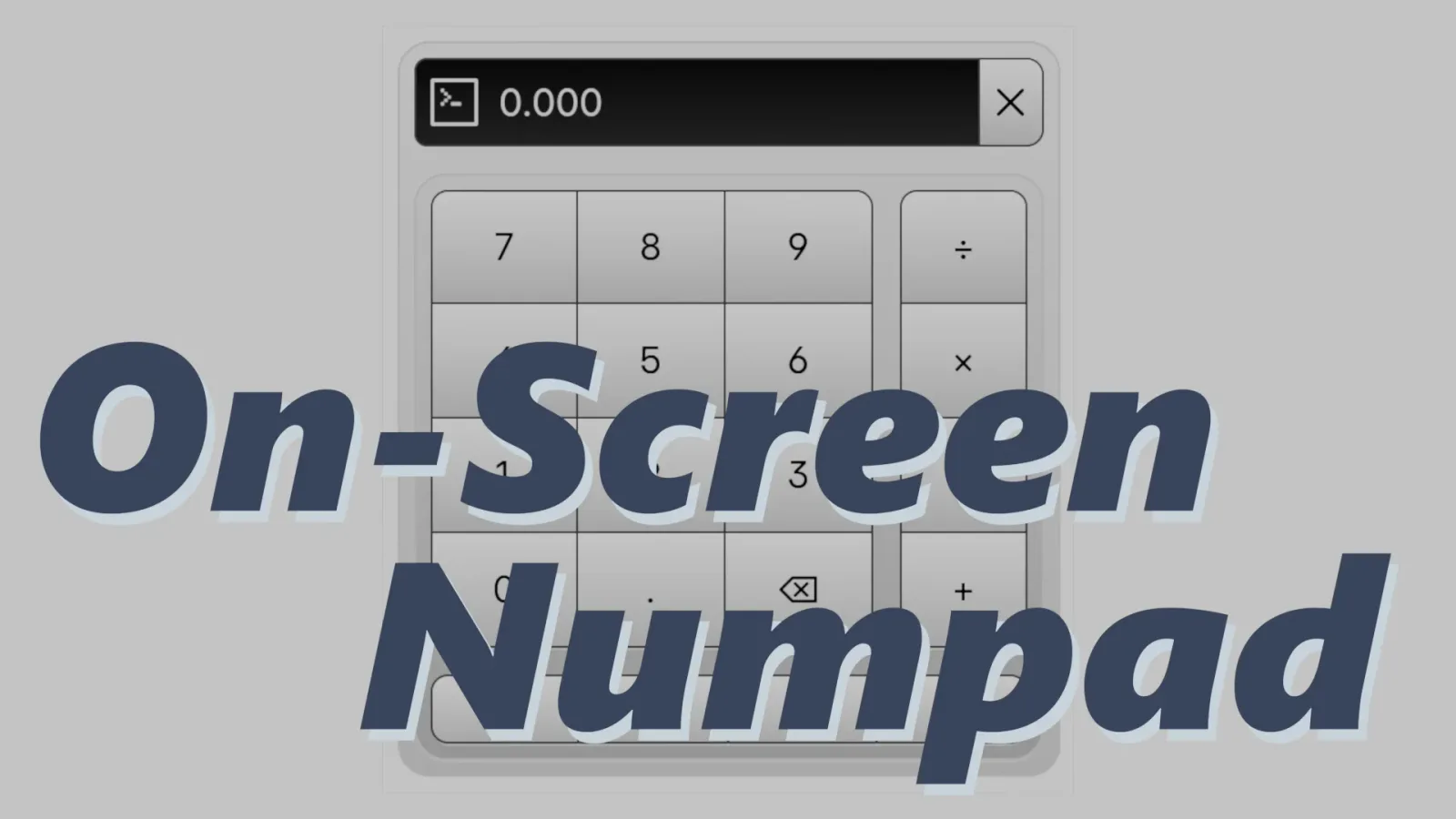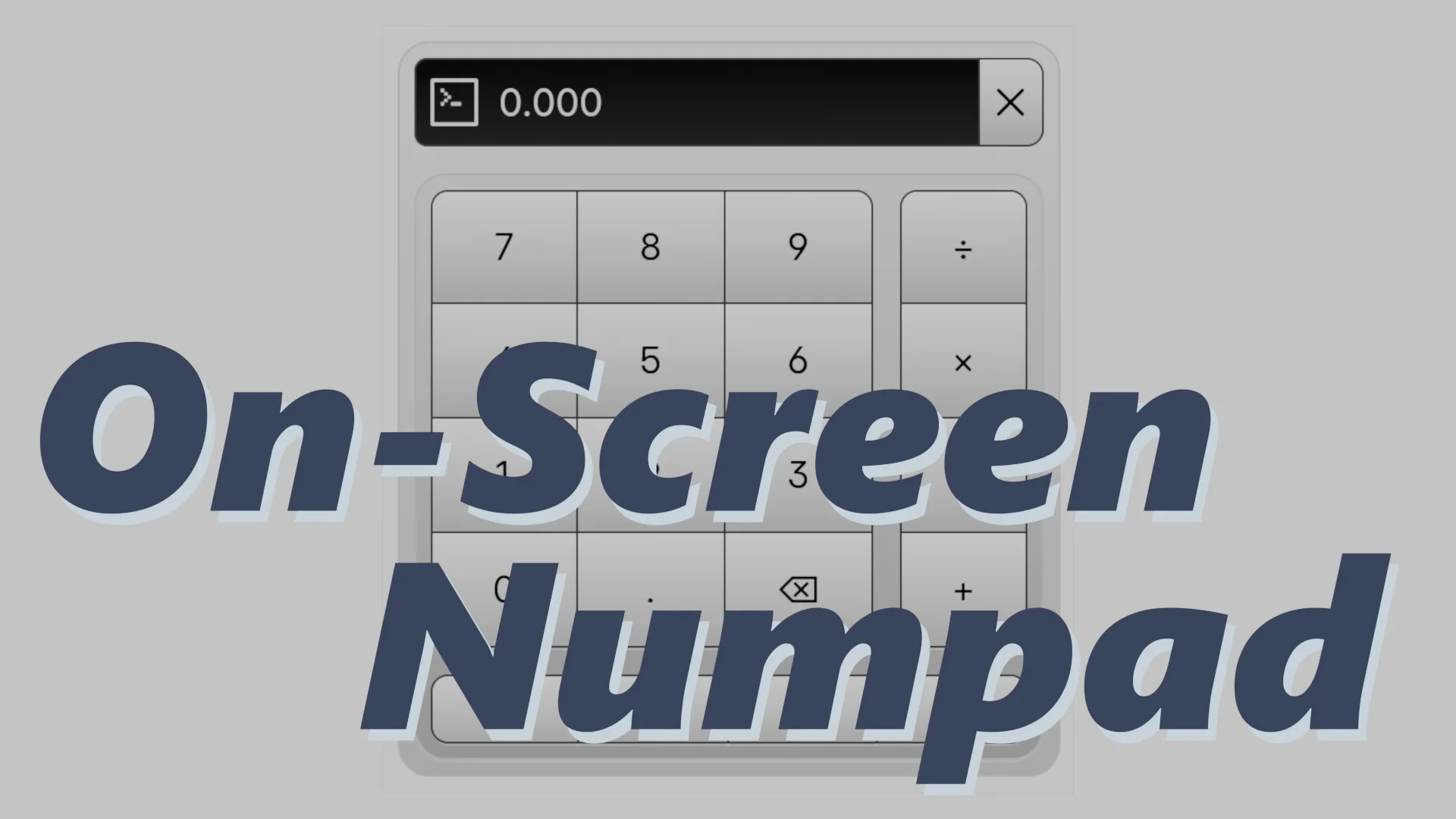
On-Screen Numpad is a Blender add-on by Pluglug for entering numbers in a property field without moving the mouse away. Hover over a numeric field and press Ctrl + Right Click to open its calculator-enabled dialog. You can customize the hotkey. The add-on works with almost all numeric properties, including transforms, node settings, and light and camera settings.
Enter values with calculations
The dialog accepts arithmetic, powers, and expressions with parentheses. It also supports functions such as sin, cos, tan, sqrt, log, and abs, plus the constants pi, e, and tau. For example, to convert 50 inches to centimeters, 50*2.54 returns 127 centimeters; 2*pi*5 calculates a circumference of 31.416 for a radius of 5, and sqrt(2) gives the diagonal ratio 1.414.
Convert angle input
When Auto Angle Conversion is enabled, the add-on treats angle input as degrees and converts it to radians. The listing also documents explicit conversion functions for manual control. You can leave automatic conversion off and enter a radian value directly, such as tau/4.
Adjust the dialog to your workflow
Settings include a phone-style keypad layout, optional property path and function buttons, and calculation history. You can choose to start from the property's current value and have the add-on apply the property's limits automatically. Dialog width is adjustable from 150 to 600 pixels; decimal places and history size are configurable too. The history setting accepts 1 to 100 items.
Compatibility and installation
Version 1.2.1 is listed for Blender 4.2.0 and later, up to but not including Blender 6.0.0. The extension listing marks Blender 6.0 and above unsupported. It uses the GPL-3.0-or-later license and requires no special permissions. Check the Blender Extensions listing for the release details, and see Blender's extension installation instructions.