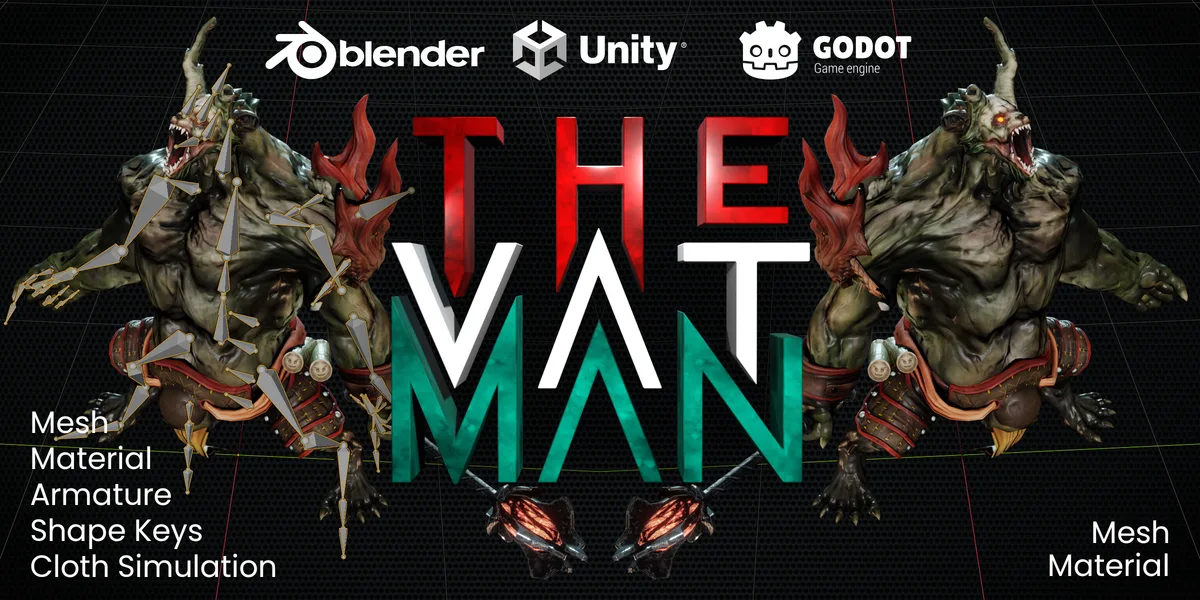
OpenVAT is a Blender add-on for encoding animated geometry as vertex animation textures (VATs). A VAT stores vertex positions by frame in texture pixels, with optional normal data. OpenVAT captures geometry through Geometry Nodes and exports the mesh, textures, and remap data used by an engine-side decoder. The project describes it as a tool for technical artists and shader developers moving procedural animation or simulations into real-time projects.
Configure an encoding
Choose an active object or combine a collection, then select Standard Position/Normal encoding or Custom Attributes. Custom mode can store up to three float point attributes in the texture's red, green, and blue channels. OpenVAT also lets you choose a proxy method and encode in object or world space.
Normal data can be omitted, packed into the position texture, or written to a separate texture. Packed normals use additional texture rows, which increases texture height and reduces angular precision. A separate texture keeps normal data apart from position data.
Export files and preview the bake
Mesh output supports FBX and glTF, including GLB. Textures can be PNG at 8-bit or 16-bit, or OpenEXR at 16-bit half-float or 32-bit full-float. The export can also include VAT UVs, a JSON remap file with channel ranges, and optional mesh cleanup or proxy export.
After encoding, OpenVAT creates a preview object with a decoder modifier in the OpenVATPreview collection. Scrub or play the timeline to inspect the result. In World transform space, the preview lines up with the original; in Object space, it appears at the world origin.
Animation metadata and engine setup
The Animation Data panel records clip names, start and end frames, frame rates, and loop settings in the exported JSON. These entries label ranges inside the bake; they do not shorten it, so the full encoding range is still exported. Frame ranges use global scene frames. The panel writes individual entries in Standard mode, while Custom Attributes exports one full-range entry. The repository says the Unity import pipeline currently reads this animation metadata.
The project includes engine examples for Unity, Unreal, Godot, and EffectHouse. The OpenVAT README gives conflicting Unreal 5 setup guidance: one passage says the integration can run without Forward Rendering, though lit materials may show unwanted lighting; the setup instructions later say Forward Rendering must be enabled. Check the current Unreal 5 requirements before relying on this integration.
The 1.1.2 README lists Blender 4.2.0+ and 5.x as compatible; it also asks users to report issues with 5.x. See the OpenVAT README for encoding details and engine examples, and the Blender Extensions listing for the add-on release.