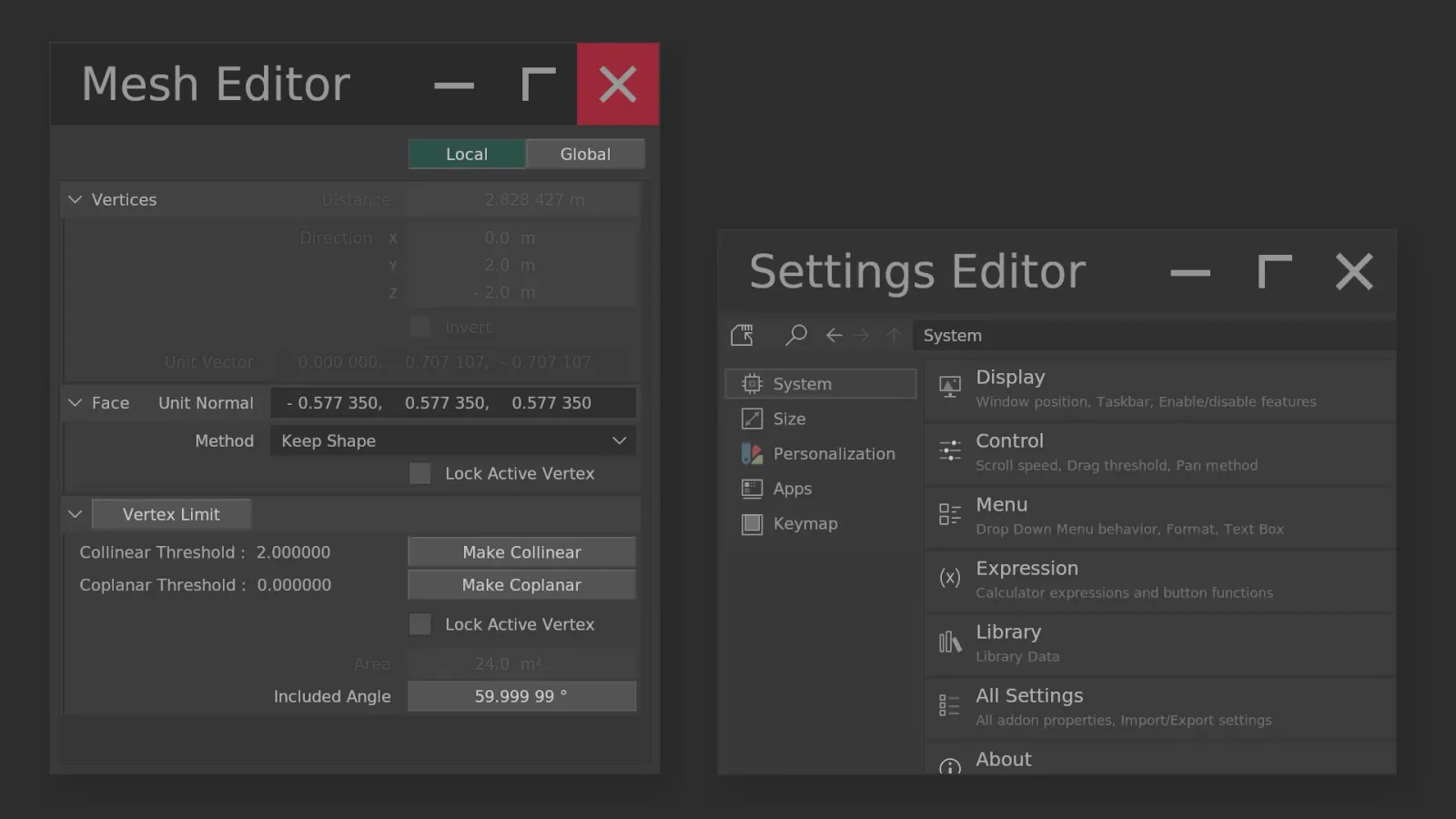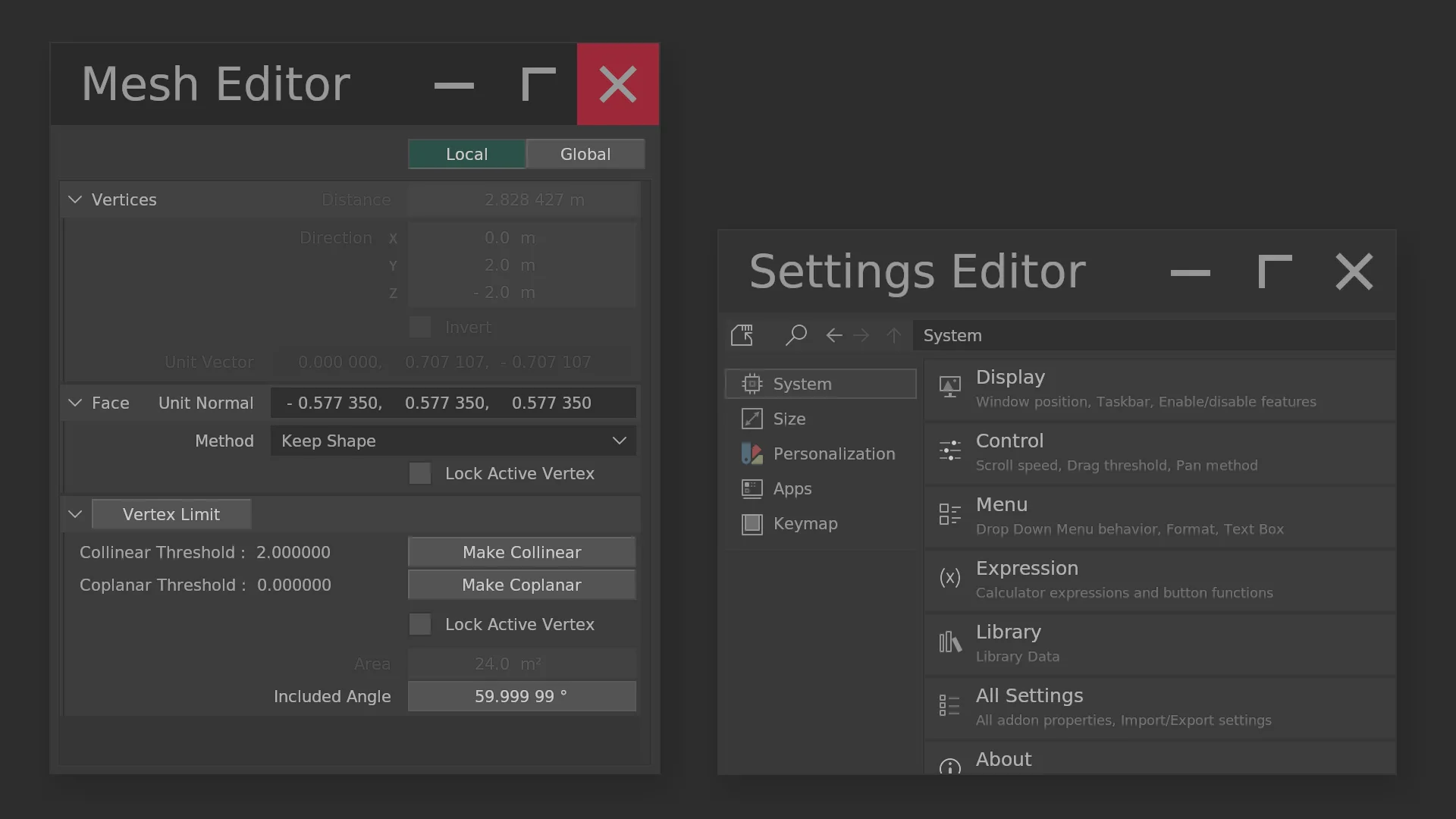
Vmdesk is a Blender add-on by Y.T-LAW that provides an interactive editor environment in the 3D Viewport. The Blender Extensions listing describes it as a multi-purpose processing tool and identifies version 5.1.1.
Modifier and Geometry Nodes workflows
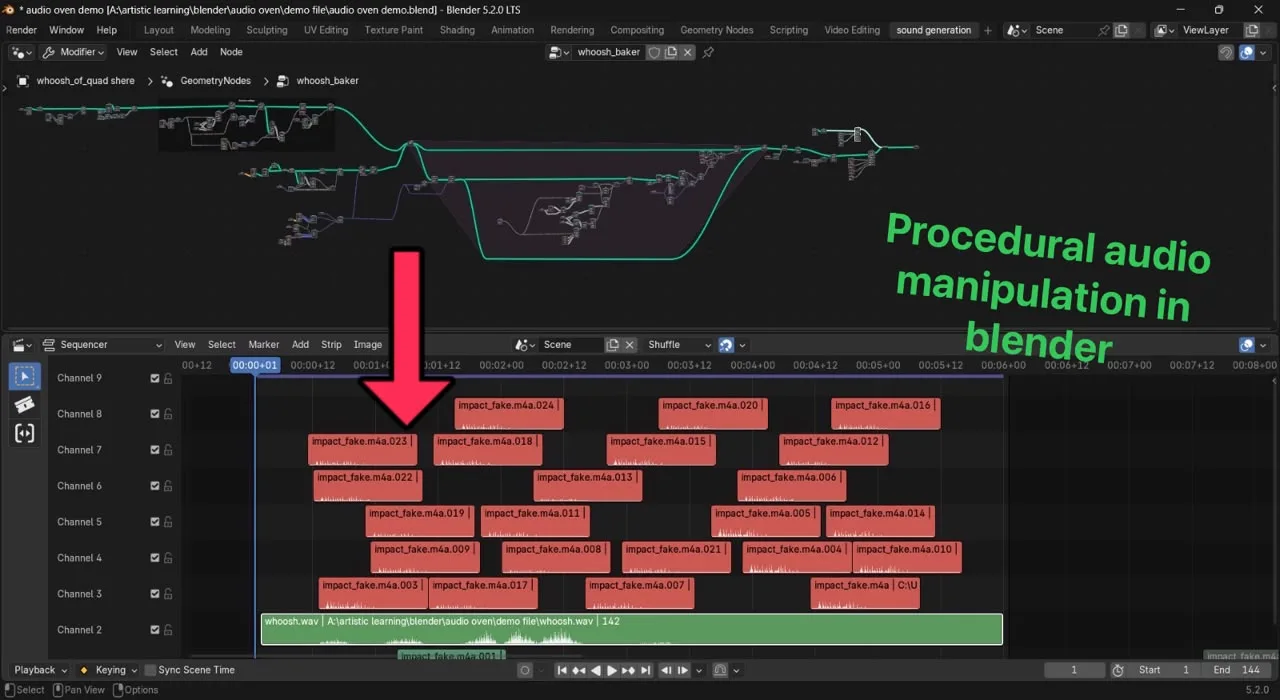
In the modifier editor, Vmdesk can move one modifier or multiple modifiers. The extension listing also links a guide to a custom Geometry Nodes modifier layout. Read the Vmdesk user guide and its Geometry Nodes modifier layout instructions to see whether these workflows fit your setup.
Blender compatibility and installation
The extension metadata sets Blender 5.1.0 as the minimum version and 5.2.0 as the upper bound. The listing marks Blender 5.2 and newer as unsupported, so check your Blender version before installing. The Extensions page offers drag-and-drop installation or a download that you can install from disk. Blender's Install from Disk instructions explain that route.
Known limitations
Vmdesk does not support IME input, though you can paste text. After changing Blender's theme or UI font, press Reload Fonts manually. The subsystem closes automatically when you change workspaces, load a new blend file, or switch to local or quad view. Changing length units or unit scale requires restarting the editor. Some color previews may be inaccurate; the listing attributes certain incorrect GPU color displays to an internal Blender bug.
Permissions and license
The extension requests file access for importing and exporting to a path you choose, plus clipboard access for copying and pasting through its shortcut or interface. It is listed under the GNU General Public License v3.0 or later.