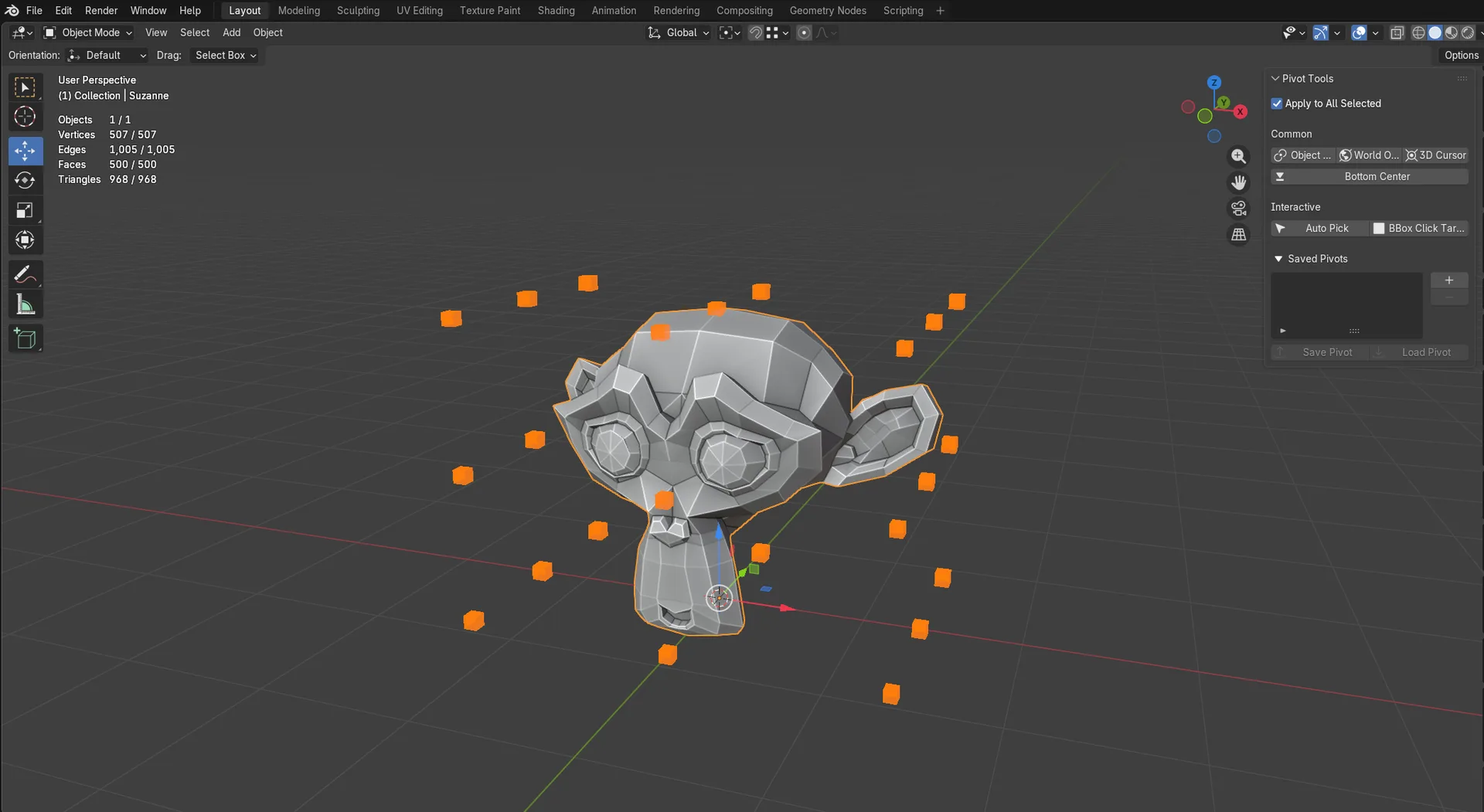
Origin Tools is Hamen's Blender add-on for moving an object's origin to a chosen point on its mesh. Press Ctrl + Shift + Alt + C to open its prompt, then choose one of three destinations. The product listing describes options for the top, bottom, or selected face or faces.
Choose an origin position
- Origin to Top moves the object's origin to the top of the mesh.
- Origin to Bottom moves it to the bottom.
- Origin to Selection places it at the selected face or faces.
Install and open Origin Tools
The documentation gives these installation steps:
- Download the add-on ZIP file.
- In Blender, open Edit > Preferences > Add-ons > Install.
- Navigate to the downloaded file and click Install Add-on.
- In the Blender viewport, press Ctrl + Shift + Alt + C in Object Mode or Edit Mode to toggle the add-on and open its options.
If the shortcut does not respond, the documentation suggests disabling and then enabling the add-on again.
Listed Blender versions and license
Superhive's compatibility field lists Blender 2.8, 2.81, 2.82, 2.83, 2.9, 2.91, 2.92, 2.93, 3.0, 3.1, 3.2, 3.3, and 3.4. The same listing labels the license GPL. It does not list later Blender releases, so check the current product page if you use a newer version.