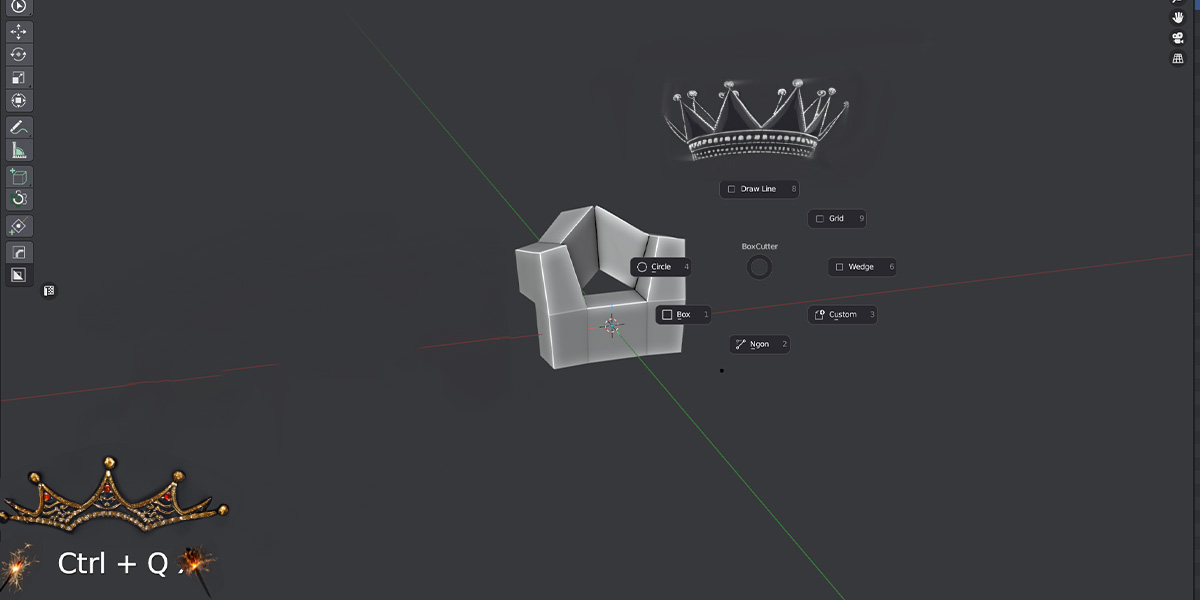
Boxcutter Power-Key is a Blender add-on by Galaxy Studios that uses one hotkey to activate Boxcutter and open its d-key helper menu. Boxcutter is required for the add-on to work.
How the power-key works
When Boxcutter is inactive, press the power-key to activate it. Press the same key again to open the d-key helper menu and begin making cuts. The default power-key is Ctrl+Q.
The hotkey combines two Boxcutter operations, whose default keymaps are Alt+W and D. You can change the power-key in Blender Preferences under Keymap. The product documentation also suggests considering whether to reassign those two original shortcuts to adjust your workflow further.
Installation and compatibility
To install it, download the ZIP file, open Blender Preferences, choose Add-on Install, and select the ZIP. The product documentation lists these steps.
The supplied listing identifies version 2.0.1 and dates its update to November 14, 2023. Its update note says the release added Blender 4.0+ support; the version details separately list Blender 3.0 through 4.0. The 2023 update note does not establish whether that support remains current for newer Blender versions, so check the product listing for current compatibility information before installing. The listing identifies the license as GPL.
Who it suits
This add-on is for Blender users who already use Boxcutter and want one configurable key for activation and the d-key helper menu. It depends on Boxcutter and does not operate as a standalone cutting tool.



