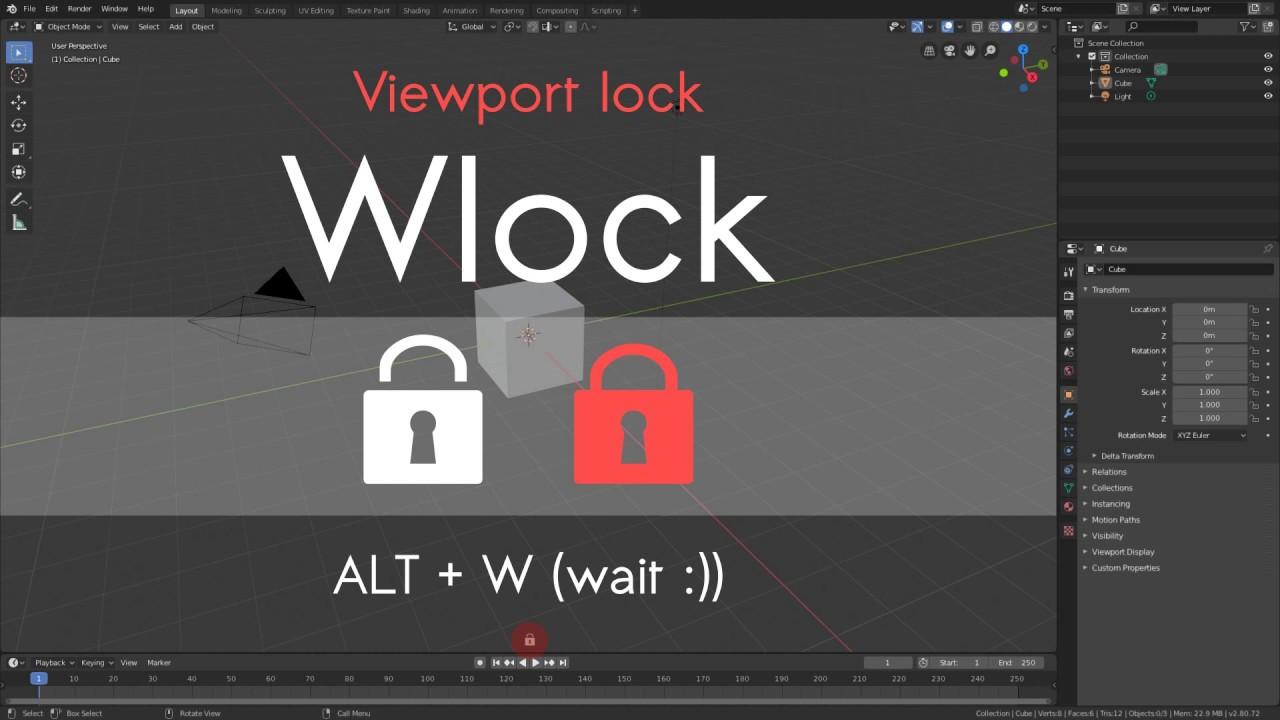
WLock PRO is a Blender add-on for locking rotation in the 3D view. Its default hotkey is Alt+W. You can lock each 3D view independently, so one viewport can stay fixed while another remains available for orbiting.
Keep a viewport from rotating
The lock is useful when an accidental orbit would disrupt your view. The developer lists 2D animation with orthographic projection and sculpting as possible uses. WLock can lock a view from orthographic projection or from a user camera view; the listing says to use the hotkey combination a couple of times for the latter.
The add-on controls rotation in the 3D view. The source does not describe it as a general lock for other editors or viewport actions.
Configure hotkeys and the status indicator
The PRO release adds custom hotkey setup, options for setting up the status icon or button, and controls for its colors. The lock indicator can also be configured or disabled in Preferences. These options let you choose how you trigger the lock and whether its status stays visible.
The developer says an older LITE version remains available. The PRO listing identifies custom hotkeys, status icon or button setup, and color controls among its additions, so check which version you select.
Check Blender version details
The Superhive product listing names Blender versions from 2.8 through 4.2. Its documentation page gives a shorter install note for Blender 2.8 through 4.0. Because those source details differ, check the developer's current listing and documentation for the Blender version you use.