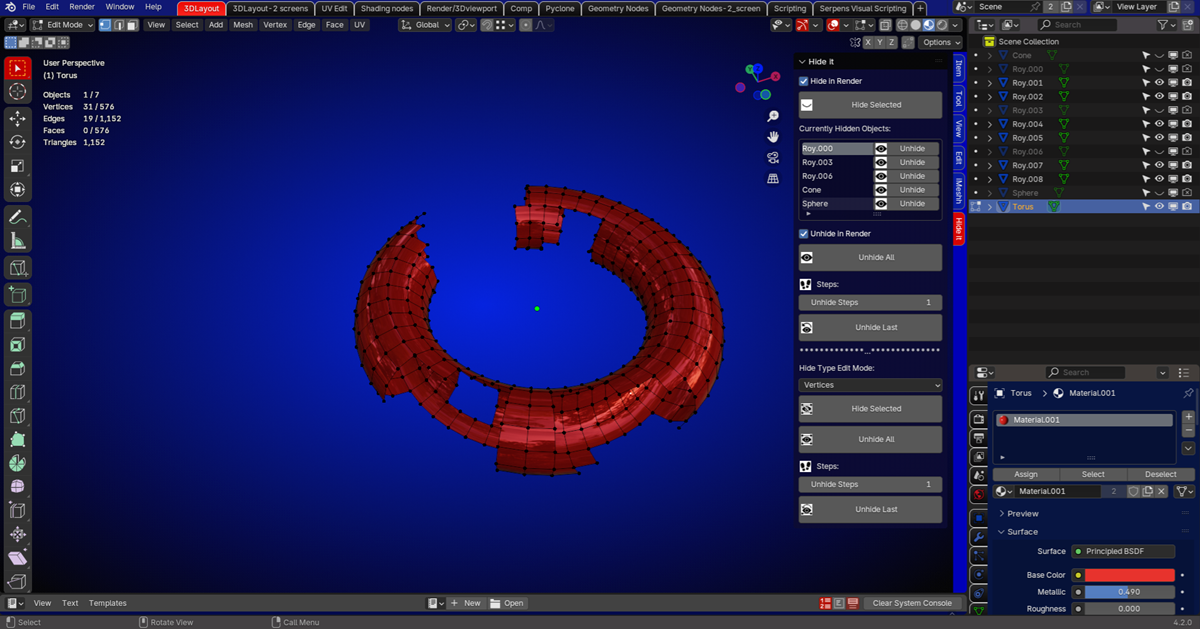
View Selected is a Blender add-on that changes the view angle based on a selected mesh face, vertex, or edge. In Edit Mode, select an element and press the backtick (`) key to open the available options, then choose one.
Use View Selected in Edit Mode
- Switch to Edit Mode and select a face, vertex, or edge.
- Press the backtick (
`) key. - Choose one of the options shown to change the view angle for the selected element.
The Blender Extensions listing describes the available selection types and shortcut.
Compatibility and license
The listed release is version 1.0.0 and supports Blender 4.2.0 or later, including Blender 4.2 LTS. The extension is distributed under the GNU GPL version 3.0 or later and does not require special permissions.
Installation and support
The extension listing offers drag-and-drop installation or a download that you can install from disk. See Blender’s extension installation instructions. For issue reports, the developer links to the View Selected issue tracker.