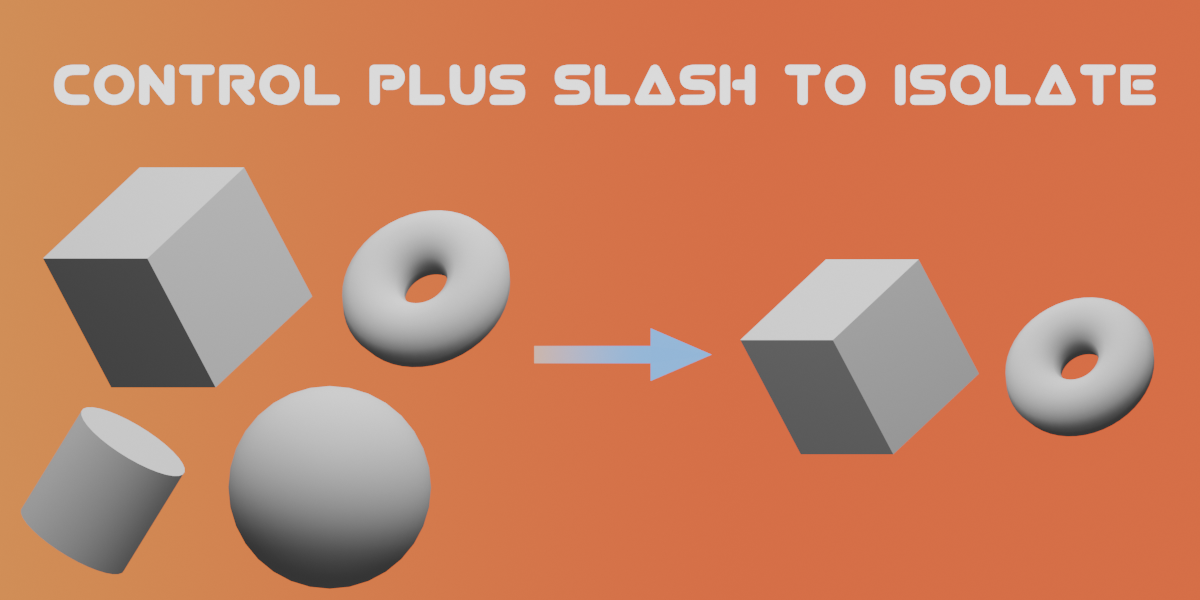
Isolate Select is a Blender add-on for temporarily isolating objects in the viewport while you work. Its local view keeps a separate display state, so isolating an object does not change the display state stored on the data. The Superhive listing describes the workflow as similar to isolate select in Maya and 3ds Max.
Repeat and step through isolation
You can repeat local view to work through a complicated scene in stages. The add-on lets you move up or down through isolation levels, undo a separated display state, and return to the global view when the isolation level is low enough. This is useful when an object has surrounding parts that are easier to edit in smaller groups.
Keep scene context visible
Several options let you retain objects that help you work. Display Lights keeps lights visible; the listing says this allows work in Eevee Render View without changing the appearance. Display Image empty keeps a reference image visible. Display Collection keeps a chosen collection and its child collections in view.
In mesh Edit Mode, Hide unselected mesh hides areas outside the selection, leaving the fully selected part visible. This gives you a more focused view while editing selected mesh elements.
Keymaps and Blender versions
- Shift+Q runs Isolate Select in Blender 2.8 through 5.0.
- Ctrl+Shift+Alt+W raises the isolation level.
- Ctrl+Shift+Alt+Q lowers the isolation level.
For Blender 2.79, the listing specifies only add-on version 1.3.2 and gives Q as the isolate shortcut. It lists Blender versions 2.79 through 5.0. Check the listing for the version that matches your setup.
License and developer
The Superhive listing names Bookyakuno as the developer and lists the add-on under the GPL license. Isolate Select is suited to Blender users who need to focus on objects in a busy scene while retaining selected lights, reference images, or collection context.