Node Original Labels is a Blender add-on that keeps a node’s original type visible after a custom label replaces it in the header. It adds a read-only field for the active node in the Node tab of the N-panel, plus an optional overlay above custom-labeled nodes.
Where original names appear
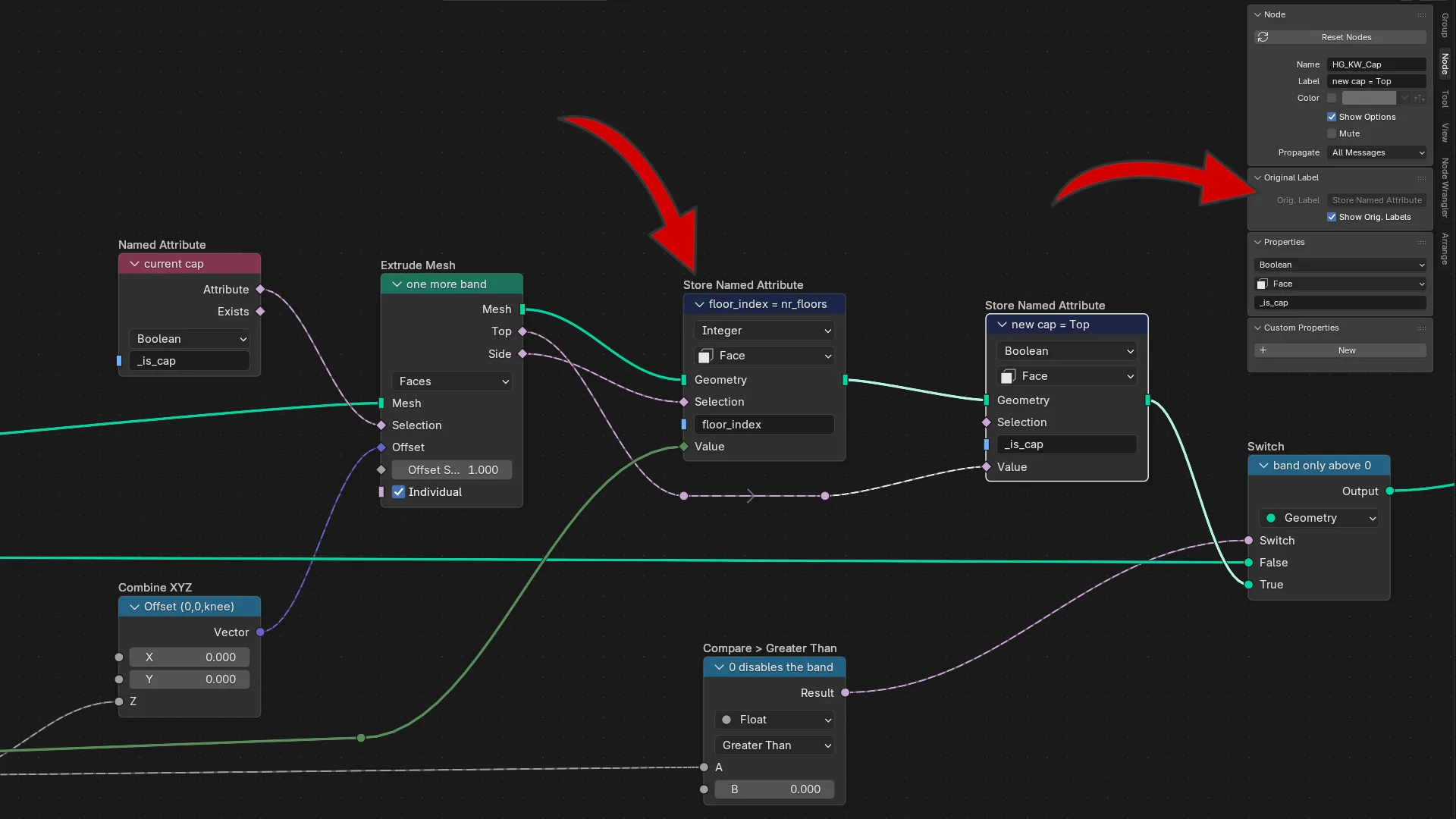
In a node editor, press N and open the Node tab. The Original Label panel shows the active node’s original name in a read-only field. Turn on Show Orig. Labels to draw that name above each node with a custom label. Nodes without custom labels are left alone because their type is already visible in the header. The overlay uses the theme’s text color and scales with the editor view.
Labels can include more than a node type
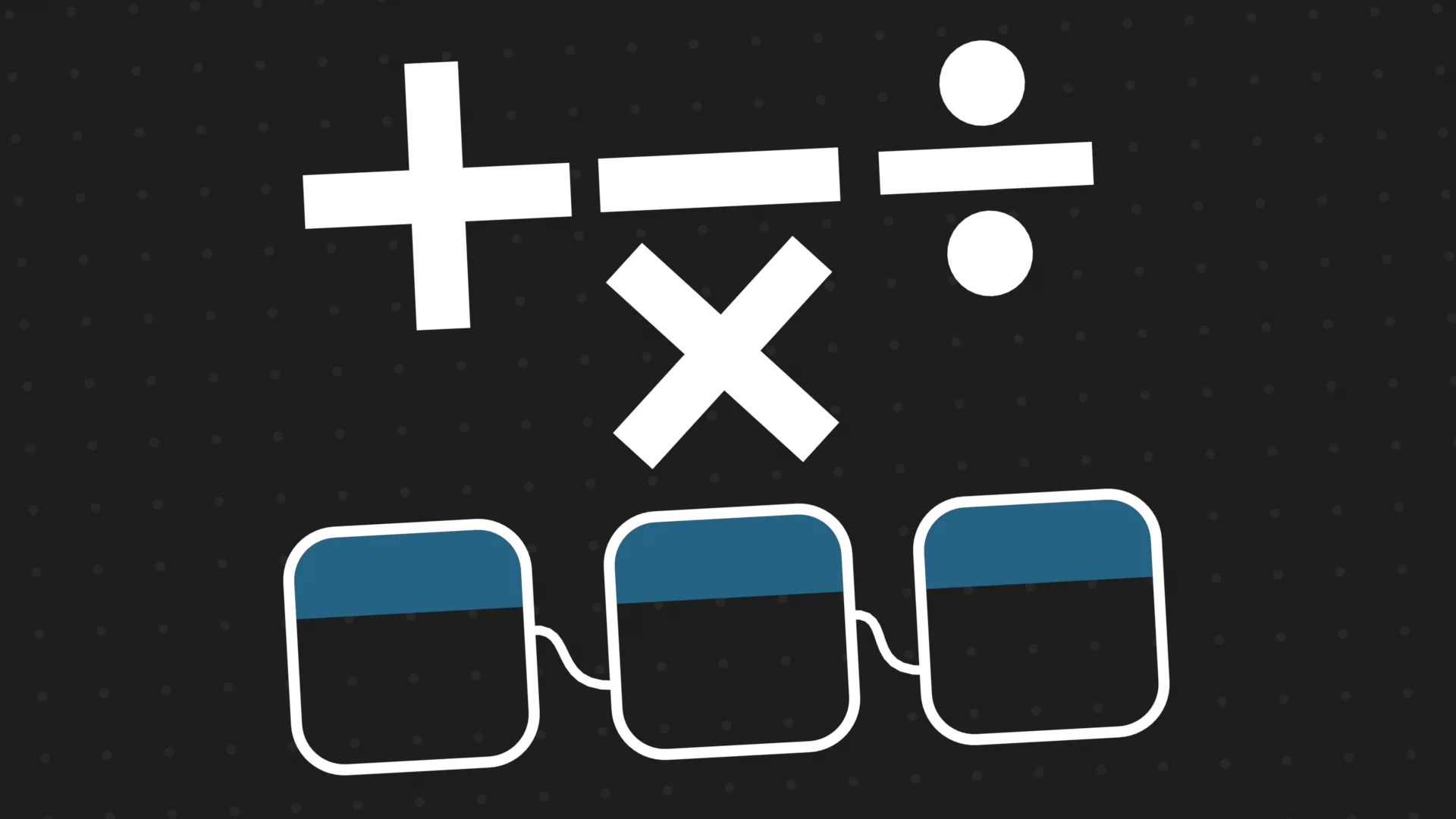
Some nodes have a displayed identity that depends on their operation or node tree. The add-on reconstructs those details instead of relying only on the static type name. Examples include Math > Multiply, Vector Math > Cross Product, and Compare > Greater Than. A group node can show its node tree’s name, while Set Position remains Set Position.
Session control and saved preferences
The Show Orig. Labels checkbox controls the overlay for the current Blender session. Its setting resets when Blender closes. To choose whether the overlay starts on or off in future sessions, set the default in Edit > Preferences > Add-ons > Node Original Labels. If Auto-Save Preferences is off, save your preferences once for that default to persist.
The sidebar field is recalculated as the editor redraws, and the overlay is drawn in the editor. The add-on does not write to node.label or store the displayed original name in a node or the .blend file.
Compatibility and installation
Version 2.1.0 requires Blender 4.2 or newer. Its Blender Extensions listing says it was developed and tested on Blender 5.2 LTS, credits Nadine-Brinkmann, and lists the GNU General Public License v3.0 or later.
Get the add-on from the official listing. You can drag the downloaded add-on into Blender or download it and use Install from Disk.