Right Mouse Navigation turns a hold of the right mouse button into Walk Navigation in Blender's 3D View. Hold it and use W, A, S, D, Q and E to move through a scene; click it for Blender's standard context menus when Left Click Select is active. With Right Click Select, a click selects an item and W opens context menus. The Blender Extensions listing has the current release and compatibility details.
Adjust the click and hold threshold
A Time Threshold preference sets how long you press before the add-on treats the action as a hold. A shorter threshold starts walking sooner; a longer one gives you more time to complete a click before walking begins.
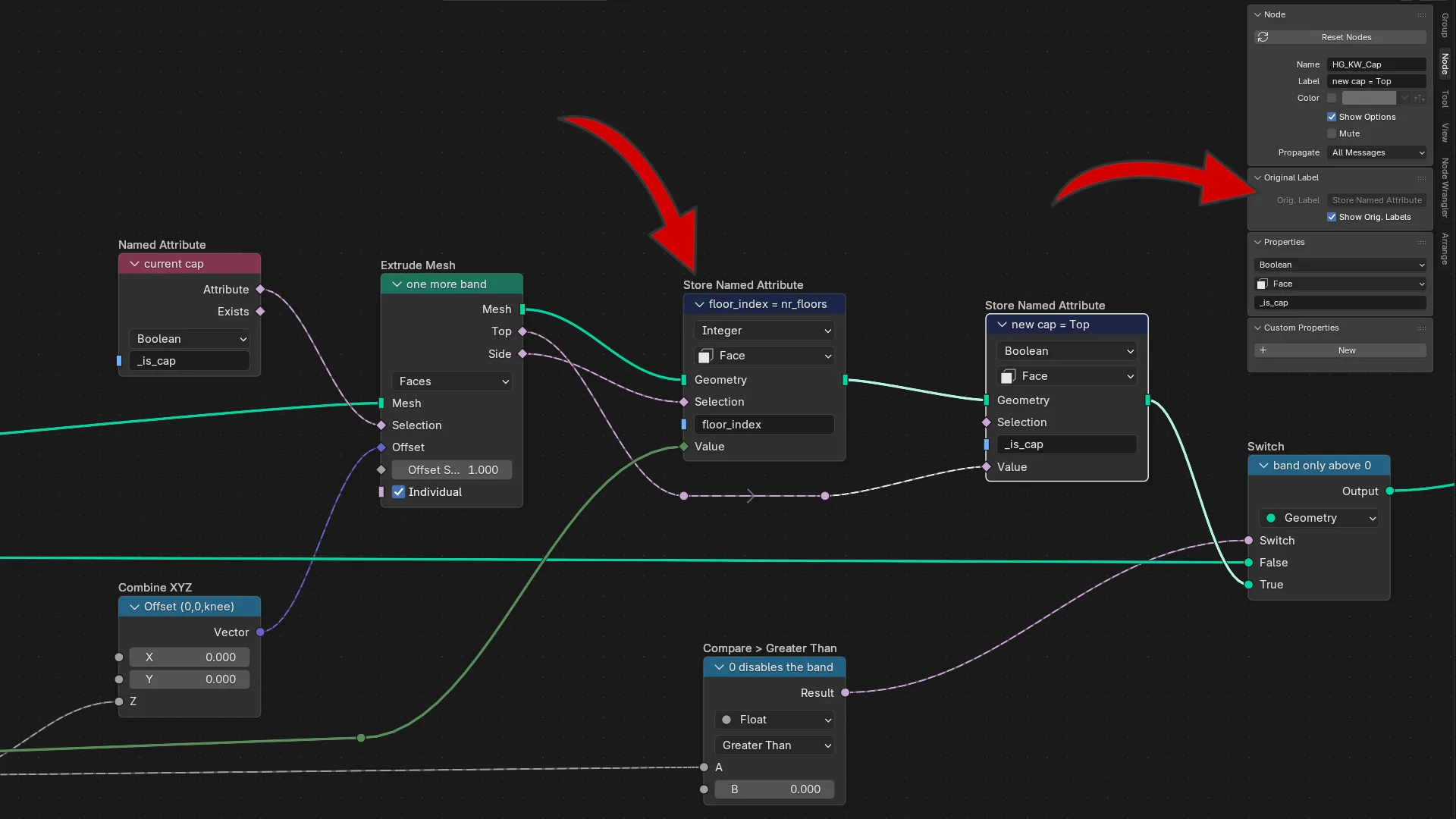
Use the optional Node Editor mode
When Node Editor mode is enabled, holding the right mouse button pans the view. A click opens the Node Context menu when a node is selected, or Node Search when none is selected. This gives the button a separate job in the editor without changing its viewport behavior.
Release and compatibility
The Blender Extensions catalogue lists version 2.8.0, Blender 4.2.0 as the minimum version, and the GNU GPL v3.0 or later license. Version 2.8.0 also adds Unity-style Middle Mouse and Alt key options, credited to contributor roguesleipnir in the catalog listing. Check the official extension page for the current download and its installation options.