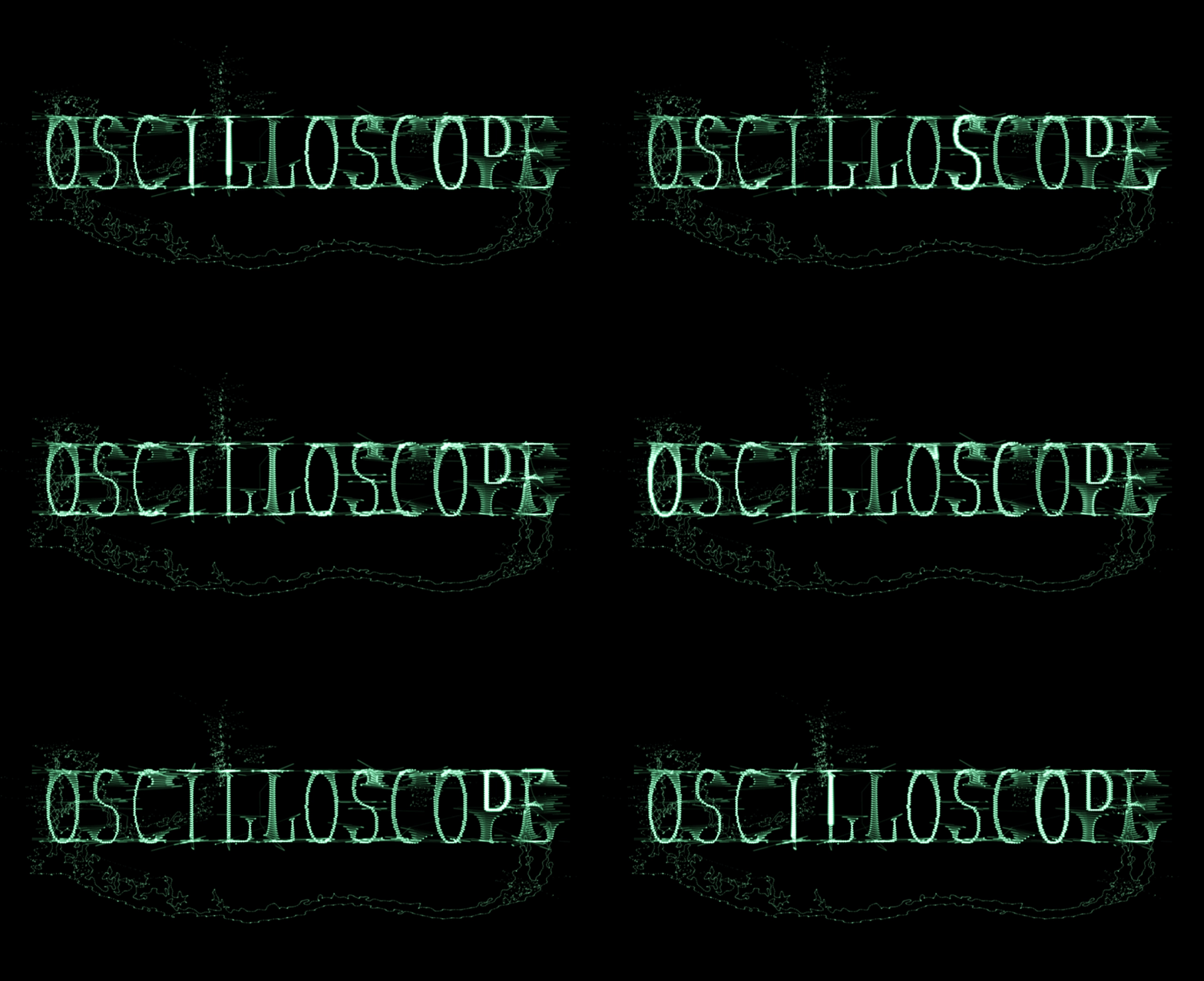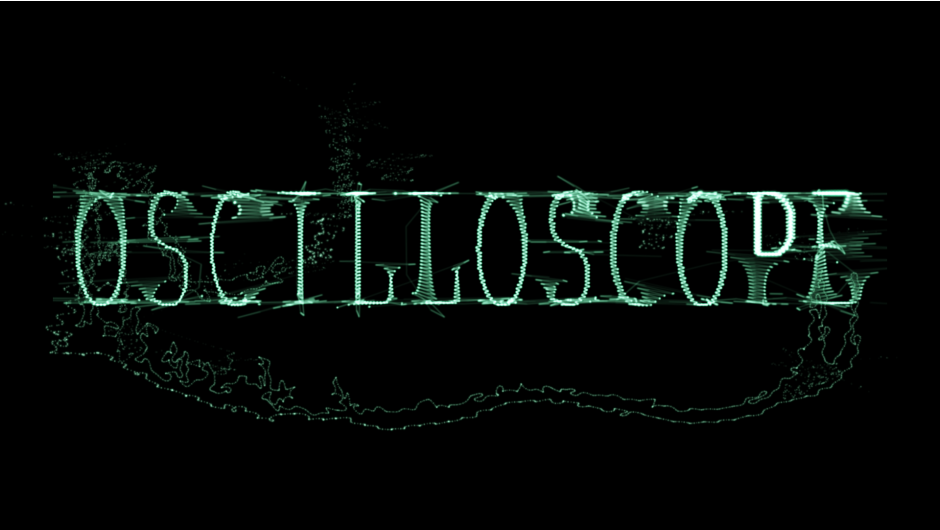
Oscilloscope is an After Effects plugin from Zaebects that turns images, audio, paths, or a built-in test signal into a glowing beam trace. Its controls shape signal strength and detail, then adjust the beam's appearance, timing, and output. Use it for oscilloscope-style titles, signal graphics, image contours, abstract beam motion, or transparent CRT overlays.
Choose a signal source
Pick the input that suits the graphic you want to make:
- Picture signal: Read edges from a source layer to make an image contour.
- Audio signal: Use audio as an input for signal-driven motion.
- Path signal: Turn a path into a beam trace.
- Test signal: Choose the plugin's built-in signal source.
Gain controls signal strength for picture, audio, and path inputs. Picture threshold adjusts edge sensitivity, which helps shape the contours produced from a source layer.
Set the trace detail and timing
Oscilloscope builds high-resolution looping beam paths. Signal resolution, steps per loop, and beam point density control how much signal detail goes into the path and how densely the beam samples it. Trace frequency sets how quickly the scan travels, while phosphor fade time controls how long an earlier trace stays visible.
Shape the beam
Adjust beam width and brightness for the line's appearance, then use intensity flicker and curvature gain to change its character. Transparent output lets the trace work as an overlay in a composition. The combination of source, trace, and beam controls supports both a clean contour and a more flickering CRT-style graphic.
Compatibility and examples
The developer lists support for After Effects 2026, 2025, 2024, 2023, 2022, 2021, 2020, CC 2019, CC 2018, CC 2017, CC 2015.3, CC 2015, and CC 2014. The Zaebects product listing includes a demo video and tutorial for seeing the effect in use.