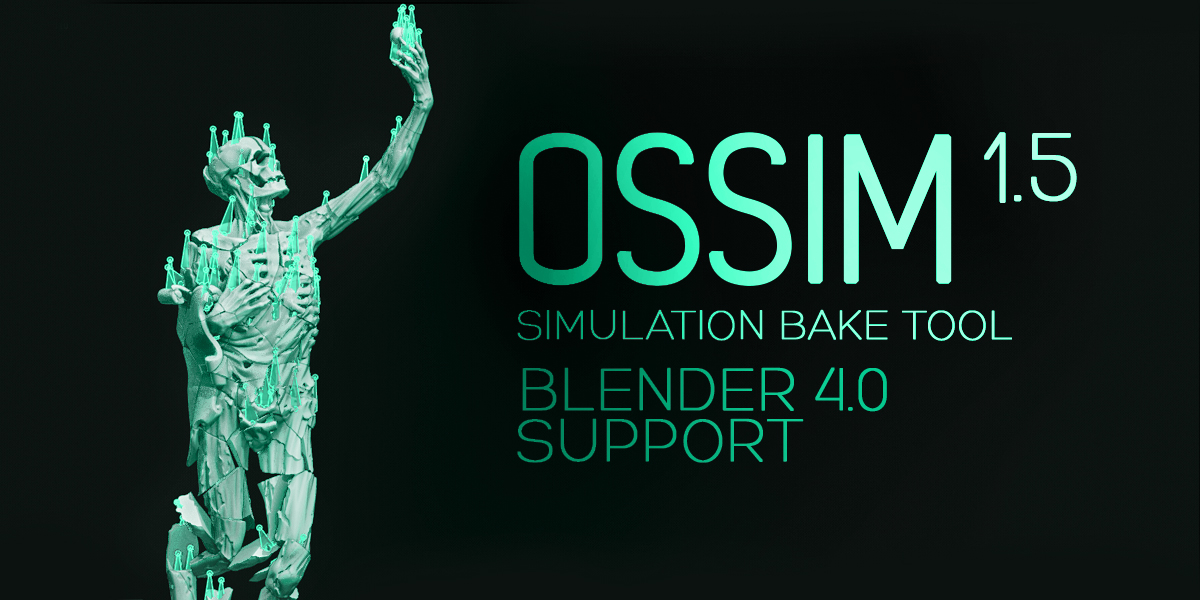
Ossim is a Blender add-on for simulation baking that generates an armature and skinned geometry from a physics simulation. The result is intended for game engines and other real-time applications; the developer names Unreal Engine, Godot, Unity, and others.
From simulation to exported mesh
- Break a mesh into pieces if needed. The product listing suggests Blender’s Cell Fracture add-on or PhysAssist.
- Set rigid-body physics on the geometry pieces and configure the simulation. The listing gives wind, vortex, and collisions with other rigid bodies as examples.
- Select the geometry to bake and specify a target layer for the skinned result.
- Run armature generation from Tools > Misc > Ossim. Select the generated armature and use the autokeyframe feature.
- Select the armature and skinned mesh together, then export them from Blender.
The listing’s main workflow focuses on rigid-body simulations. Its release history also records cloth simulation baking in version 1.2.0 and a cloth-generation fix in version 1.4.2.
Version and installation
Version 1.5.0 added support for Blender 4.0+, armature-generation fixes, code cleanup, and a faster, simpler rigid-body generation procedure. The product page’s compatibility list names releases from the 2.7x series through Blender 4.0. Check the current listing for compatibility with later releases.
To install, place the Python file in Blender’s scripts add-ons folder, or use Install Addon From File in Blender Preferences, then enable the add-on. The Ossim product listing has the release notes and setup details.