Path Selection Mode 2 is an After Effects utility for selecting shape path points with single-click or double-click mode. Its Release function lets you deselect the points along with the shape group.
Choose how to select path points
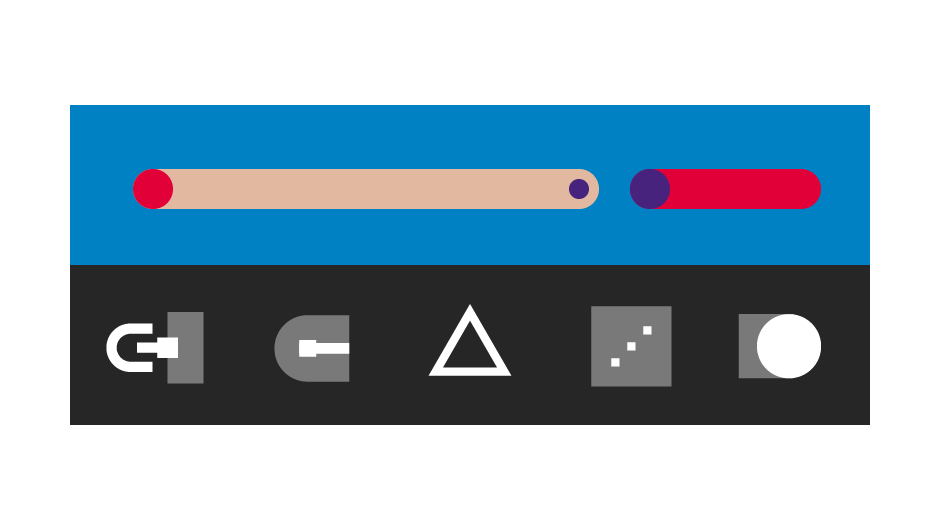
In single-click mode, a click selects a path point. In double-click mode, a double-click selects a path point; version 2.0 introduced the mode, but the listing's version history says not to use that release. The plugin also has a Release function. Normally, deselecting path points causes the shape group to become selected; Release lets you deselect the points along with the shape group.
Toggle the plugin in After Effects
You can use the Script UI or toggle Path Selection Mode 2 from the After Effects menu. The menu option can have a keyboard shortcut assigned to it. The product listing also notes that Ctrl with the up or down arrow keys can help select path points. A Startup checkbox keeps the plugin from needing to be turned on each time.
Version, compatibility, and trial
The developer listing identifies version 2.1, dated May 7, 2026, as the current release there. It lists compatibility with After Effects 2020 through 2026 and offers a free trial. In trial mode, the activation code panel appears each time. Check the aescripts product listing for current price and license details, and consult the English manual for usage instructions.