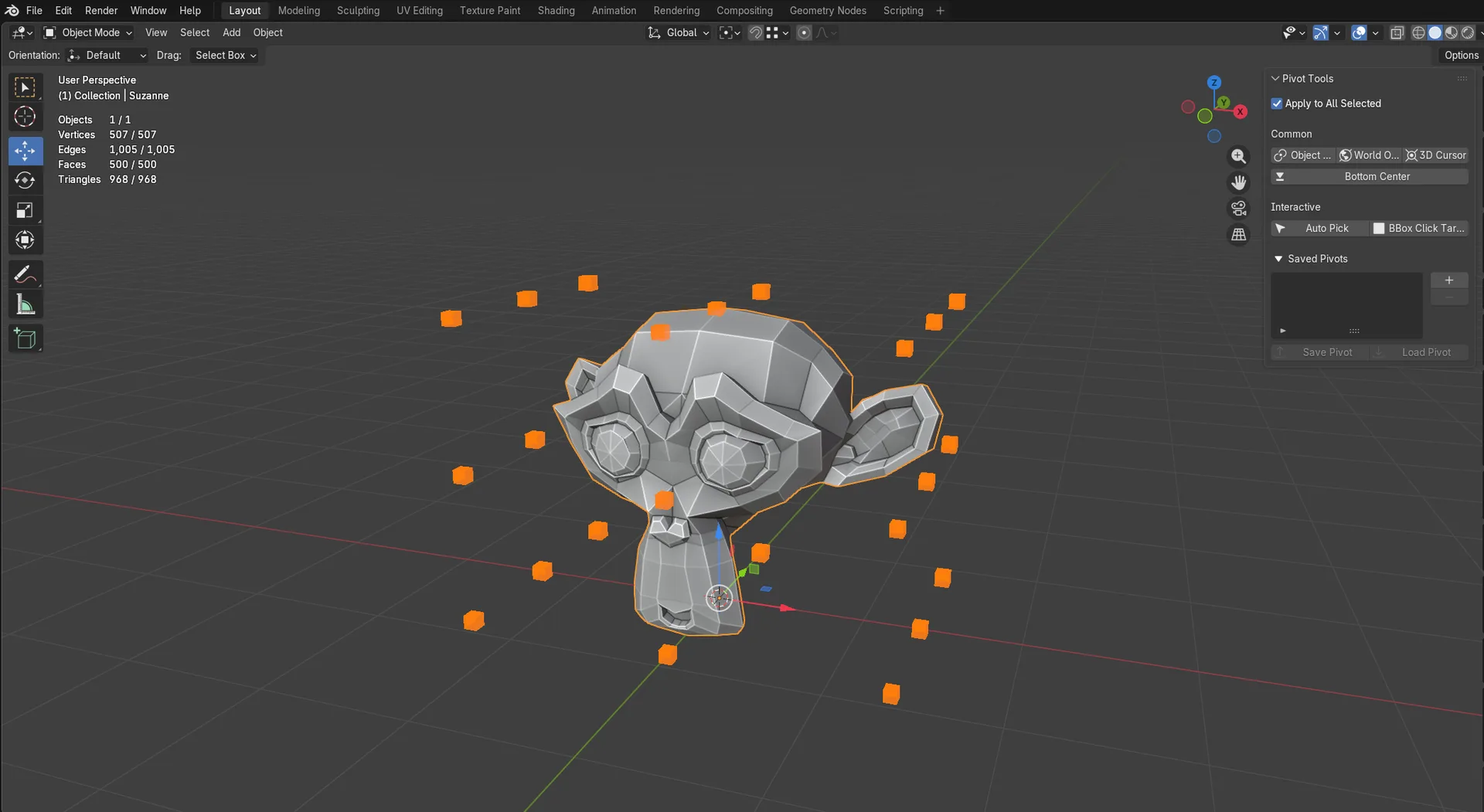
Pythagoras Engine: Form is a Blender add-on for building polyhedral formations face by face in Edit Mode. It provides 55 modules; you choose the faces and modules, then decide how each part sits. The add-on uses the same engine as the web Form.
Place modules on selected faces
Start with Add > PE Formation and choose a starting face with three to ten corners. Each open face is a mesh polygon. Select one, choose a module in the PE sidebar, then place it with the Place button, Enter, or a double-click.
The module browser groups Platonic, Archimedean, Johnson and Catalan solids, prisms, antiprisms and the rhombic family. You can browse the groups as a list or compact grid. Modules that fit the selected face appear first, and a ghost preview shows where one will land. It turns red if the placement would collide. Select Same Kind chooses every face of the same shape and size, so one Place action can fill them together.
Adjust shape, size and orientation
Height X changes a module's size. Turn and Conn. Face control its orientation. Divide splits a triangle or square into an N × N grid, with N from 2 to 8; a module grown from one of those smaller faces is 1/N the size. Carve removes a module-shaped section from the formation. The resulting cavity has walls that can support more building or carving.
Origin to Plate can stand the formation on any face or on three selected vertices. The add-on also follows Blender's Set Origin and Apply operations as the formation changes. Its rules determine which faces meet, which modules fit and what can be carved. You make the design choices within those rules.
Pose formations and save assets
Skeleton from Modules adds a bone for each module in the order it was built, then skins the shell so each module can turn as a whole. Save poses by name as ordinary pose assets that Blender's Pose Library can apply. Save to Asset Library stores the formation, skeleton and poses with previews. Drag the asset into another file to continue building or posing it.
Exchange formations with the web version
Formations save as .json files in the web Form's format. You can open a formation made on the website in Blender, or send a Blender formation back to the browser. The formation also stays in the .blend file, and undo works step by step, including with Blender's Ctrl+Z.
The Blender Extensions listing provides release and installation details and describes the add-on's Files permission.