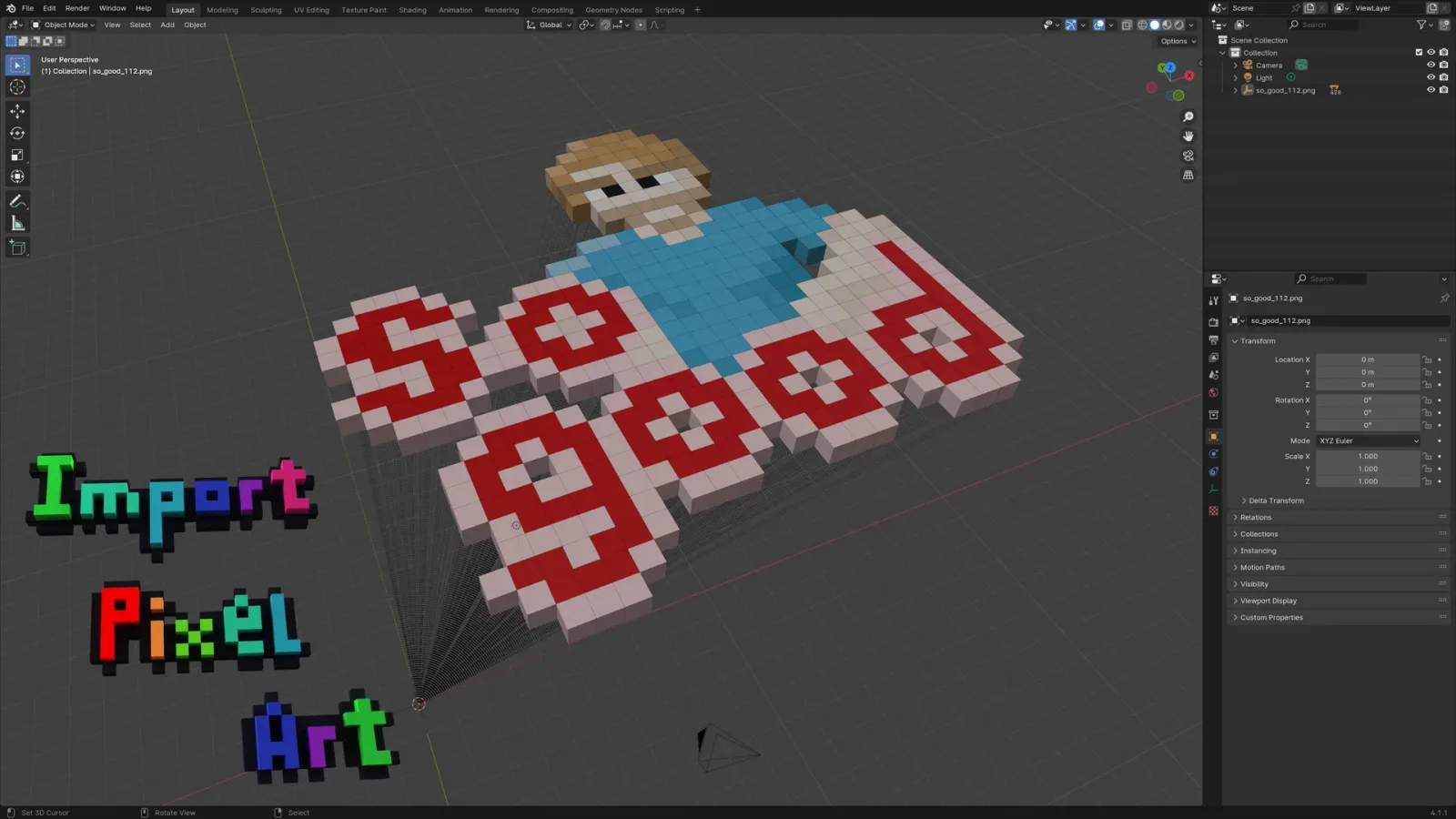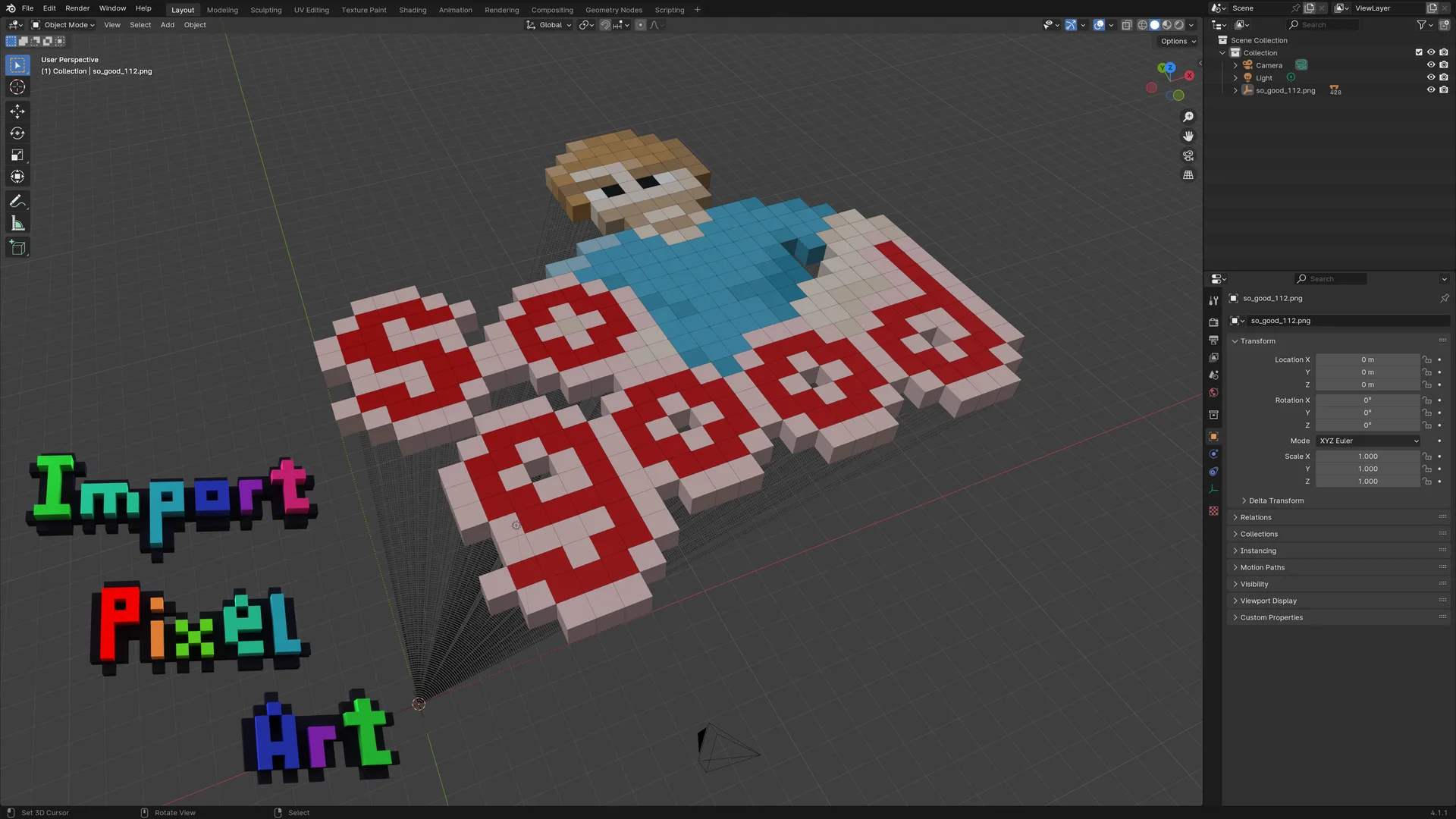
Import Pixel Art converts a pixel art image into Blender geometry. Choose separate 1 × 1 × 1 cubes, with one object per pixel, or a single mesh containing 1 × 1 planes. The Blender Extensions listing shows version 1.2.1 and compatibility with Blender 4.2 LTS and newer.
Choose cubes or a single mesh
Separate Cubes creates an object for each pixel and parents the objects to an empty. That parent lets you transform the artwork together, while individual cubes can be moved pixel by pixel with Ctrl. This mode suits work where each pixel needs to remain a separate object.
2D Mesh puts the pixels into one mesh as square planes. The listing says this mode imports faster and can be quicker to work with than many small objects. The planes have no depth by themselves; extrude the mesh by one unit or add a Solidify modifier if you want a 3D shape.
Materials and names
Pixels with the same color share a material, so changing that material affects all matching pixels. You can enable material nodes or reuse existing materials with matching names. The listing also says pixels with 100% alpha are ignored.
Format strings let you set patterns for the parent object, pixel objects, meshes and materials. Available variables include {filename}, {use_nodes}, {color}, {x} and {y}. The color value uses the RRGGBBAA format; {use_nodes} becomes nodes when material nodes are enabled and is otherwise empty. To include literal curly braces in a name, write them as {{ and }}.
Prepare the source image
The cleanest input has one image pixel for each visible pixel in the artwork. If the image has been enlarged, the optional auto down-scaling can reduce it when the enlargement is an exact integer multiple and no other filters were applied. The process runs in Python and can be slow on large images.
For auto down-scaling, the listing recommends PNG, BMP or GIF. Lossy formats such as JPEG can blur pixel boundaries, and down-scaling is likely to fail on them. If the image does not meet the option’s conditions, resize it manually with a nearest-neighbor setting in an image editor.
Check the listing and source
The Blender Extensions page lists the add-on as Import Pixel Art by bloody_albatross, version 1.2.1, with a minimum Blender version of 4.2.0 and a GPL-3.0-or-later license. Check the Blender Extensions listing for installation details and compatibility information. The developer’s project page links to the source and issue tracker.