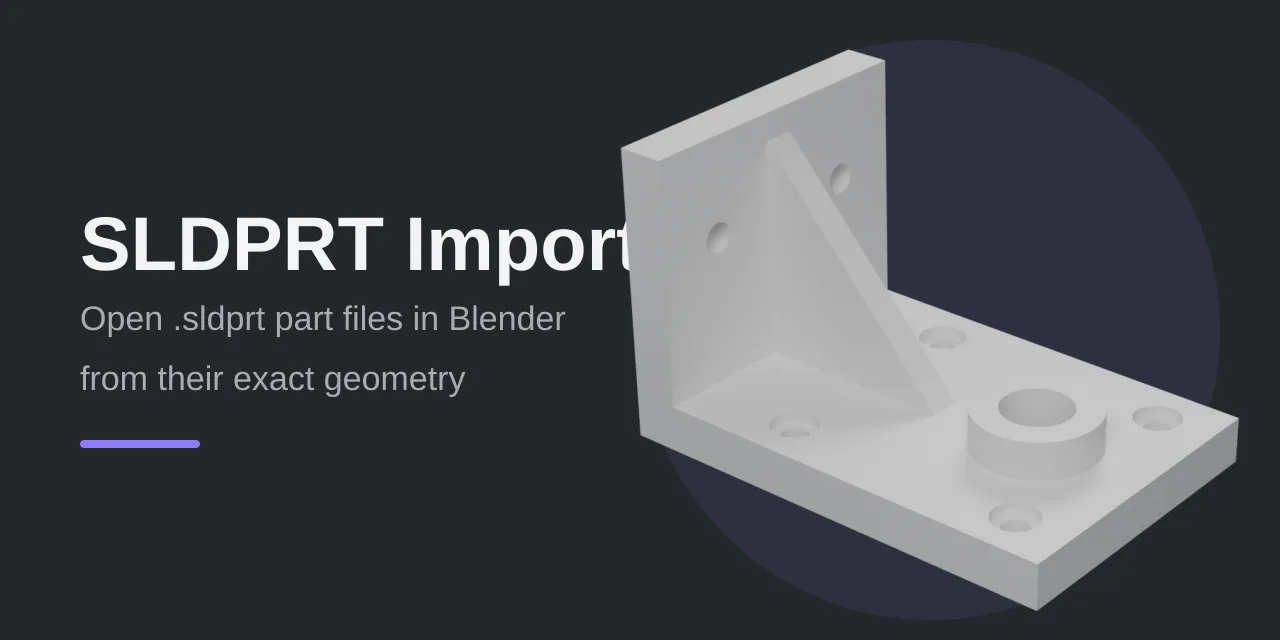
SLDPRT Import brings .sldprt part files into Blender without requiring the CAD software that created them. It can read the part’s exact surfaces and mesh them at a tolerance you choose, or use the lightweight display mesh stored in the file. The add-on handles individual parts; assemblies and drawings are outside its scope.
Import .sldprt parts into Blender
Exact geometry mode reads planes, cylinders, cones, spheres, tori, B-splines, fillets, swept surfaces and revolved surfaces. Each body becomes an object under an empty named after the file. Normals come from the original surfaces, which keeps rounded areas smooth and sharp edges crisp. Bodies marked hidden in the source file can remain hidden in Blender.
Enable Keep CAD Faces to store the source CAD face for each triangle in the mesh’s cad_face attribute. This preserves a per-triangle reference to the face that produced it.
Choose a mesh detail level
The display mesh is a lightweight preview saved inside the part file. Its available detail levels are Coarse, As Saved, Fine and Very Fine. If the importer cannot read usable exact geometry, it falls back to this display mesh and shows a warning explaining why.
Import several files and manage large parts
Import from File > Import > SLDPRT (.sldprt), or drag files into Blender’s 3D Viewport. The add-on supports importing several files at once. For large parts, version 0.1.9 creates each body as soon as it has been meshed, reports progress in Blender’s status bar and lets you press Esc to stop while keeping bodies already created.
Compatibility and version 0.1.9
The Blender Extensions listing specifies Blender 4.3 or newer. It lists testing on Blender 4.3, 4.5, 5.0, 5.2 and 5.3. Version 0.1.9 also reads hidden bodies from the file and adds Hidden Bodies options to use a coarse mesh, use full tolerance or leave them out. Its release notes include exact geometry support for parts saved with Parasolid 30 and later, and for files that store bodies per feature.
The add-on is written in pure Python, needs no other software or library and does not access the network. It imports geometry only, so colors, materials and feature history are not included. The listing notes that some large parts may still have a few open edges. See the Blender Extensions listing for release details, or report import issues through the project issue tracker.