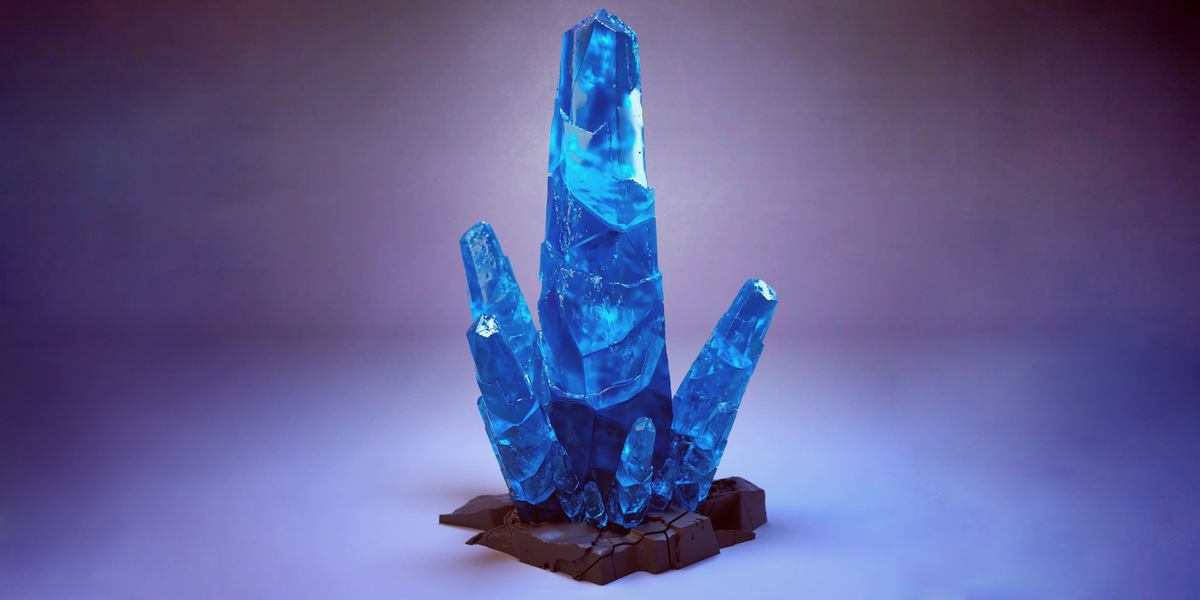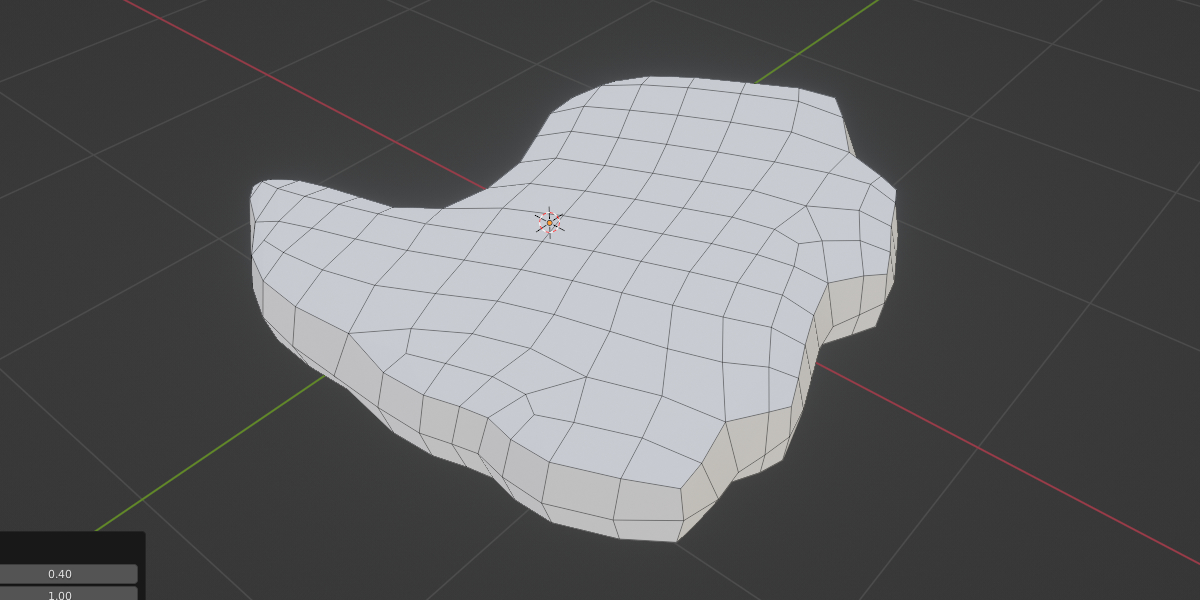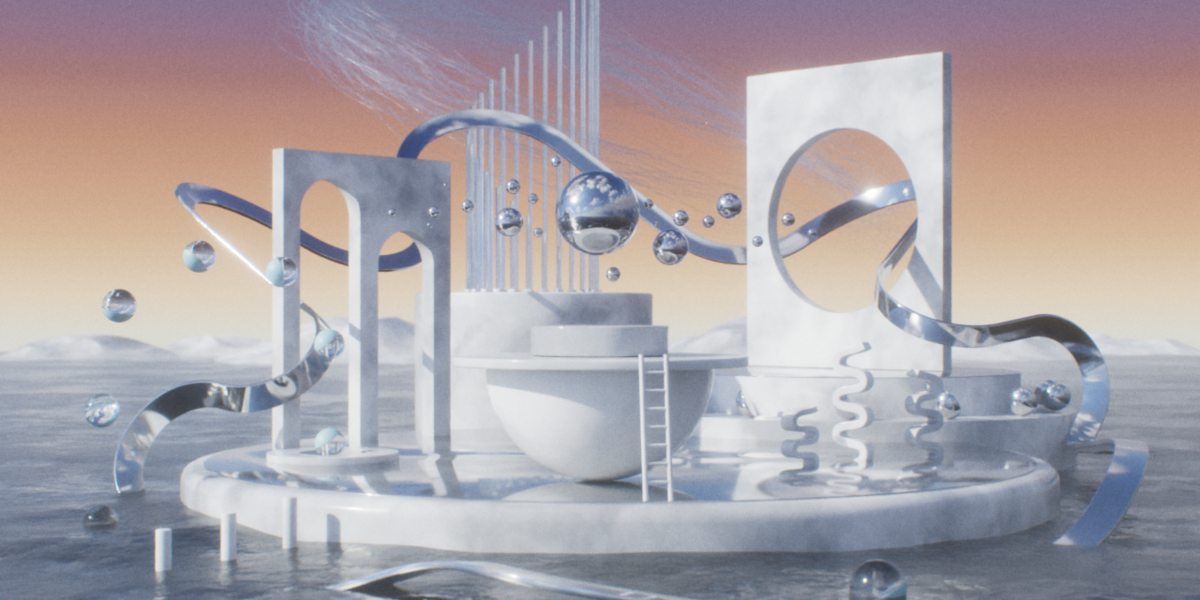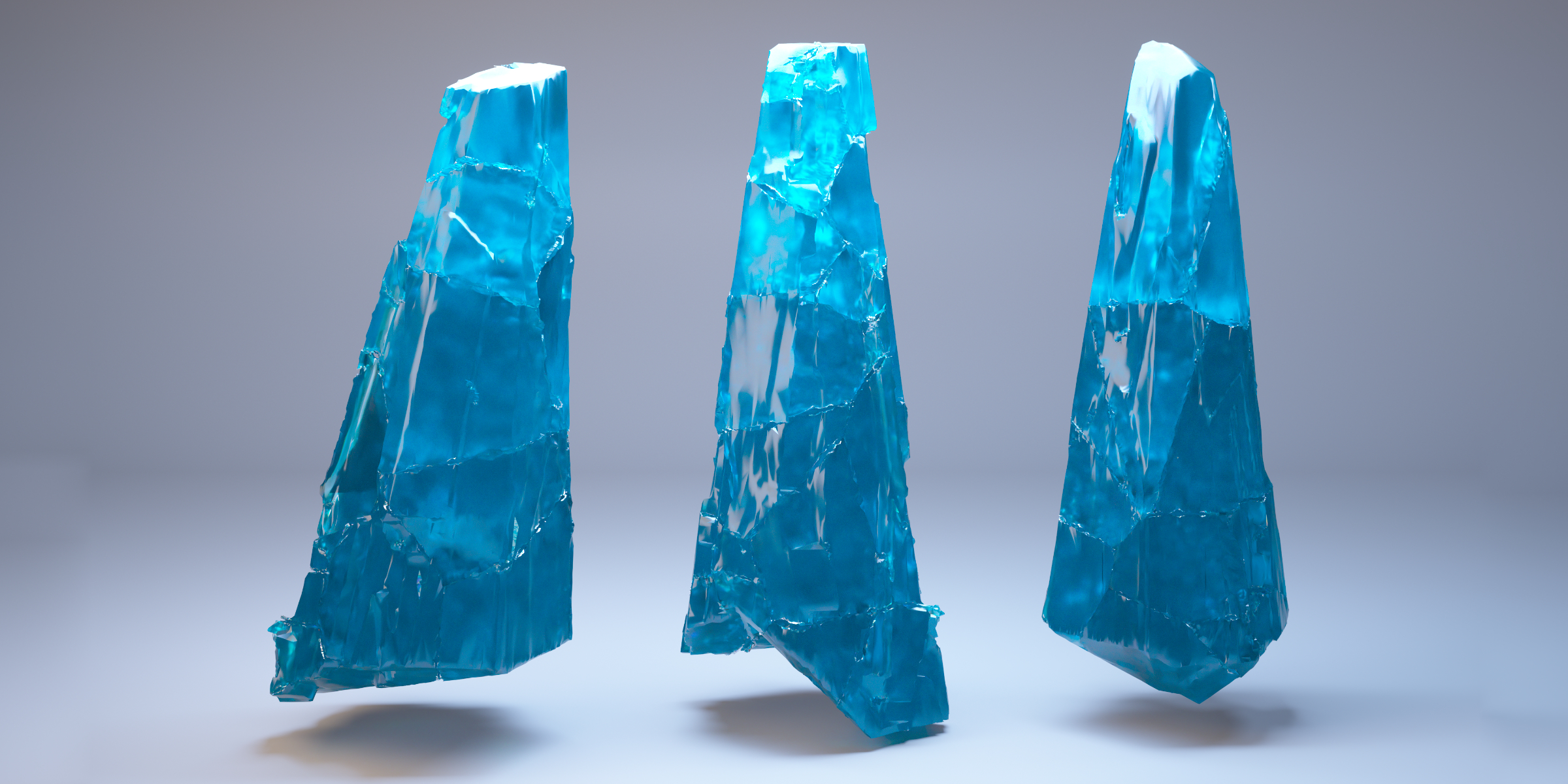
Pgt Crystal Generator is a Blender add-on by Jonas Mangelschots for creating and refining crystal meshes. Its seven crystal operations can run individually; Execute All Actions runs every enabled step. The tools also include Geometry Nodes crystal generation, rock creation, scattering and a studio setup for presenting a scene.
Shape a crystal through seven operations
Open the PGT tab in the 3D Viewport sidebar and choose Crystal Generator. Each operation has its own settings.
Generate Crystalsets the sides, top and bottom radius, height, rotation, scale and shape noise.Generate Crackscontrols crack scale, depth, pattern and direction.Retopology Crystalrebuilds the mesh with a lower polygon count.Apply All Modifiersapplies the modifier stack.Crystal Imperfectionsadds small flaws and is the slowest step.Fracture Crystalbreaks the crystal into shards. On Blender 4.2 and newer, it requires the Cell Fracture extension.Add Detail To Cracksadds noise and subdivision inside the cracks.
The operations can be used individually on a mesh. If a step is unavailable, the panel explains why. A high polygon count is one reason a step may be unavailable; use Retopology Crystal to lower it before trying again. Add Crystal Mat applies a material that you can adjust in the panel.
Other tools in the add-on
Geo Crystal generates crystals with Geometry Nodes, so you can keep adjusting the result. Its controls include seed, vertices, radius, height, top and bottom scale, pointyness, resolution, cut count, organic shape, cracks and smooth shading. You can also add a bevel and crystal material.
Rockify turns a selected mesh into rock. Seed, push out, voxel size and subdivision level adjust its look; Add Rocky Mat applies a rock material. Scatter distributes a selected object over a mesh or, with Inside Mesh enabled, throughout its volume. Density, scale, rotation and offset control the distribution. AnyPlugins describes Rockify, Scatter and Geometry Nodes crystal generation as experimental features.
Studio builds a lit scene and camera around selected objects without changing those objects. Choose a look and framing, then adjust the lights, camera and scene settings. Remove Studio deletes the setup and restores the previous camera, world and color settings. For glass and crystals, Set Crystal Render Settings configures Cycles with high light bounces and caustics, using the GPU when available. The studio setup itself does not change render settings.
Randomize All Parameters creates a variation; Reset All Parameters returns settings to their defaults. Copy Seed and Paste Seed let you reuse settings, and Presets saves and loads them. Apply All Mods And Duplicate keeps a copy with its modifiers applied.
Installation and Blender versions
The Superhive documentation names its current Blender 4.0 to 5.2 download PGT_Crystal_Generator_6.0_Blender_4.0-5.2.zip. It says to choose a version-specific archive for older Blender releases and states that older archives do not include the newest tools. AnyPlugins lists the product as V2, while the current archive is named 6.0; check the Superhive product page and documentation for the appropriate download.
Keep the downloaded ZIP compressed. In Blender, open Edit > Preferences > Add-ons, use the menu in the upper-right corner to choose Install from Disk, select the ZIP, and enable Procedural Generation Toolkit. For Blender 4.0 and 4.1, click Install. If you have installed another PGT product before, restart Blender. Then press N in the 3D Viewport and open the PGT tab. For Blender 4.2 and newer, install the Cell Fracture extension from Preferences > Get Extensions before using Fracture Crystal.
Price and license
AnyPlugins lists Pgt Crystal Generator as free. The Superhive listing's pricing note says the price rises only with major updates but gives no current amount. Check the product page before downloading. Superhive lists the license as GPL.
Jonas Mangelschots welcomes questions, bug reports and feedback on Discord or Instagram.