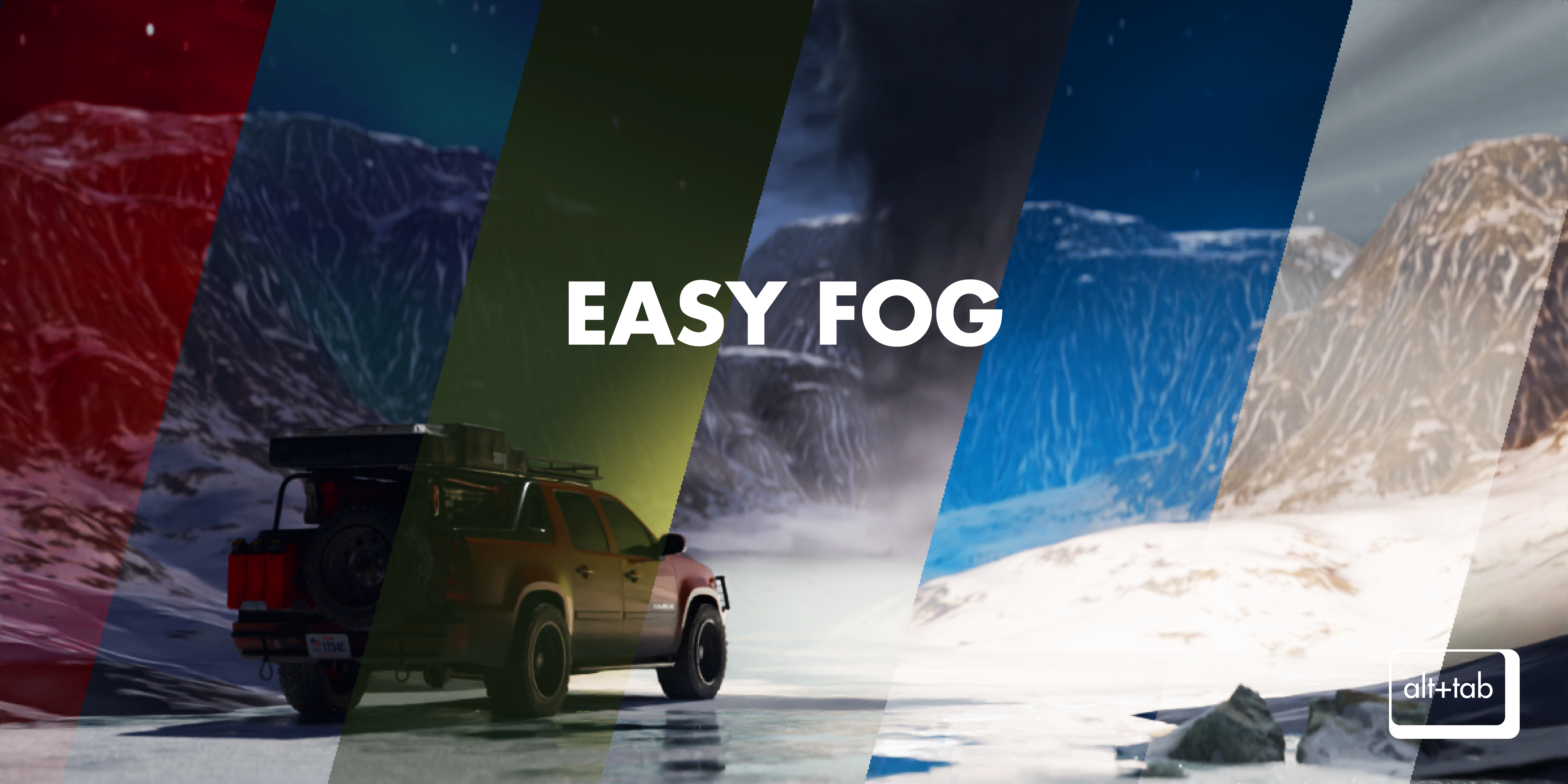
Physical Fog Addon is a Blender volumetric fog tool from Lazy3D for creating mist, haze and atmospheric depth. Its AutoFog system can create a fog domain with one click, fit it to the full scene, or base it on selected objects. Multiple domains can be layered for ground fog, horizon haze and distance atmosphere.
Shape fog with layers and presets
Distance and height controls shape the fog, while wind and global noise break up its appearance. The addon includes Ground Fog and Fog & Atmosphere presets, and lets you save custom presets. Presets provide a starting point; density, height or distance may need adjustment because lighting, scene scale and object placement affect the result.
What Base and Pro include
Base includes the AutoFog system, distance and height shaping, wind and noise controls, built-in and custom presets, and the Physical Volume dynamic interaction feature.
Pro includes everything in Base, plus FogPlanes and Photorealistic Volume. FogPlanes are lightweight atmospheric layers with flowmap animation, Face Camera billboard mode, avoidance fade near geometry, and custom tint and emission across 49 presets. Photorealistic Volume uses a Volume Coefficients shader for absorption and scattering, with optimized density scaling.
The bonus Physical Volume feature uses Geometry Nodes and physical points. Objects can push through the smoke, which then recovers naturally.
Cycles, Eevee and large scenes
The addon works with both Cycles and Eevee. The Photorealistic Volume based on the Volume Coefficients node works only in Cycles. In Eevee, the product documentation recommends avoiding very large domains because of engine limitations.
For scenes larger than 3 km, the product page advises disabling Auto Domain and creating a domain from selected objects. This gives more precise control and avoids unnecessarily large fog volumes that can affect performance. The marketplace listing reports Blender 5.0–5.2 compatibility; check the current listing for supported versions before installing.
Documentation
Physical Fog includes PDF documentation accessible from the addon interface, with explanations of its settings, plus a step-by-step video tutorial. See the Physical Fog Addon listing and its documentation page for the current product details.