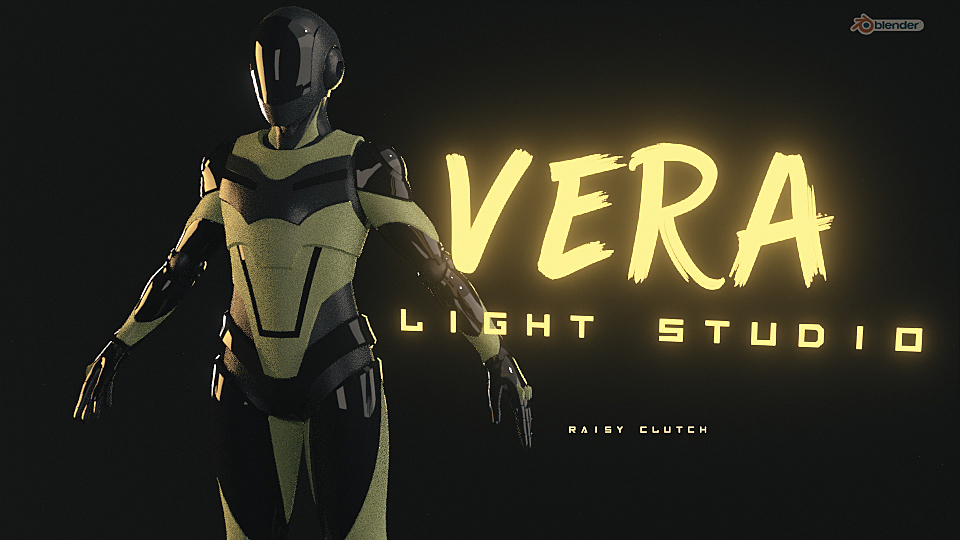
Procedural Light Studio Addon is a geometry-node-based lighting tool for Blender by EdenWeby 3D. It is designed to help digital artists and designers light 3D models and scenes with five types of lights and an optional volumetric fog panel.
Five lights for shaping a scene
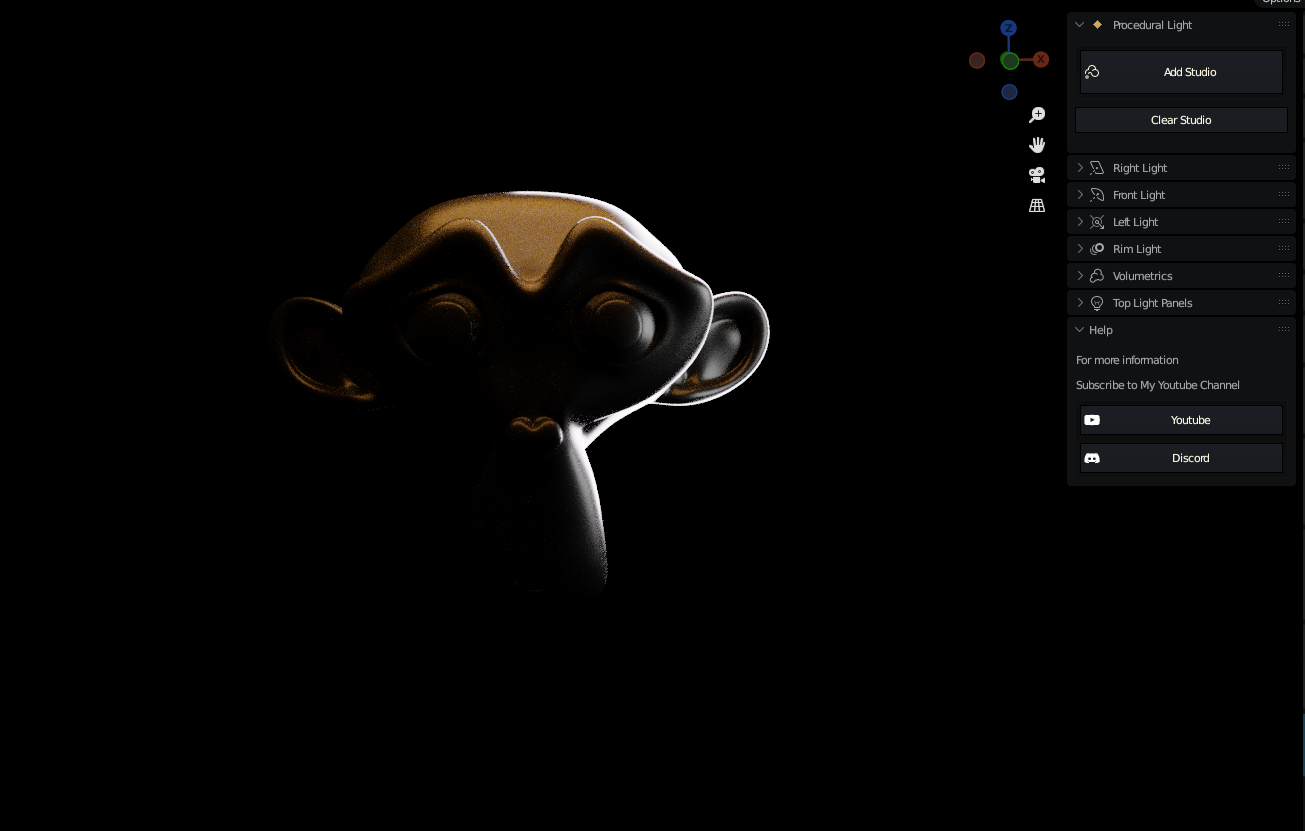
The setup includes left, right, front, rim, and top emission panel lights. The left and right lights simulate sources at the sides of a model. You can adjust their angles and intensities to change where shadows and highlights fall.
The rim light adds a halo along an object's edges, with adjustable intensity. Top emission panels simulate light from above and can add depth, shadows, and highlights. A front light is also included in the studio setup.
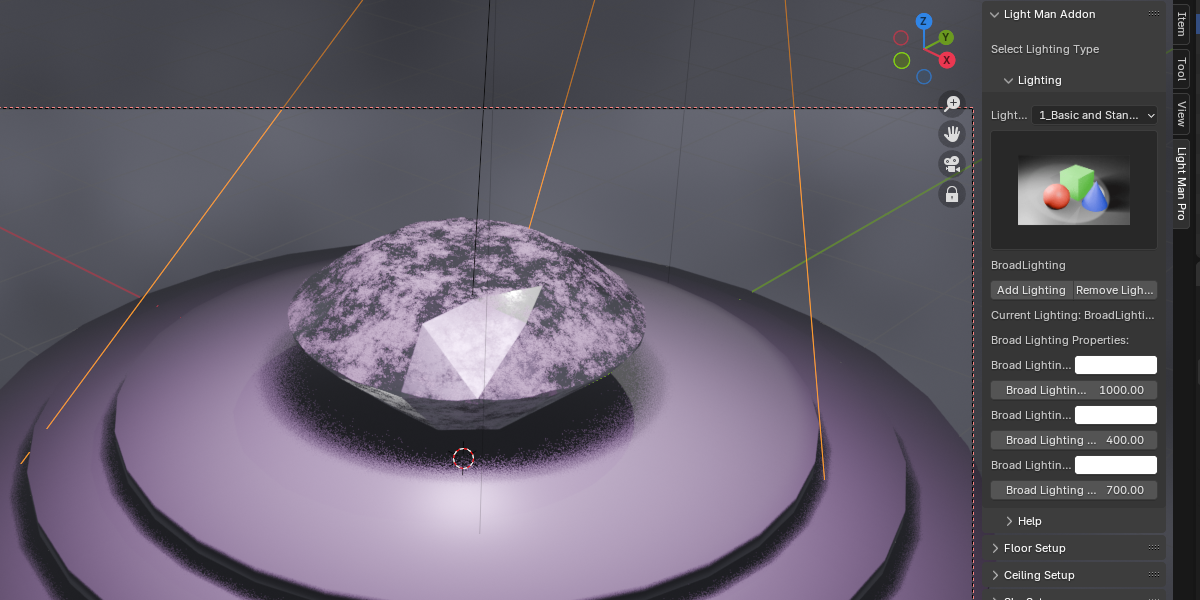
Click Add studio and adjust the settings to suit the scene.
Add atmospheric fog
The Volumetric panel is optional. Enable it to add volume to the scene as atmospheric fog. The fog can be edited, given noise, and recolored. It adds an atmosphere control alongside the five lights, so you can adjust the lighting setup and fog separately.
Prepare the scene
The product instructions recommend setting up the model before adding the studio:
- Scale the model to Blender's normal scene scale, using a cube as a reference.
- Delete the lights already in the scene.
- Place the model in the middle, facing the Y axis.
- Optionally set the background scene color to black.
- Click Add studio and adjust the settings.
Compatibility and license
The publisher's product listing names Blender 3.0, 3.1, 3.2, 3.3, 3.4, 3.5, 3.6, and 4.0, and lists the license as GPL. It does not give a separate add-on release number or specify a render engine. Check the listing for current files and terms before installing.