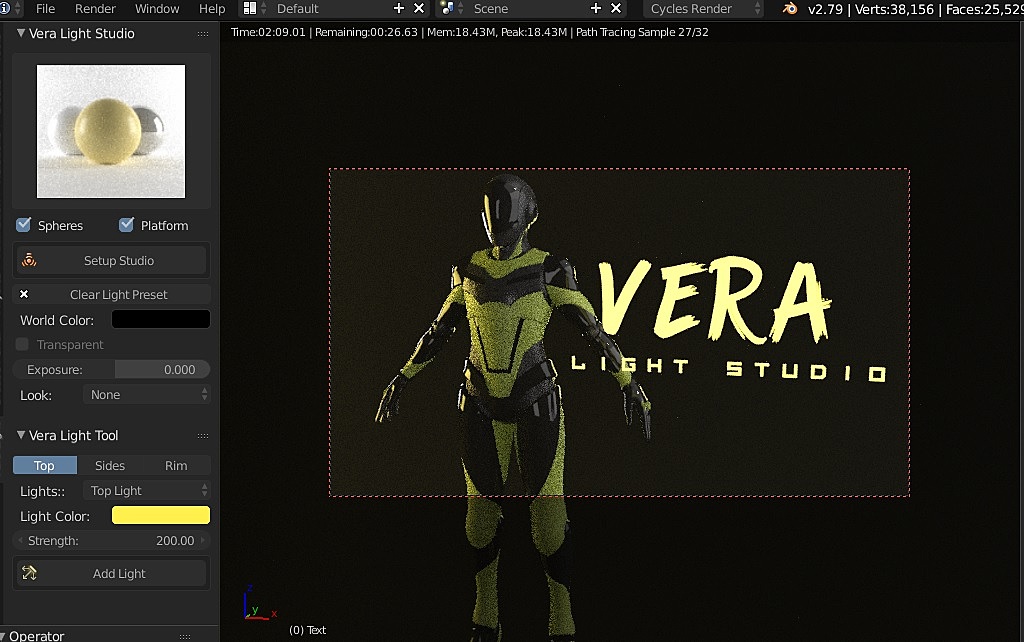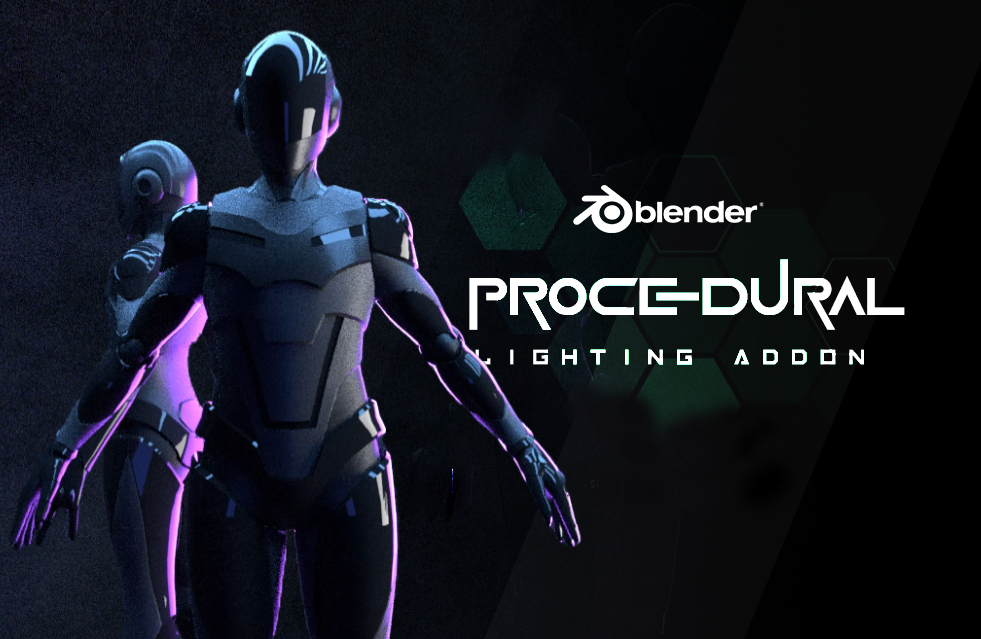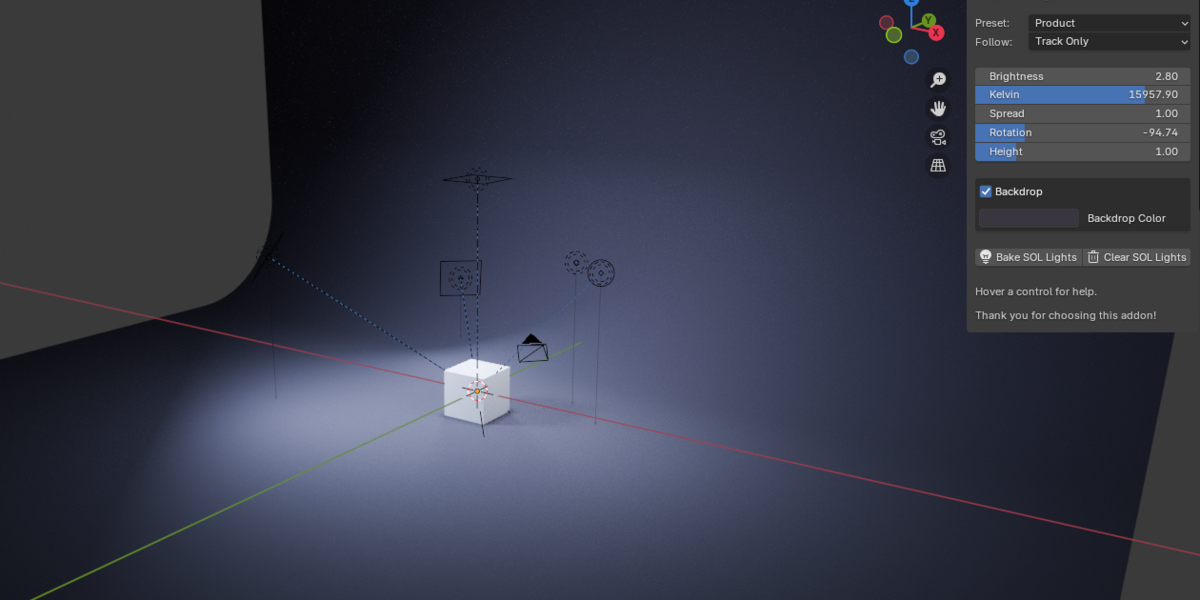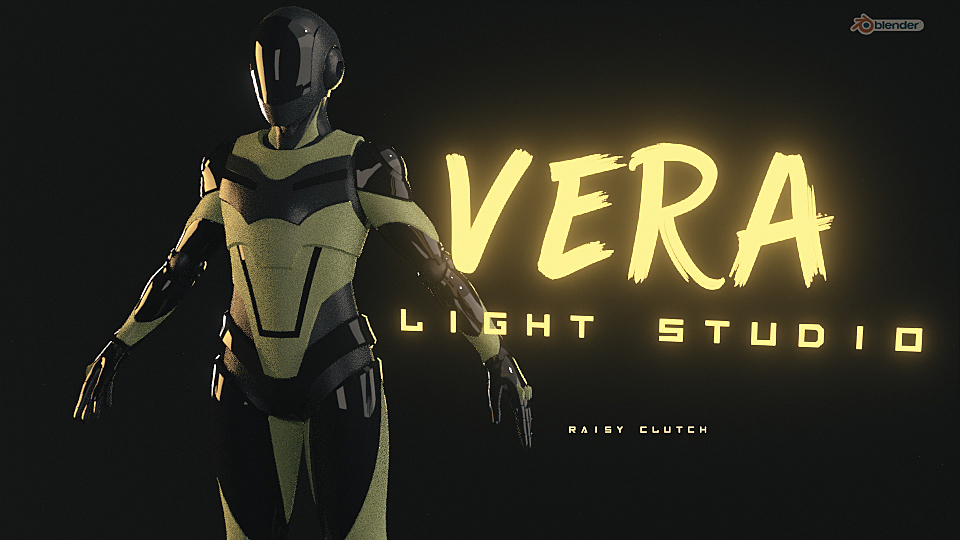
Vera Light Studio is a Blender add-on for lighting models with preset arrangements of lights. Choose a setup, then adjust its lights to suit the scene. The Superhive product listing describes rim, top, and side light groups, along with mesh lights and a control for adding volumetric fog.
Choose a lighting preset
The presets group lights by where they fall on a model:
- Rim lights illuminate the back of the model.
- Top lights include top, right top, left top, front top, and back top positions.
- Side lights include left, right, front left, and front right positions.
The Lite version lists 31 studio presets. The available features vary by version, so check the details for the edition you plan to use.
Adjust the scene around the model
Vera positions its lights from the middle of the viewport. Place the model near the middle of the grid for the preset lighting to fall around it as expected. You can edit, move, and rotate the lights after applying a setup, and change the scene exposure or world background color. The add-on also lets you add and customize colored lights and switch between lighting assets.
For the background, you can use the Vera Platform, a plane for the model, or choose a transparent or black background. Mesh lights and the volumetric fog control provide options for sci-fi scenes and other looks that use visible light or atmosphere.
Compatibility and installation
The Superhive details panel lists Blender 4.0 to 5.2 and the Cycles and Eevee render engines. However, the product FAQ says testing covered Blender 2.79 to 2.90 and does not confirm newer releases. These compatibility statements conflict. Check with EdenWeby 3D or review the release notes for your Blender version before relying on support.
The product documentation says to extract the downloaded ZIP and read its README. It also mentions installing the ZIP in the Blender 2.8+ folder for recent Blender versions. The marketplace details panel identifies Vera Light Studio as GPL-licensed.