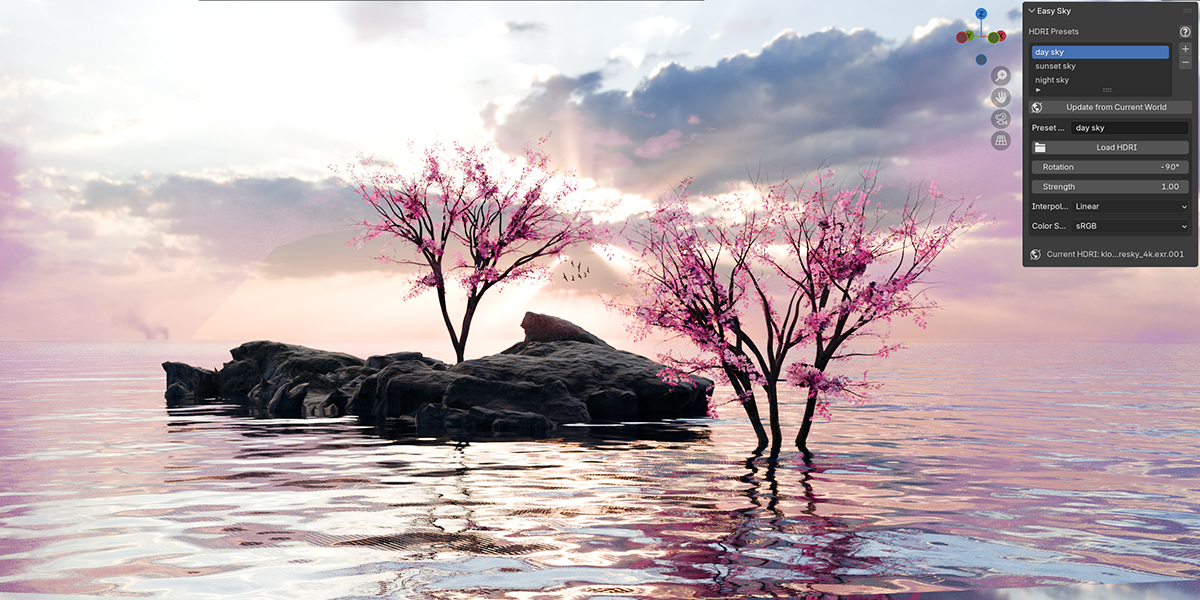
Solariscreator Pro 2.0 - Cinematic Lighting System is a Blender lighting add-on that brings HDRI environments, a physical sky and sunlight into one controllable setup. It is aimed at architectural visualization, cinematic scenes and concept work, with controls for switching between natural daylight and cinematic lighting. The marketplace listing documents version 2.1.0, including sun and HDRI sync modes, automatic sun creation, volumetric fog and setup import and export.
Control the sky and sun together
A one-click build creates the lighting system, including its Solaris Sun object. Choose whether the sun follows the HDRI or the HDRI follows the sun, then adjust sun elevation and rotation in the add-on interface. The system also separates lighting from the background and reflections. That gives you control over which environment affects the scene and what appears behind it. The listing describes presets for clear noon, golden light, blue hour, overcast skies and sunsets, alongside more stylized atmospheric scenes.
Add fog and reuse setups
The volumetric fog controls cover the volume’s length, width and height, its density, and height-based falloff. The system uses volume scatter and absorption for light scattering; anisotropy settings control beam direction and intensity. Procedural noise adds variation, and the fog can interact with soft shadows.
Import and export preserve a complete lighting setup, including HDRI, sun, atmosphere, fog and color management. You can load those settings into another Blender scene, adjust them there, or share them with a team. This helps carry a lighting setup between projects without rebuilding each part by hand.
Set up an HDRI folder
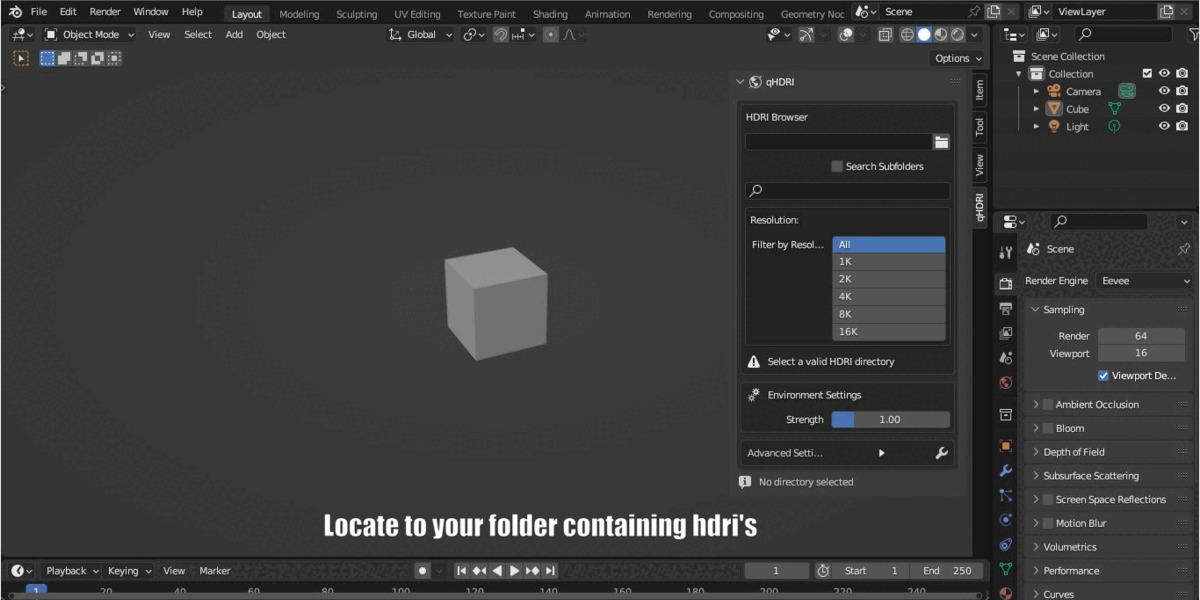
The setup documentation recommends creating a folder for HDRIs, extracting the files into it, and keeping EXR files in the main folder with thumbnails in a subfolder. Install the add-on ZIP through Blender’s Edit and Preferences menus, enable it, then set the HDRI folder path in the add-on preferences. To start lighting, open World Properties, choose an HDRI and apply a preset. The product includes a PDF manual with step-by-step instructions.
Check compatibility and scene controls
The marketplace details list Blender versions 4.0 to 5.1, Cycles as the render engine, and a GPL license. The documentation describes the presets as starting points: geometry, materials and camera angle can call for further adjustments. It also notes that the separate Sun Position add-on takes priority for sun control. Changes made there pass to the Solaris_Sun object; SolarisCreator Pro settings do not synchronize or overwrite those controls in that case.