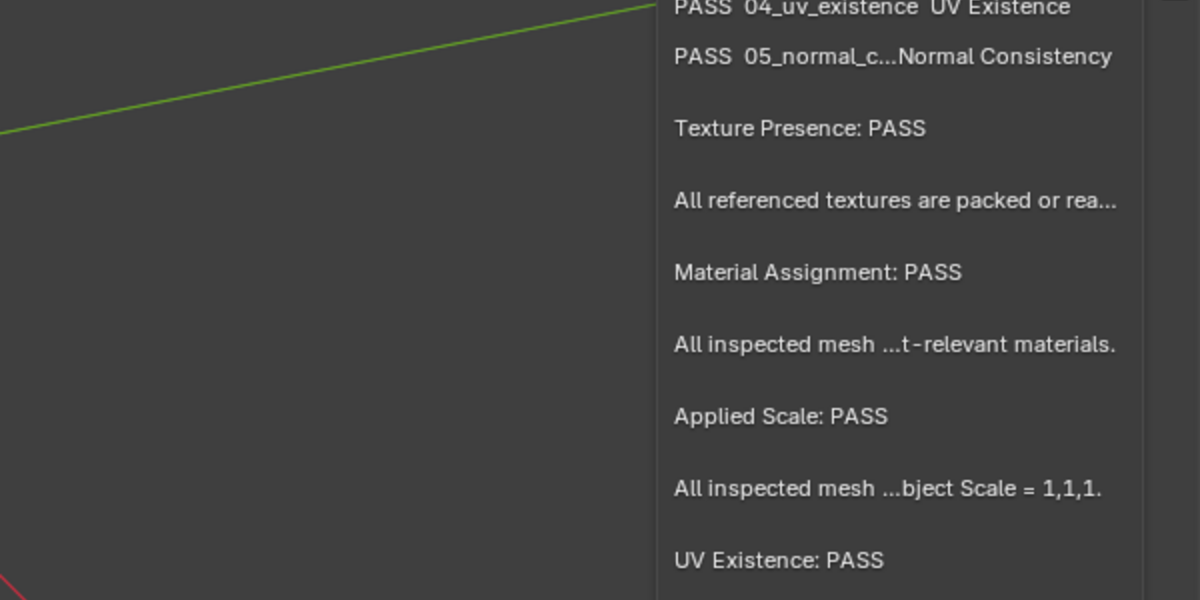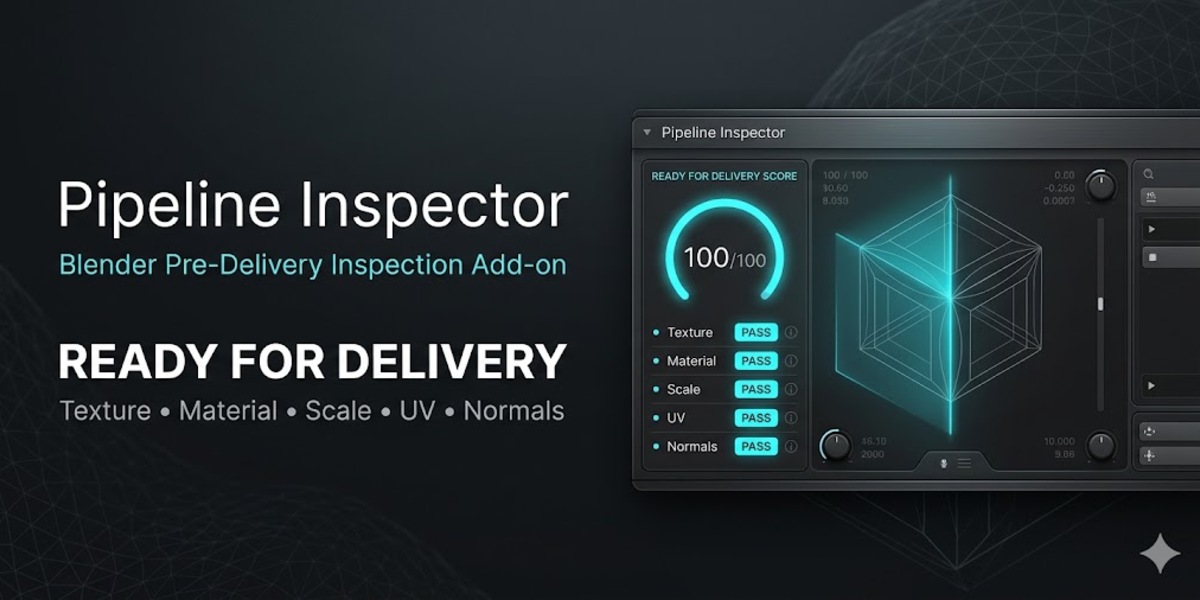
Pipeline Inspector is a Blender add-on for checking asset handoffs before export, upload, marketplace submission, or client delivery. Run a one-click inspection from the 3D Viewport’s N-panel. The result shows READY FOR DELIVERY or NOT READY FOR DELIVERY, a score, counts for blocking issues and warnings, and details for each check.
Checks before handoff
- Texture presence checks for missing or unreachable texture references.
- Material assignment checks whether visible mesh objects have export-relevant materials.
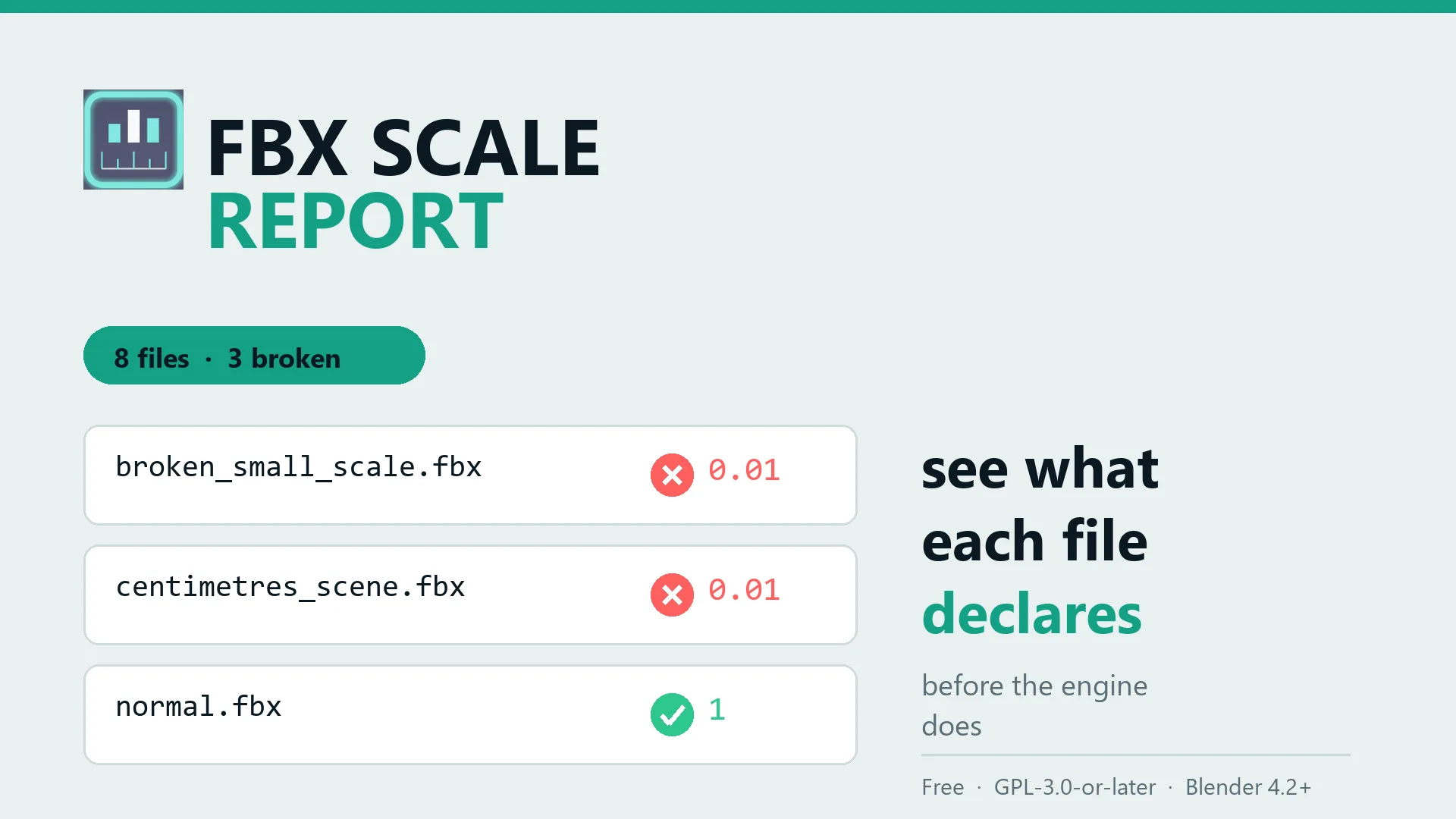
- Applied scale flags objects with unapplied object scale.
- UV existence checks for usable UV maps on mesh objects.
- Normal consistency checks for inconsistent face winding or normal direction.
Review the findings before export
Pipeline Inspector is a read-only validation tool. It reports potential delivery risks but does not change the scene or repair issues. Review the flagged objects and fix any problems manually before export or handoff. Normal consistency checks can be conservative on complex meshes, so inspect those findings yourself when needed.
The READY or NOT READY result covers these checks. It does not replace any destination-specific validation your pipeline requires.
Installation and compatibility
The product listing states support for Blender 4.2 through 5.2. The developer reports testing in Blender 5.1.1, with 137 automated tests passed, runtime validation completed, and the release package structure verified.
- In Blender, open Edit > Preferences > Add-ons and choose Install from Disk.
- Select
PipelineInspector_MVP_v1.0.0.zipand enable Pipeline Inspector. - Open the 3D Viewport sidebar with N and select the Pipeline Inspector tab.
If Blender does not recognize the ZIP in your environment, extract it, copy the pipeline_inspector folder into Blender’s add-ons directory, restart Blender, and enable the add-on in Preferences. Jian’s Superhive listing identifies the release as version 1.0.0 MVP under the GPL-3.0 license.