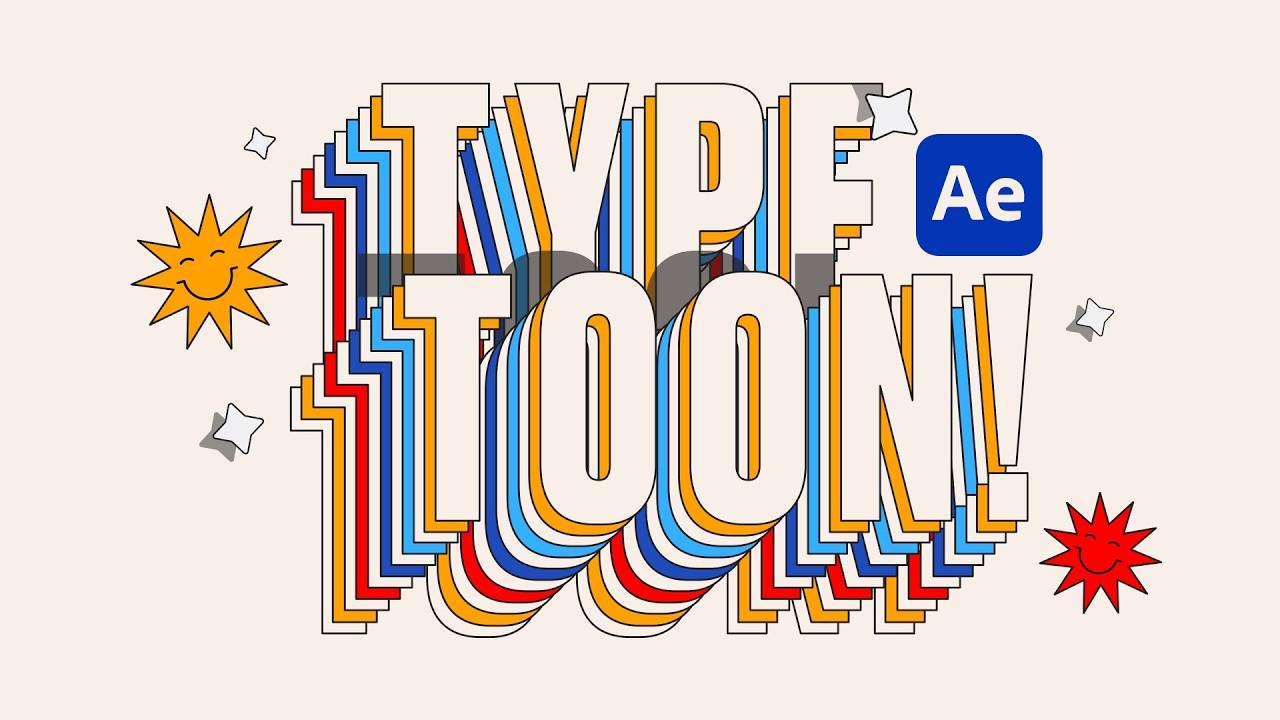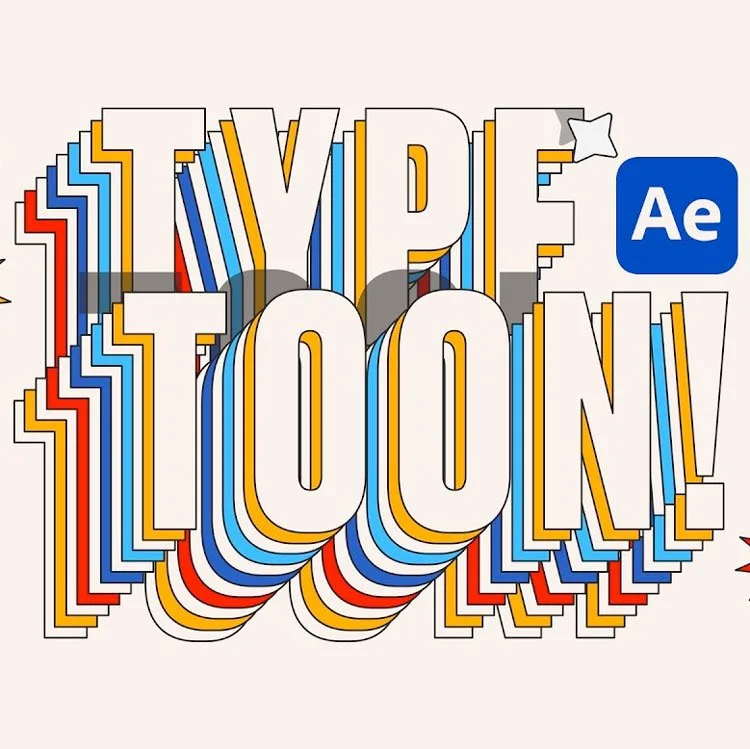
Pixflow TypeToon is an After Effects typography toolkit built around 64 colorful animated titles with a retro, cartoon-like 3D look. Its titles can loop, and their backgrounds can be turned off to create transparent text animations. The pack is aimed at video titles, logo reveals and video posters that call for stylized moving text.
What you can customize
TypeToon lets you change text, colors, fonts, position and scale. Pixflow also documents controls for tracking and leading, so you can adjust letter and line spacing. The loop feature repeats an animation for continuous movement. Pixflow's product page labels the quality as 2K in its listing and lists Full HD under technical specifications; confirm which resolution applies to the package you select.
Using the TypeToon panel
Pixflow’s installation guide says the package includes a ZXP file and fonts. Install the fonts and the Aescripts ZXP Installer, then use that installer to add the extension. Restart After Effects and open TypeToon from Window > Extensions > TypeToon. Enter your email address, then enter the activation code you receive to access the panel. Choose a title and select Create. To change its wording, select Current, enter your text and press Apply.
Check compatibility and included items
Pixflow’s installation guide lists After Effects CC 2021 and later for the TypeToon plugin. Its TypeToon product page lists After Effects 2016 or later for its AE title files. Those specifications may refer to different package forms, so check the requirement attached to the specific download you plan to use.
The installation guide lists free items in the panel, while locked items require a Pixflow subscription or separate purchase; it does not establish that all 64 titles are free. Pixflow’s product page also lists Personal, Commercial and Movie & TV license categories. Check which titles are included and which license covers your intended use before downloading.
When TypeToon fits
TypeToon fits projects that use animated video titles, posters or logo reveals and need a retro style; check the selected package’s listed resolution against your delivery requirements.