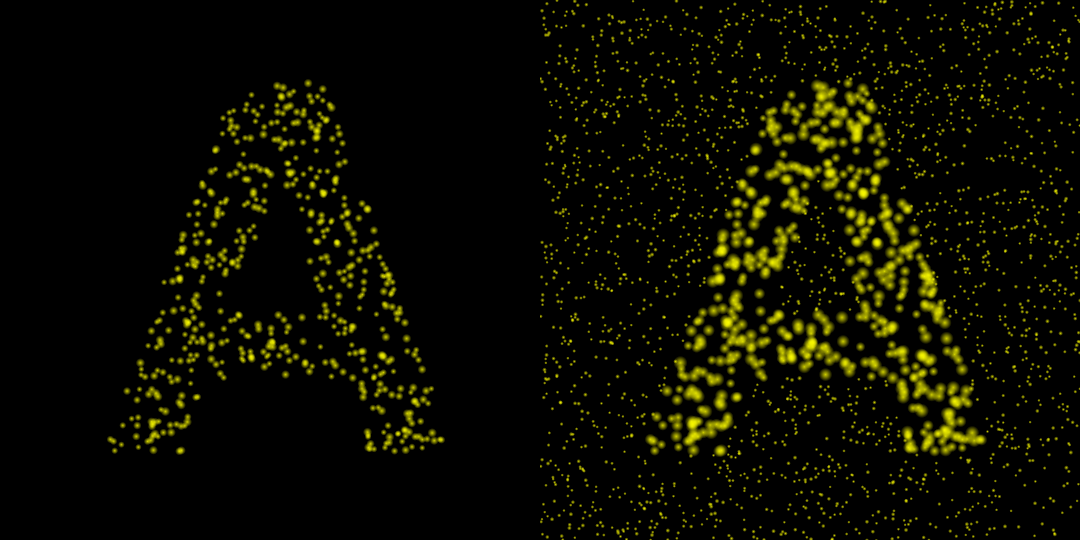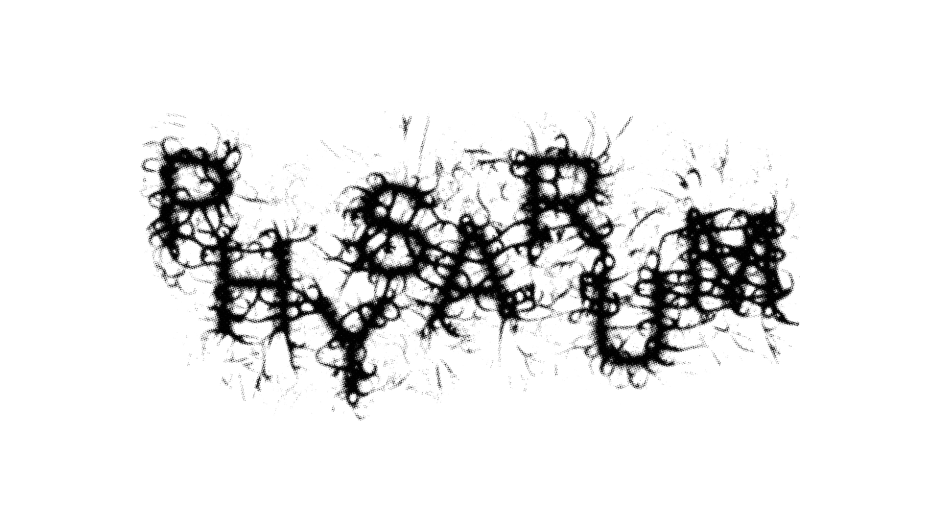
Pixion is a GPU-accelerated particle system for After Effects from grape design. It generates particles from source layers and uses pixel data to control their generation and behavior. Separate emitter and modifier layers let you use one layer as the particle source and another to control particle behavior.
Drive particle effects with layers
Pixion reads pixel data such as luminance, alpha and color. The emitter layer generates particles, while the modifier layer can influence particle properties such as size, speed, physics and spin. You can use the emitter layer’s color for particle color. This setup is useful when the artwork or animation in a composition should shape the particle effect.
The emitter and modifier layers can both be animated, including changes to their 3D transforms.
Shape and move particles
Choose from eight built-in particle shapes or use custom particles, including layers. Pixion also provides three particle orientation types, auto orientation and an option to face the camera. Size, opacity and color can be adjusted over a particle’s lifetime.
For motion, the plugin includes three turbulence types with controls for strength, scale and speed. Gravity, wind and air resistance provide additional physics controls. Simulation speed, pre-run and the blend mode for overlapping particles can also be adjusted.
Camera effects and compatibility
Pixion supports After Effects depth of field, which follows the camera settings, and motion blur with an adjustable shutter angle. The developer describes GPU acceleration as a way to handle large numbers of particles efficiently.
The aescripts listing identifies version 1.0 as the initial release, dated April 21, 2026, and lists compatibility with After Effects 2023, 2024, 2025 and 2026. Check the developer listing for current compatibility, pricing and trial details.